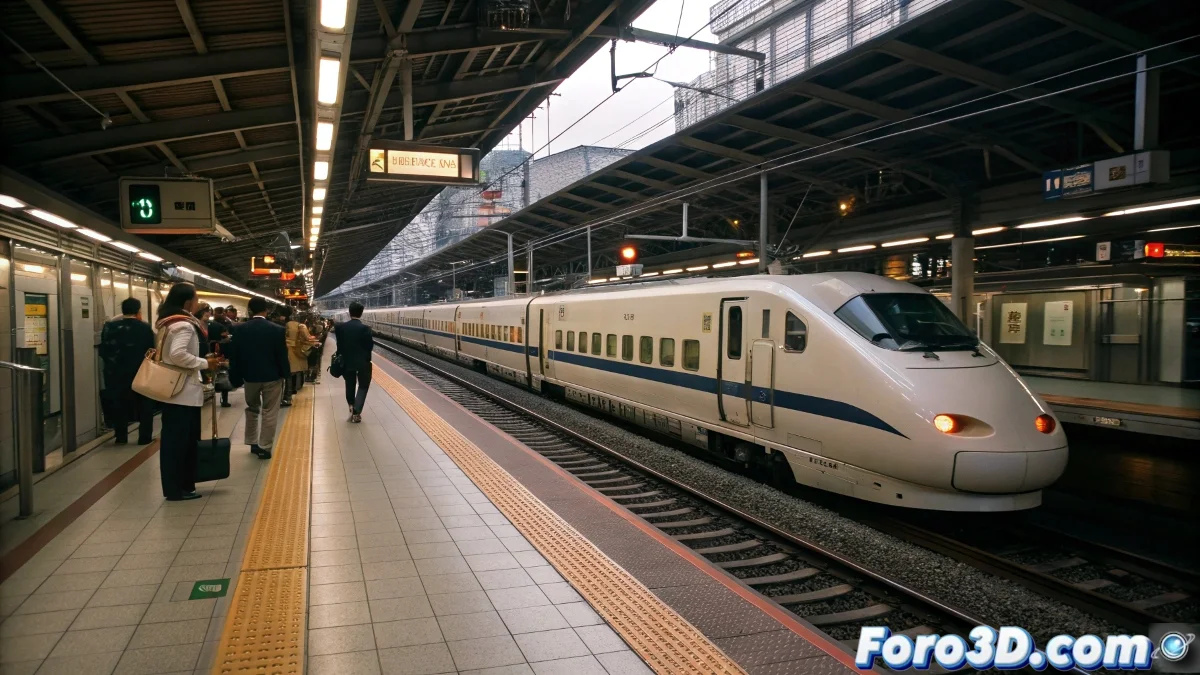
Millimetric Precision of the Shinkansen in Houdini
Japan is famous for its legendary railway punctuality, where the Shinkansen records an average delay of just 0.7 minutes per train. 🚄 This feat of engineering and culture is perfect for recreating in Houdini through simulations that capture the almost robotic accuracy of these trains. From the detailed modeling of the tracks to the precise animation of station arrivals, Houdini allows exploring every technical and visual aspect of this unique phenomenon.
Initial Project Setup
The first step is to open Houdini and create a new project, setting the units to meters to ensure the correct scale for trains and tracks. Organizing nodes into separate networks is crucial: Tracks, Train, Station, Lights, and Cameras must be structured for an efficient workflow. Saving the project as shinkansen_puntualidad.hip ensures no progress is lost… because in the simulation, as in Japanese trains, every detail counts.
Modeling Tracks and Station
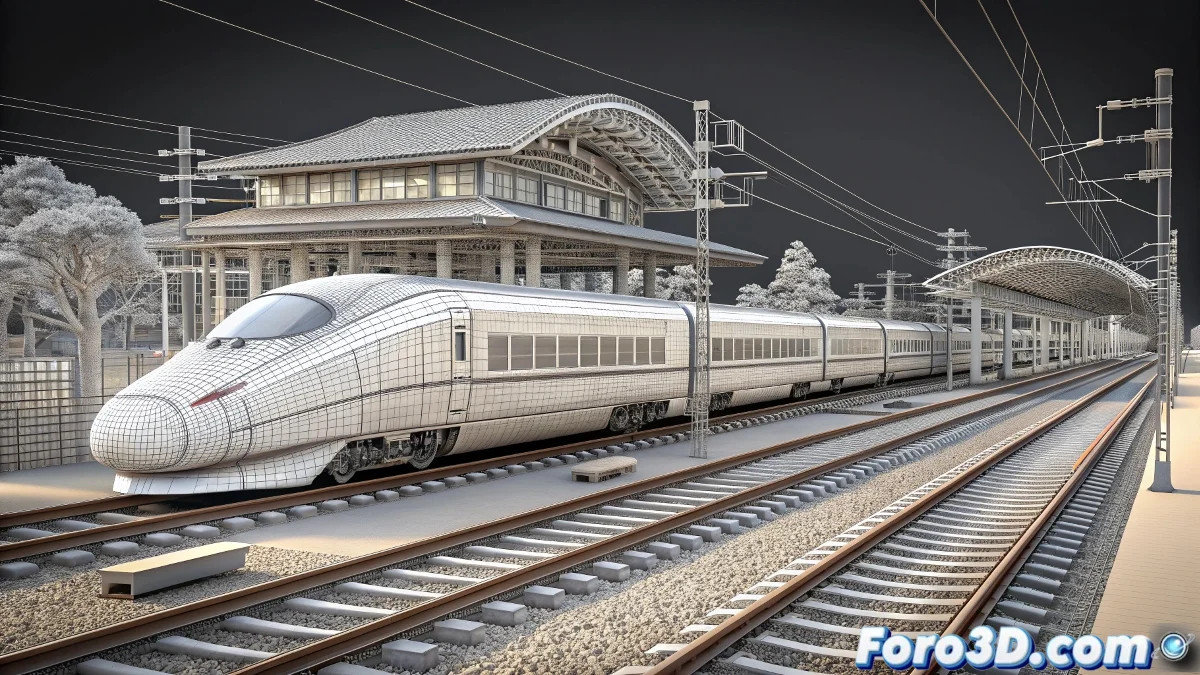
The tracks are created by extruding profiles along precise curves, then adding sleepers and rails with basic geometry. 🛤️ The station is modeled using cubes and extruded planes for the platforms, stairs, and support structures, maintaining a typical Japanese minimalist design. Optionally, environment elements like streetlights, benches, or signs are added to increase realism. The key is clean geometry and dimensional precision.
Simulating transportation systems in 3D not only shows technical precision; it reveals how culture and engineering come together to create efficient and harmonious experiences.
Animation and Movement Simulation
The Shinkansen train is animated using keyframes or CHOPs to control its speed and position along the tracks. Acceleration and deceleration are adjusted to mimic the real patterns of these trains, arriving at the platform exactly on schedule. The doors can be animated synchronously with the stop, using simple transformations and timers. 🕒 Houdini allows achieving this perfect synchronization… without the risk of delays.
Lighting and Materials for Realism
- Lighting: A main Sun-type light is used to simulate daylight, complemented by fill lights to soften shadows and directional lights to highlight the train.
- Materials: White and blue colors are applied to the train, metallic textures to the tracks, and neutral materials to the station, using PBR principles for a realistic finish.
- Optional Effects: Light dust or steam particles are added to simulate movement, and motion blur in rendering to give a sense of speed.
Rendering and Post-Production
Mantra or Redshift is chosen as the render engine, configuring adaptive sampling and HD resolution or higher. Cameras are positioned to capture general shots of the station, close-ups of the train, and dynamic side views. 🎥 In post-production, colors and contrasts are adjusted, and a slight glow is added to the lights to emphasize visual precision. The final export is done as an image sequence or MP4 video.
Thus, while real trains meet schedules with relentless accuracy, in Houdini we can recreate that perfection over and over… without any station master calling us out. Because here, the only acceptable delay is rendering the scene. 😉