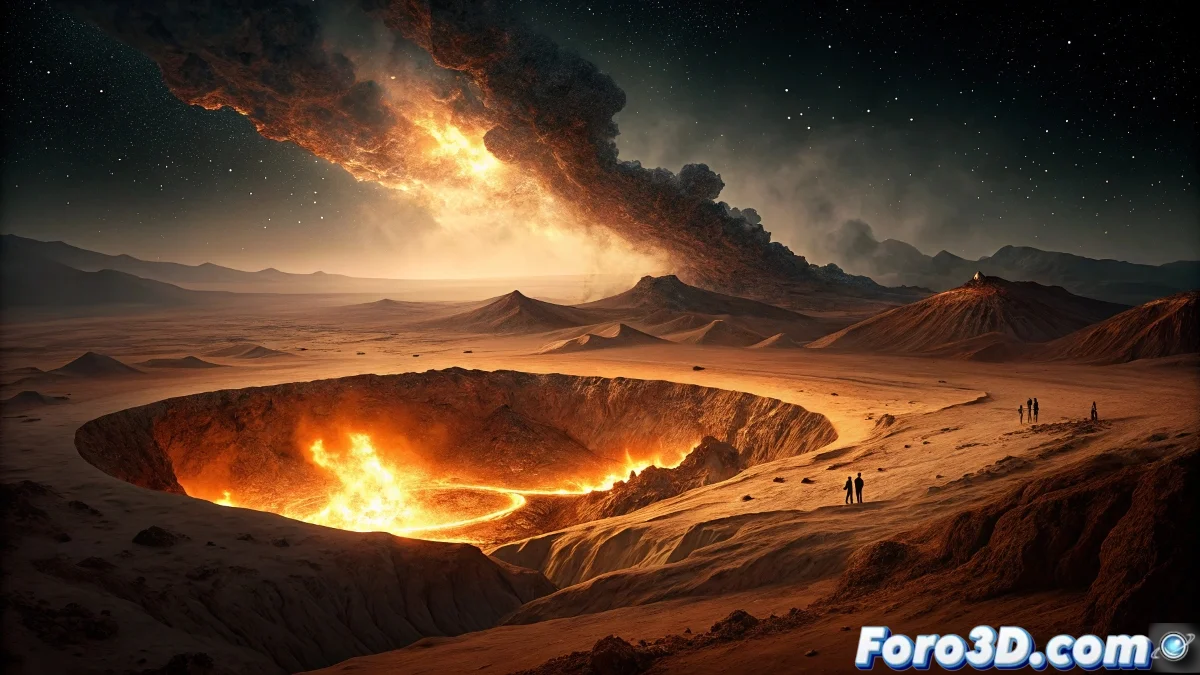
Simulating the Gates of Hell in Storm HydroFX: Turkmenistan's Fiery Crater
The Derweze Gates of Hell in Turkmenistan represent one of the most spectacular and mysterious geological phenomena on the planet. This 70-meter diameter natural gas crater was accidentally created in 1971 during a Soviet drilling operation when the drilling rig collapsed into an underground cavern filled with natural gas. To prevent the spread of toxic methane gases, geologists decided to set it on fire, calculating that it would burn out in a few weeks. However, the fire has been burning uninterrupted for over five decades, creating a Dantean vision in the middle of the Karakum Desert. The main mystery lies in the unceasing combustion and the unknown amount of gas that fuels this perpetual fire, as well as the long-term environmental impact of this continuous combustion that has transformed the crater into a unique and spectral tourist attraction. 🔥
Initial Project Setup in Storm HydroFX
Begin by setting up the Karakum Desert scene in Storm HydroFX, a software specialized in fluid simulation and atmospheric effects. Configure a desert terrain with the appropriate dimensions of the real crater (approximately 70 meters in diameter and 20 meters deep). Storm HydroFX is ideal for this project due to its advanced fire and gas simulation capabilities.
Environment Preparation in Storm HydroFX:- Create a base plane representing the desert with sandy textures
- Set up a circular fire emitter at the crater location
- Establish atmospheric parameters to simulate dry desert conditions
"The Gates of Hell are not just a geological accident; they are a constant reminder that nature can turn our mistakes into spectacles that defy time" - Geologist specialized in energy resources
Simulation of the Perpetual Fire System
Configure the Storm HydroFX particle and fluid system to recreate the unique characteristics of the crater's fire. The real fire shows variable combustion patterns depending on gas pressure and weather conditions, creating a dynamic and ever-changing spectacle.
Fire Simulation Parameters:- Methane gas density adjusted for realistic combustion (0.656 kg/m³)
- Flame temperature between 900-1200°C depending on crater zones
- Variable emission speed to simulate gas pressure fluctuations
Heat Effects and Atmospheric Distortion
The extreme heat generated by decades of combustion creates characteristic visual effects such as air distortion and intense glow. Use Storm HydroFX's thermal distortion tools to simulate how heat affects the visualization of the environment.
Thermal Effects Configuration:- Apply heat haze shaders over the crater and surrounding areas
- Set up temperature gradients that decrease with distance from the crater
- Simulate the glow effect that illuminates the night sky
Lighting and Nighttime Desert Atmosphere
Lighting is crucial to capture the spectral essence of the place. Set up a lighting system that simulates the contrast between the desert darkness and the intense orange glow of the crater, creating that infernal atmosphere that gives the phenomenon its name.
Key Lighting Elements:- Intense area lights inside the crater with characteristic orange-reddish color
- Dim ambient lighting for the surrounding desert
- Volumetric effects to simulate smoke and suspended particles
Desert Environment Integration
Develop the desert landscape surrounding the crater, including the unique features of the Karakum Desert. Add details such as sand dunes, sparse desert vegetation and the effects of prolonged heat on the surrounding terrain.
Desert Environment Elements:- Sand textures with wind erosion patterns
- Dispersed xerophytic vegetation characteristic of the region
- Dust and particle effects carried by desert wind
Final Rendering and Post-Production Effects
Configure the rendering to capture all the dramatic intensity of the phenomenon. Use separate passes for fire, smoke, lighting, and environment for maximum control in post-production. The final result should convey the overwhelming and mysterious essence of this unique place where the Earth seems to have opened to reveal the eternal fire burning in its depths. 💀