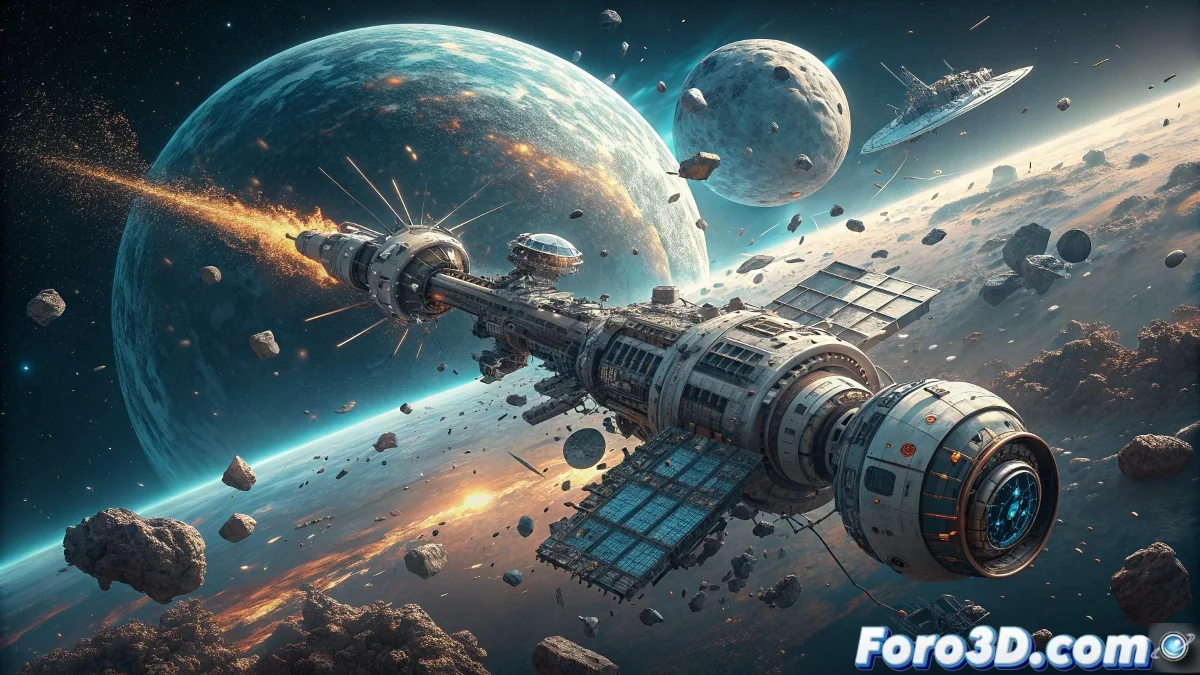
The New Orbital Danger, Rendered in Pixels
Space debris has become the invisible threat worrying space agencies worldwide. Millions of fragments traveling at incredible speeds represent a constant risk for astronauts and satellites. A perfect scenario to recreate in Blender and visually understand the challenges faced by modern space missions. This guide will take you through the process of creating a realistic simulation of this dangerous orbital environment.
Preparing the Cosmic Scene
The first step is to properly configure the scene to represent the monumental scale of space. Starting with a new project, it is crucial to adjust the metric units and establish a scale that allows working with orbital distances without losing precision in the details. The initial setup will determine the realism of the entire subsequent simulation, from the movement of the fragments to the evasive maneuvers.
Creating the Arsenal of Space Debris
- Modeling deactivated satellites using basic primitives
- Fragmenting rocket stages using subdivision modifiers
- Generating small debris with particle systems
- Structural details through controlled extrusion and scaling
The Magic of Orbital Motion
This is where the simulation comes to life. Setting up realistic trajectories requires understanding how objects move in space. Particle systems allow generating thousands of fragments with random rotation and speed, while tracking constraints ensure that larger objects maintain coherent orbits. Physics is your best ally to achieve authenticity in this controlled chaos.
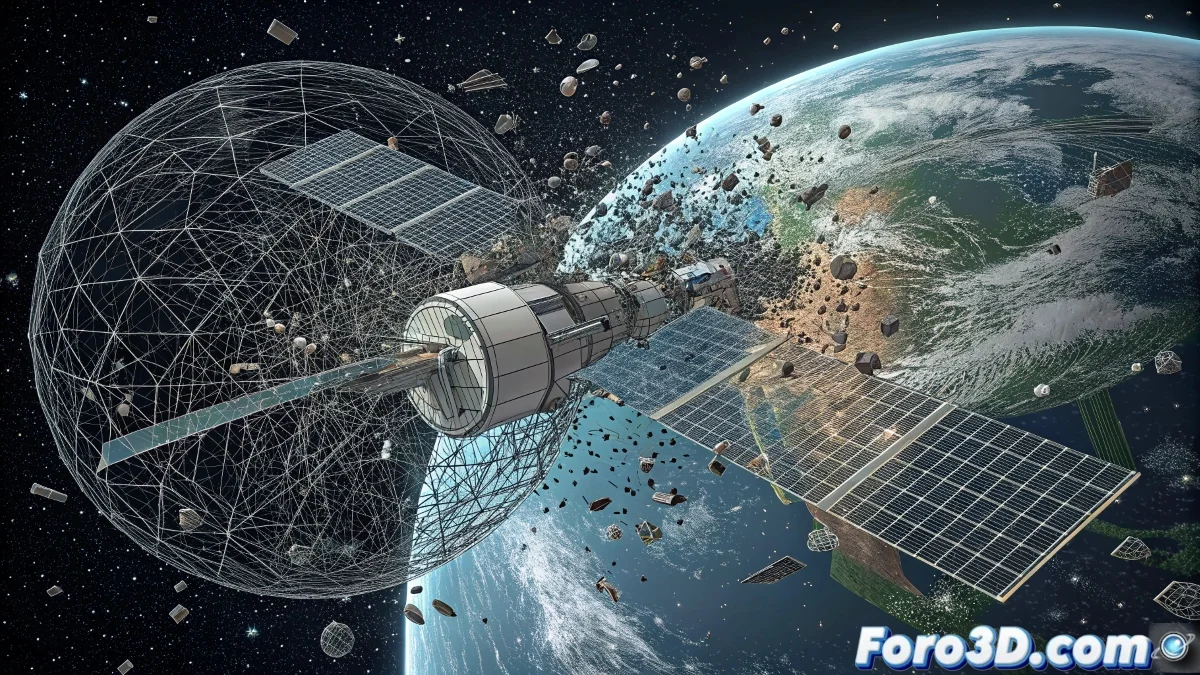
Lighting and Materials of the Space Vacuum
- Setting up sunlight with dramatic angles
- Metallic materials with high reflectance for surfaces
- Emission effects for fragments that capture sunlight
- Subtle volumetrics to simulate space dust
Animating Orbital Survival
The centerpiece of our simulation: the astronaut performing evasive maneuvers. Using position and rotation keyframes, we can create fluid movements that convey urgency and danger. Acceleration curves allow representing sudden changes in direction, while camera constraints keep the viewer immersed in the action. Every frame must communicate the tension of the critical moment.
Final Rendering Workflow
- Choosing between Cycles for realism or Eevee for speed
- Configuring samples to minimize noise in dark scenes
- Exporting in formats that preserve quality for post-production
- Final compositing to add stellar effects and depth
A masterclass in orbital simulation that transforms abstract concepts into impactful and educational visual experiences.
The final result is more than a simple animation; it is a powerful tool for visualizing one of the most complex problems of modern space exploration. Blender's ability to handle physics, particles, and advanced lighting makes it the ideal platform for this type of scientific and educational project 🌌.
And the best part is that, unlike real astronauts, if your simulation collides catastrophically, you can always press Ctrl+Z... something that in real space would be a quite desirable feature but unfortunately not available 😅.