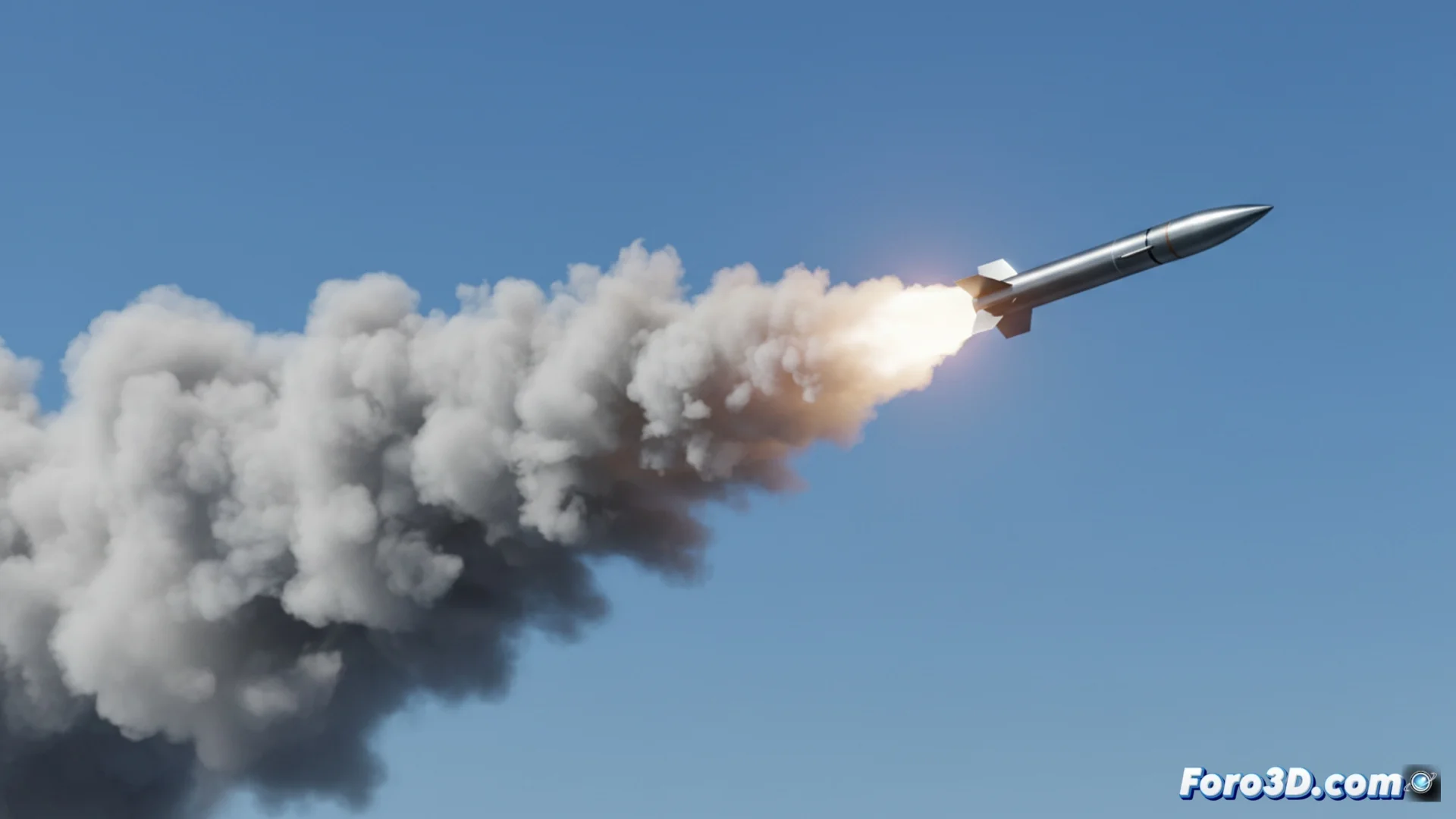
Simulate a Missile Trail with Particles in 3ds Max
Creating the visual trail of a projectile in flight is a recurring effect in 3D animation. In 3ds Max, the most effective technique is based on using particle systems guided by a predefined trajectory. This method allows precise control over the shape and behavior of the smoke or gas trail. 🚀
Define the Trajectory and Guide the Particles
The first step is to draw the path that the missile will follow using a spline line. Then, a particle emitter is generated, such as Super Spray or PF Source. To make the particles faithfully follow the drawn curve, the Path Follow modifier is applied, located in the Space Warps category. This link is essential for the trail to be generated along the desired path.
Key initial setup:- Draw a spline that defines the projectile's flight.
- Create a particle emitter and link it to the Path Follow deformer.
- Adjust the emitter to produce particles continuously and with a reduced initial speed.
The real difficulty is not in simulating the trail, but in justifying later why your scene takes forty minutes to process a single frame.
Apply Realistic Materials and Textures
The realism of the smoke largely depends on the assigned material. A shader with an opacity map is used, such as Gradient Ramp or an animated noise map that simulates smoke. This makes the particles show greater density in their core and fade towards the edges. Animating the Phase parameter of the noise map creates the illusion that the cloud moves and dissipates over time.
Details to improve the material:- Use a Gradient Ramp map in the opacity slot to soften the edges.
- Animate the phase (Phase) of a noise map to simulate turbulence and dissipation.
- Adjust the particles' lifespan (Life) and its variation (Variation) to control the trail's persistence.
Incorporate Physical Forces and Render
To add greater authenticity, external influences are added from Space Warps. The Wind force subtly deflects the trail, mimicking the effect of ambient wind. The Drag force slows down the particles, making the smoke column elongate and remain visible longer. Finally, it is necessary to render the sequence with an engine that supports particles, such as the standard Scanline or Arnold, to then composite the final result. Fine-tuning the simulation is crucial to balance visual impact and processing time. 💨