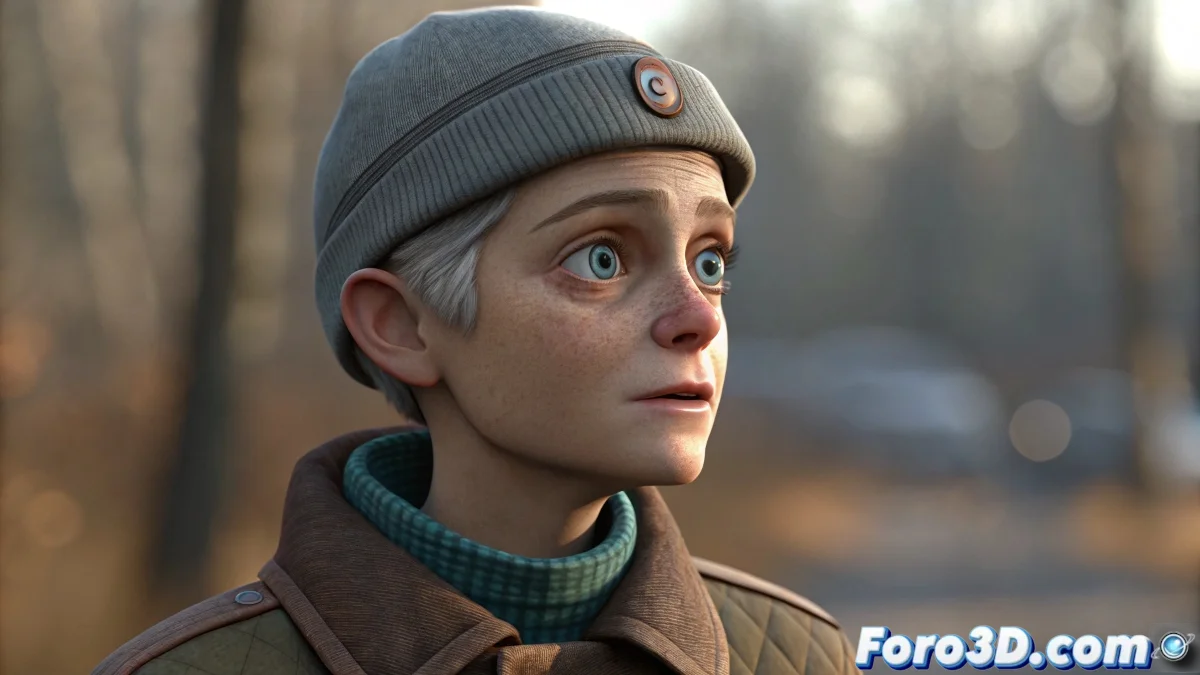
Simple Techniques for Animating Blinks and Facial Expressions in 3D Characters
Does your 3D character have a more expressionless gaze than an aquarium fish? 🐟 Don't worry, with these tricks you'll bring those static eyes to life and add basic facial expressions without going crazy with complex geometry. Because in the 3D world, sometimes less is more... especially when you're in a hurry to render. ⏱️
The Art of Blinking (Without Real Eyelids)
For eyes that are simple textures, you have these options:
- Opacity Animation: Interpolate open/closed eye textures
- Mask Maps: Control the transition with precision
- Eyelid Plane: Simple geometry that covers the eye (more realistic)
The texture method is perfect for quick animations where the character is far from the camera. And it doesn't require a single extra vertex! 👁️
The Mouth: That Great Animated Dilemma
Forget about Biped for facial expressions. Instead:
- Use Morpher for different mouth shapes
- Create simple facial bones for jaw and lips
- Combine with Skin modifier for clean deformations
A good facial rig is like good makeup: the result should be noticeable, not the work behind it.
Mistakes We All Make (And How to Avoid Them)
So your first facial animation doesn't look like a surreal nightmare:
- Don't overuse Biped for things that aren't body
- Keep blink transitions asymmetrical (more realistic)
- Test with extreme expressions before fine-tuning
With these fundamentals, your character will go from looking like a mannequin to having more life than some soap opera actors. And the best part: without needing professional facial rigs... although if you want it to win an Oscar, you might need something more advanced. 🏆
Ironic Bonus: The funniest thing is when you spend hours animating a perfect blink... and in the final render no one notices because the character appears from behind. The classic! 😅