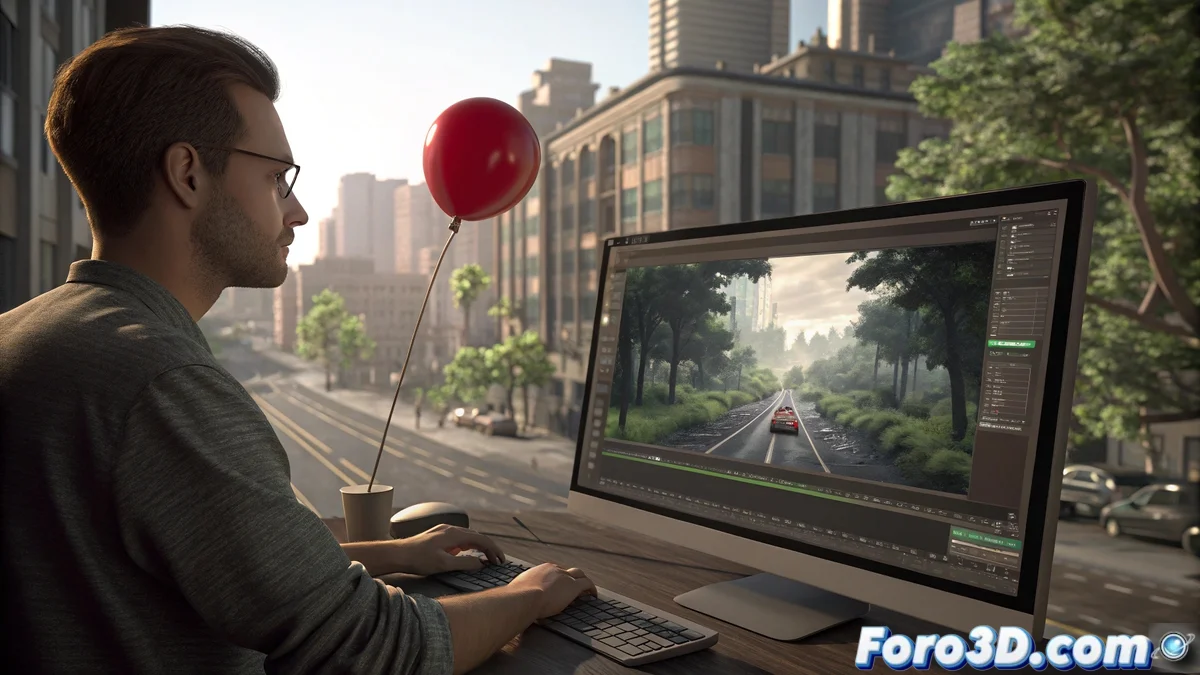
Shotcut and its Motion Tracking Tool for Videos
The video editor Shotcut has integrated a powerful motion tracking feature that makes it easy to track specific objects within video sequences. This capability is essential for those looking to add dynamic elements, such as texts or graphics, that follow the natural movement of objects on screen, allowing the creation of professional compositions without relying on specialized applications. 🎬
Setup and Use of Motion Tracking
To activate this functionality, first select the clip on the timeline and go to the filters tab, where you will find the motion tracking option. The process involves defining a tracking area around the object to track, adjusting the reference box so the software identifies consistent movement patterns. Once set up, Shotcut automatically analyzes the object's trajectory throughout the sequence, generating motion data applicable to other visual elements.
Key Steps for Tracking:- Select the clip on the timeline and access the filters tab
- Define the tracking area by adjusting the reference box around the object
- Automatically analyze the trajectory to obtain motion data
Motion tracking transforms simple videos into immersive visual experiences, where every added element integrates naturally.
Integration with Effects and Visual Elements
The true power of this tool is revealed when linking trajectory data with other filters and effects. You can connect the motion information to animated texts, color correction masks, blur effects, or imported graphics, making these components perfectly follow the tracked object. This integration allows creating everything from titles that chase a person to complex visual effects that interact credibly with the original scene.
Practical Applications of Integration:- Connect motion data to animated texts for dynamic titles
- Apply color correction masks that follow moving objects
- Integrate blur effects or imported graphics into specific trajectories
Final Reflection on Invisible Work
It's interesting how we spend hours chasing pixels on screen so that the audience doesn't perceive the effort, although they undoubtedly notice when something doesn't follow the movement correctly. This tool in Shotcut not only optimizes the workflow but elevates the quality of productions, making visual effects integrate in an imperceptible yet impactful way. 🚀