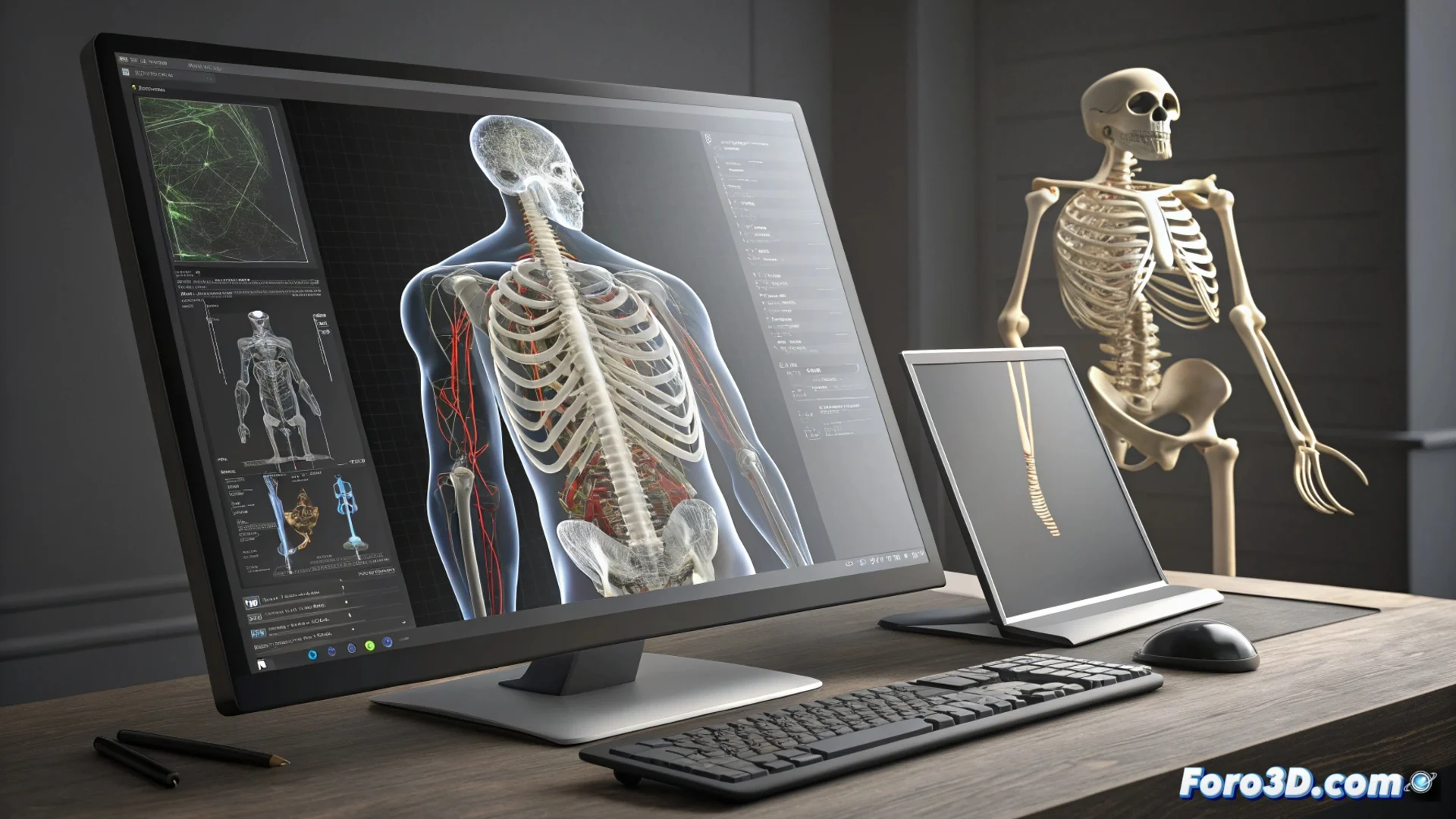
Segmenting Anatomical Structures with 3D Slicer's Segment Editor
In the field of medical visualization, 3D Slicer stands out for its ability to process complex data. Its Segment Editor module is essential for those who need to extract and analyze specific structures from CT scans or MRIs. This editor transforms flat images into three-dimensional models that can be measured and manipulated, a key step for planning interventions or researching diseases 🏥.
Key Tools for Delineating Regions
The module offers a versatile set of instruments to adapt to different levels of contrast and complexity in the images. It is not limited to a single method, but combines approaches to achieve precision.
Available Instruments:- Brush and Eraser: Allow direct manual adjustments on the image slices, ideal for correcting details.
- Automatic Threshold: Selects all voxels whose intensity value is within a defined range, greatly speeding up work with structures that have good contrast.
- Smart Contour (Grow from Seeds): Analyzes image gradients to find edges semi-automatically, useful for complex and diffuse boundaries.
Delineating a tumor sometimes resembles sculpting a cloud of cotton candy with boxing gloves: it requires a lot of patience and several iterations.
From Mask to Usable 3D Model
Once the segmentation is complete and verified, the workflow continues toward generating a tangible digital asset. This process is integrated within the same environment.
Steps to Generate and Refine the Mesh:- Create the Surface: The module generates a polygonal mesh from the segment mask, preserving the exact spatial correspondence with the original data.
- Smooth and Decimate: Filters are applied to smooth the geometry and reduce the number of polygons, optimizing the model for later use without losing the essential shape.
- Export: The final 3D model can be saved in standard formats like STL or OBJ, ready to import into 3D printing software, computer-aided design, or simulation.
Application in Real Contexts
This integrated workflow, from the raw image to the 3D model, is what makes 3D Slicer a powerful tool in clinical and research environments. It allows quantifying tissue volumes, planning personalized surgical approaches, or manufacturing anatomical guides. Converting images into manipulable data closes the cycle between diagnosis and concrete action, providing a crucial layer of information for decision-making 🤔.