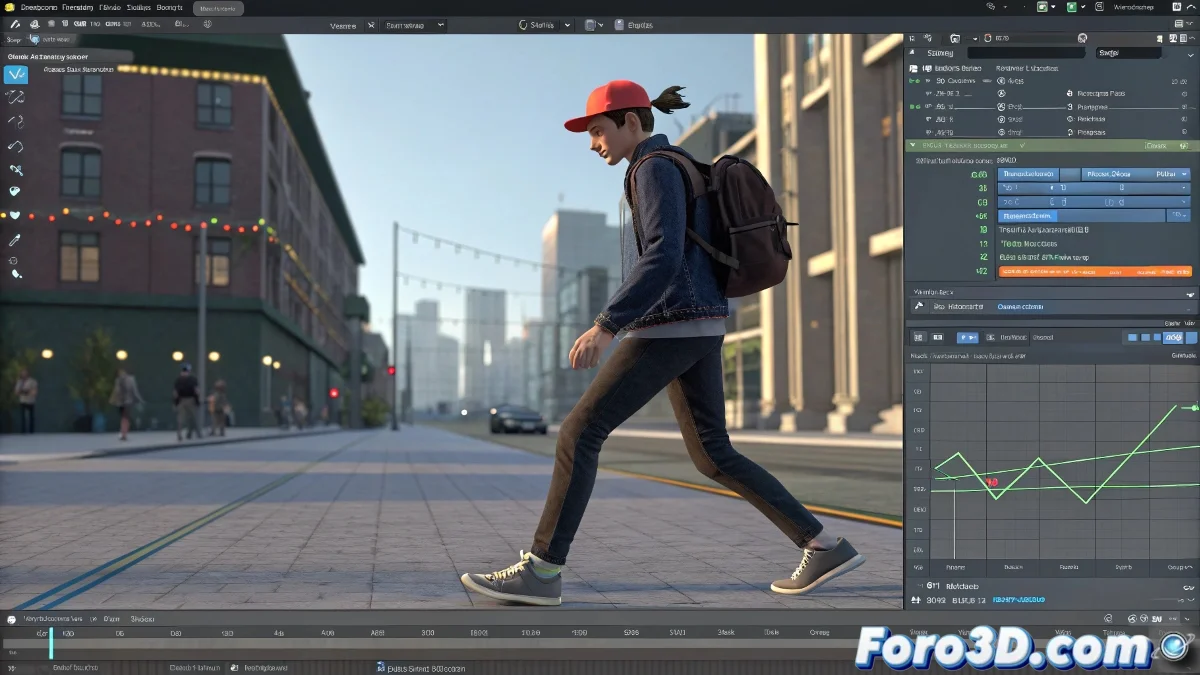
When Your Character Walks Like a Drunken Zombie
Creating a walking cycle that repeats without jumps is like juggling with time - it requires precision and rhythm. 🕺 Here's your guide to achieving that fluid motion that fools the eye.
Formula for the Perfect Loop
1. Impeccable Cycle Closure
- Animate a complete step (contact-pass-contact)
- Select all curves in the Graph Editor
- Copy the keys from frame 1 and paste them at the end
- Ensure exact matching in position/rotation
2. Professional Curve Adjustment
- Use Bezier tangents for smooth transitions
- Modulate curve handles for natural accelerations
- Test with Auto-Tangent in Maya for automatic adjustment
A good walking cycle is like a convincing lie: it relies on repeatable patterns but with variations that make it believable.
Key Parameters Table
| Element | Checklist |
|---|---|
| Root Position | Same value in frame 1 and final |
| Hips Rotation | Closed curves without jumps |
| Feet Contact | Identical timing in each step |
Studio Tricks Nobody Tells You
- Duplicate and offset half cycle to save time
- Use pose mirroring for arms/legs
- Animate root and hips first, then limbs
Pro tip: Disney animators use the "contact pose + intermediate pass" trick as a base. You only need 4 key poses to start a believable walkcycle. 🎬
Now you can create cycles so fluid they'll look like motion capture... without the price of professional equipment. And when that boss says "can you make it run?", you'll already have the foundation to scale your walkcycle to a runcycle.
Bonus tip: For more realism, add 2-3 frames of random variation in timing between repetitions. Break the mechanical perfection.