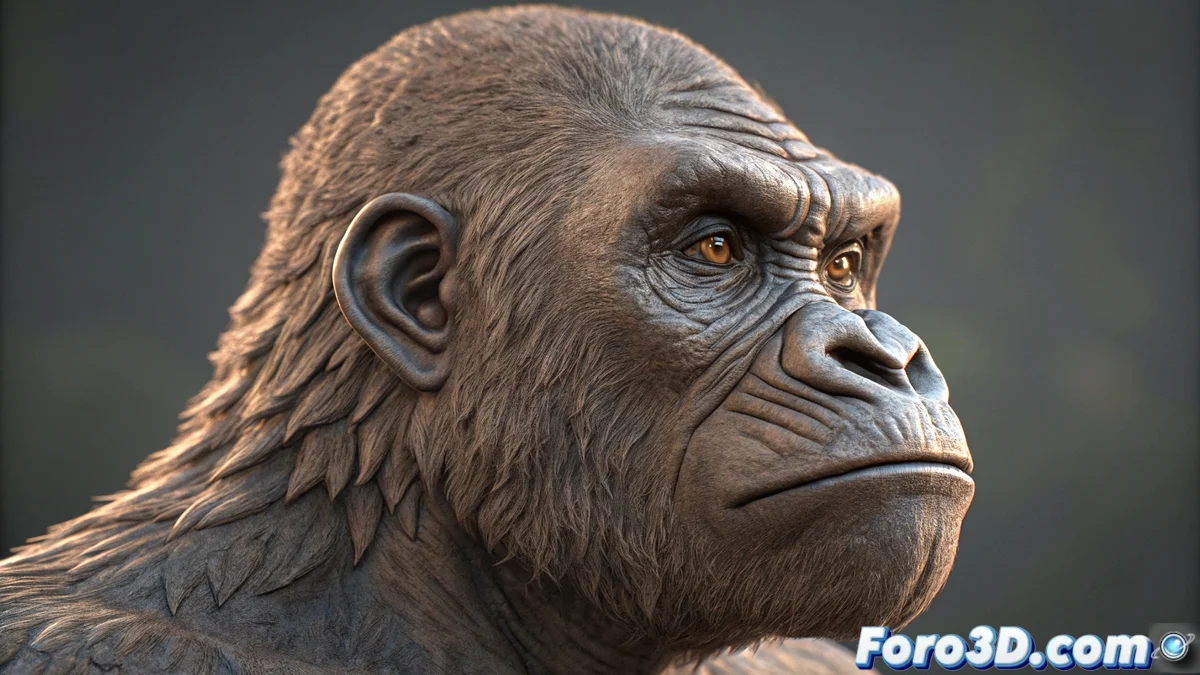
SculptGL and its advanced rendering options for 3D artists
The digital sculpting tool SculptGL incorporates an extraordinarily comprehensive visualization system that revolutionizes how creators interact with their three-dimensional models. This platform provides multiple specialized rendering modes that offer unique perspectives during the creative process 🎨.
Specialized shaders for detailed analysis
Artists have four main visualization modalities that work in real time and adapt to different workflow needs. The PBR shader scientifically accurately reproduces the behavior of physical materials, while the normals visualization reveals the precise orientation of each surface. The UV mode allows checking the correct application of textures, and matcaps offer preconfigured appearances with built-in lighting 💡.
Advantages of the different visualization modes:- PBR shaders provide physically accurate representations of metallic, rough, and transparent materials
- Normals analysis identifies topology issues and conflicting polygon directions
- UV inspection reveals distortions in texture mapping before the painting process
"The ability to instantly switch between rendering modes significantly accelerates the identification and correction of errors in the mesh" - Documented user experience
Advanced customization of visual parameters
The system includes sophisticated tonal mapping controls that modify how the surface responds to light sources, creating dramatic or subtle lighting effects according to artistic needs. Curvature adjustments allow emphasizing or softening transitions between planes, highlighting volumes and defining silhouettes with millimeter precision ✨.
Visual customization features:- Tonal mapping controls to manipulate light response in different areas of the model
- Curvature adjustments that enhance or minimize transitions between convex and concave surfaces
- Infinite combinations between shaders and visualization parameters without altering the base geometry
Optimization of the creative process
The instant transition between different rendering modes during sculpting sessions allows detecting issues that would go unnoticed in conventional visualizations. This inspection versatility helps make informed decisions about model development, revealing critical information about workflow, topology, and material applicability 🚀.
The tool transforms the refinement process by offering multiple simultaneous visual perspectives, although some artists acknowledge the temptation to spend more time experimenting with shaders than sculpting itself. This multiple inspection capability ensures professional results and significantly accelerates digital production workflows 🏆.