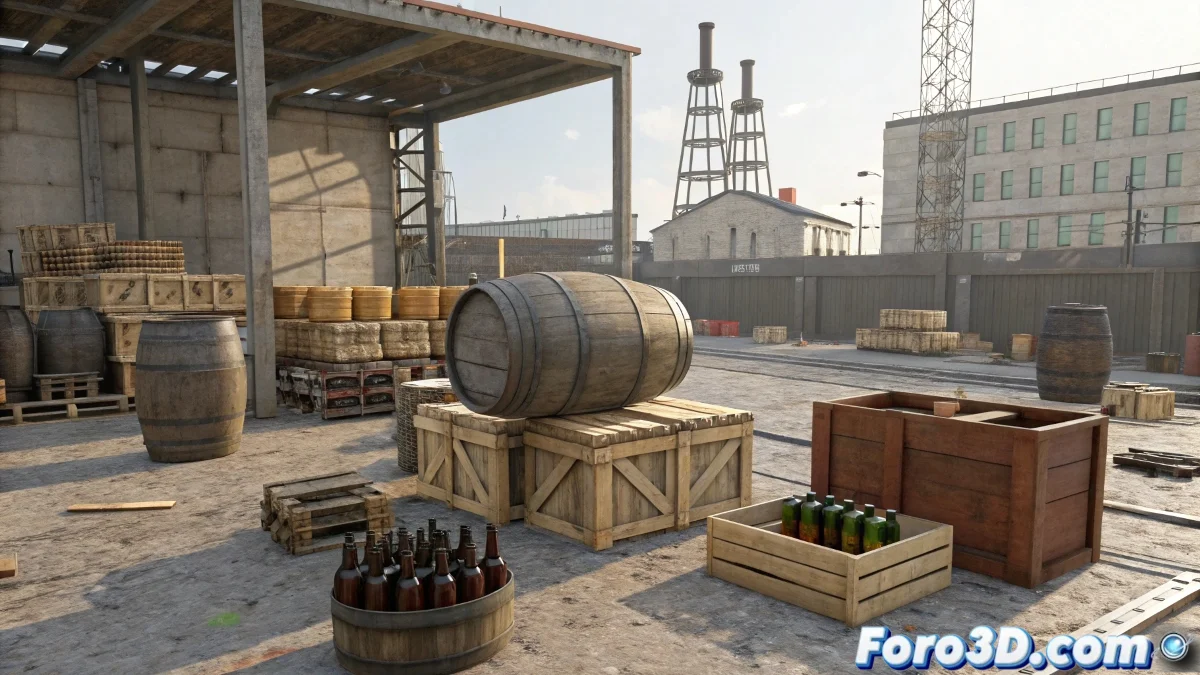
ScatterFlow Simulates Physics to Scatter Objects in Blender
Apex Assets has just released ScatterFlow, a new addon for Blender that introduces a physics-based scattering system, designed to facilitate the distribution of objects in 3D environments. A tool that aims to streamline work in animation, motion graphics, or VFX, avoiding the need to place objects one by one manually.
Scattering with Gravity and Real Collisions
The operation is simple but very powerful: you select a set of assets (props, trash, environment elements, etc.) and let them fall onto your scene. The tool handles simulating gravity and collisions between objects for a natural result.
Not the First Addon… But One of the Most Complete
Similar tools already existed in software like Houdini (with Solaris Layout) or Cinema 4D, but within Blender the options were more limited. ScatterFlow is not the first attempt, but it is one of the most complete we have seen so far.
Dispersion Modes: From Filling Boxes to Creating Object Piles
Among the options it includes:
- Continuous dispersion mode: ideal for filling containers or creating piles.
- Grid dispersion: perfect for things like bricks, books, or stacked elements.
- Interactive physical editing: you can move objects manually directly in the viewport and see how they react in real time thanks to the physics system.
Also Includes Classic Scattering Tools
If you don't want to use physics, ScatterFlow also integrates OpenScatter, a classic non-physical dispersion system, perfect for more controlled or artistic distributions.
Pack of Over 450 Assets Included
And so you can try it from minute one, Apex Assets includes a pack of over 450 ready-to-scatter 3D objects:
- Barrels
- Bottles
- Boxes
- Paint cans
The plugin is not free, you can see more here.