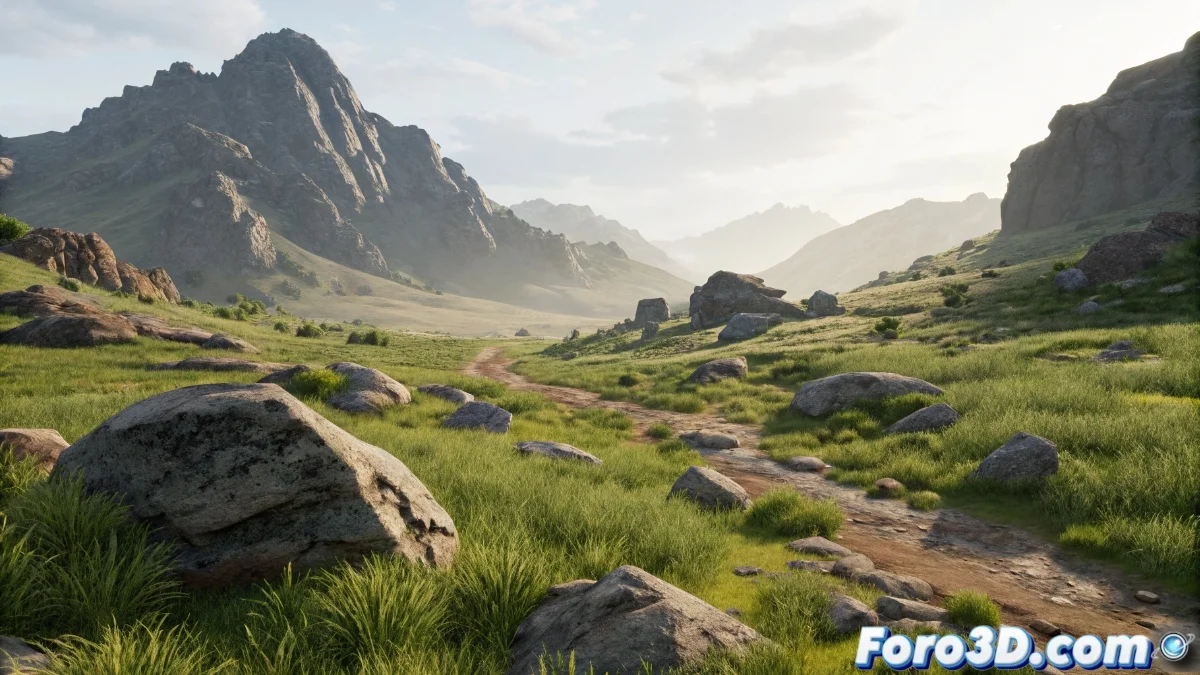
Runtime Virtual Textures in Unreal Engine 5 and 6: Complete Guide
Runtime Virtual Textures (RVT) in Unreal Engine 5 and 6 represent an innovative technique that allows capturing and blending real-time rendering information to achieve sophisticated interactions between materials and the landscape environment. This system stores data such as colors, normal maps, or depth values from various sources, including static and dynamic geometry, projecting them efficiently onto extensive surfaces. The main advantage lies in its ability to unify high-resolution textures with vast landscapes without exhausting memory, as it only loads the visible sections based on the camera's perspective, improving performance in open and detailed scenarios. 🎮
Setup and Application in Projects
To implement Runtime Virtual Textures in a project, start by creating a Runtime Virtual Texture asset in the Content Browser, defining its size and format according to needs, such as storing base color, normal maps, or roughness. Then, assign this asset to the relevant materials using specialized nodes in the Material Editor, and configure the Landscape to use the RVT, capturing terrain and nearby object details. It is essential to adjust the resolution and streaming distance to balance visual quality and performance, preventing artifacts in distant transitions while maintaining a high level of detail in the foreground.
Key Steps for Implementation:- Create the RVT asset in the Content Browser with custom size and format parameters
- Assign the RVT to materials using specific nodes in the Material Editor for seamless integration
- Configure the Landscape to use the RVT, ensuring capture of environment and dynamic object details
Setting up a perfect RVT sometimes feels like painting a mural with a giant brush while running, only to discover you forgot to mix the right colors and the landscape takes on a dreamy and feverish look.
Advantages and Limitations in Practice
The advantages include a harmonious integration between static and dynamic objects, enabling effects like footprints in snow or contextual reflections without costly shader calculations. However, there are limitations, such as additional rendering overhead during scene capture, and possible aliasing issues if the RVT resolution is insufficient. In projects with multiple RVTs, memory management can become critical, recommending the use of LODs (Levels of Detail) and prioritizing high visual impact areas to maximize efficiency.
Aspects to Consider:- Seamless integration for dynamic effects like footprints or reflections, reducing computational load
- Additional rendering overhead that can affect performance if not properly optimized
- Critical memory management in projects with multiple RVTs, requiring LODs and visual area prioritization
Final Reflections on RVT
Runtime Virtual Textures in Unreal Engine 5 and 6 offer a powerful solution for optimizing extensive scenes, combining high-resolution details with efficient memory usage. Although their setup can present challenges, such as balancing resolution and performance, the final result enables complex and realistic interactions in virtual environments. By mastering this technique, developers can create immersive experiences without compromising smoothness, fully leveraging the engine's capabilities. 🚀