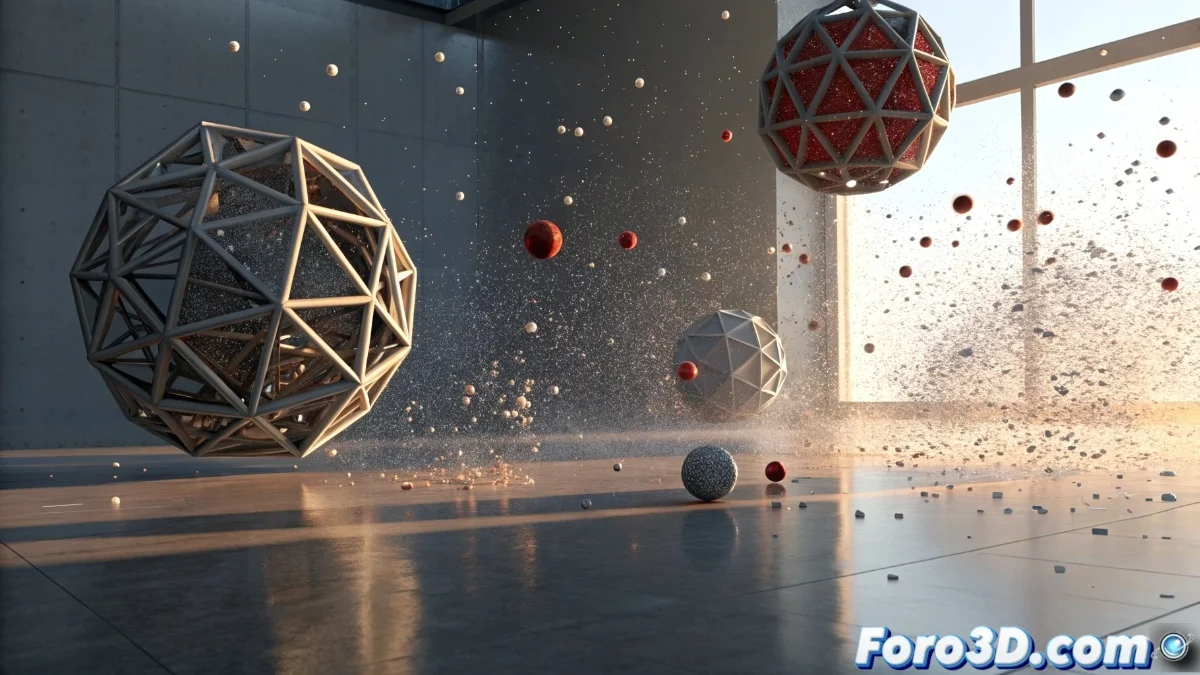
Revolution in Blender 5 Collisions: More Realistic Physics Simulations
The new version of Blender has radically transformed its collision system, offering digital artists unprecedented capabilities to create object interactions that feel authentically natural. This complete overhaul of the physics engine allows elements to collide, push, and react to each other with surprising realism that elevates the quality of any animation or simulation project. 🎯
Intuitive Collision Setup
The collisions panel has been completely redesigned to offer a smoother and more organized user experience. Parameters are now logically grouped by function, eliminating redundancies and simplifying the setup process. Artists can quickly define which objects interact with each other through a visual layer system, while advanced options allow adjusting detection precision according to the specific needs of each scene.
Main features of the new system:- Visual collision layer system to manage interactions between multiple objects
- Adjustable friction and elasticity parameters with greater precision and control
- Adaptive detection precision setup for different types of projects
The workflow is significantly accelerated, especially in complex scenes where multiple elements need to interact simultaneously in a believable way.
Performance and Precision Optimizations
The underlying physics engine has received major optimization improvements that allow handling more complex collision calculations without compromising simulation speed. Collisions between high-resolution meshes are now processed more efficiently, considerably reducing calculation times even in densely populated scenes with numerous interacting objects.
Key technical advances:- Automatic detection of simplified approximations for certain types of collisions
- Maintenance of visual quality while improving overall performance
- Optimized processing for scenes with high object density
Debugging and Analysis Tools
One of the most valuable additions is the visual debugging tools that show exactly how and where collisions occur during simulation. This functionality is indispensable for identifying and resolving issues in complex setups, allowing users to visualize graphical representations of the forces involved and contact points between objects. Artists can now dedicate time to perfecting collisions that, although they may go unnoticed by the casual viewer, significantly contribute to creating a believable and immersive visual experience that elevates the realism of any production. 💫