The Conflict Between Atmospheric Effects and Matte Objects
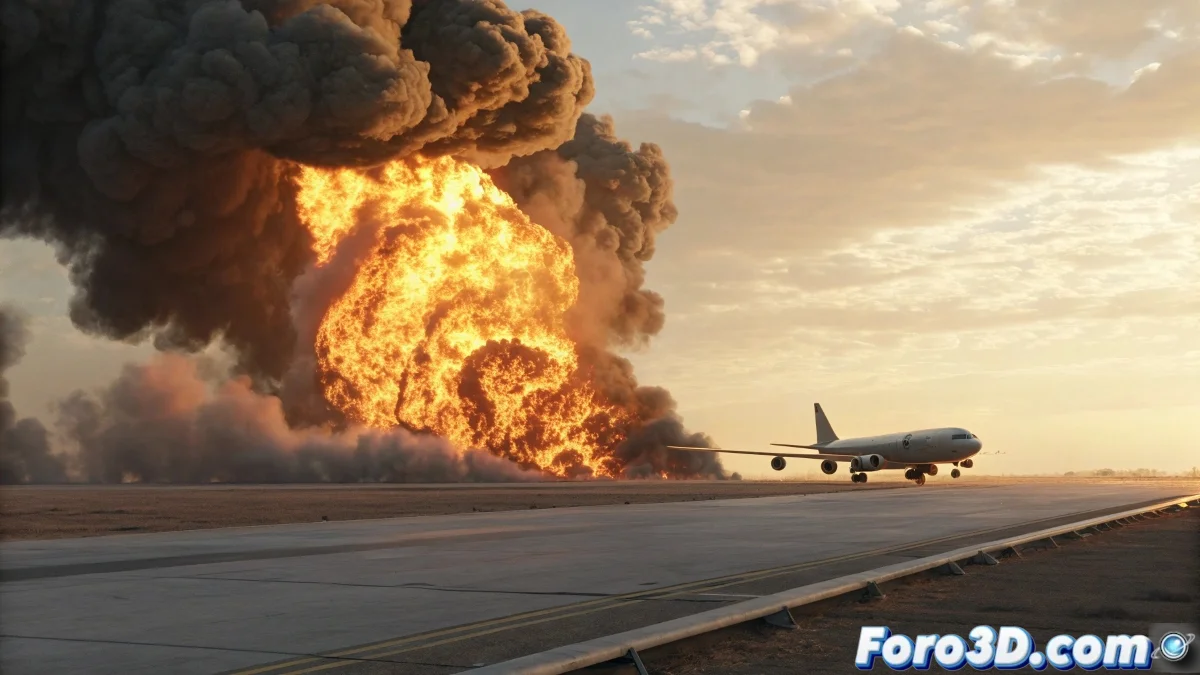
When working with Matte Shadow planes in 3ds Max and you discover that fire effects are rendering incorrectly, you're facing a classic render order and depth management issue. The situation you describe is particularly baffling because each element works perfectly on its own - the photocomposite integrates correctly with the Matte Shadow and the fire effect looks good when rendered alone, but when combining them you get that result where the fire appears in front of the plane that should be in the foreground. This anomalous behavior indicates a conflict in how the render engine handles the interaction between matte objects and atmospheric effects.
Understanding the Render Hierarchy
The problem arises because atmospheric effects like fire are calculated in a different stage of the render pipeline than geometric objects. While Matte Shadow planes are geometry that participates in shadow and depth calculations, atmospheric effects are applied as a subsequent layer that may not correctly respect the matte properties of objects.
- Atmospheric effects are rendered after geometry
- Matte Shadow objects affect lighting calculations but not the final composition
- Depth conflicts between render layers
- Incompatible processing order between systems
Solutions for Correct Compositing
To resolve this conflict, you need to reorganize how the elements are structured in your scene or modify how the effects are applied.
A fire effect that ignores matte objects is like an actor who doesn't follow the script: technically it's in the scene but breaks the illusion of the visual narrative
- Render in separate passes and composite in post-production
- Use Environment Background instead of a plane with an image
- Apply the fire effect to a specific non-atmospheric object
- Configure the G-Buffer for better depth control
Alternative Workflow
For projects where you need to integrate atmospheric effects with photocomposites, we recommend a multi-render approach that ensures total control over the final composition.
Resolving conflicts between atmospheric effects and matte objects is an advanced skill that separates casual artists from professional digital compositors 🔥. Every technique you master in this area not only solves immediate technical problems but also expands your ability to create convincing visual integrations between rendered elements and filmed or photographed material.