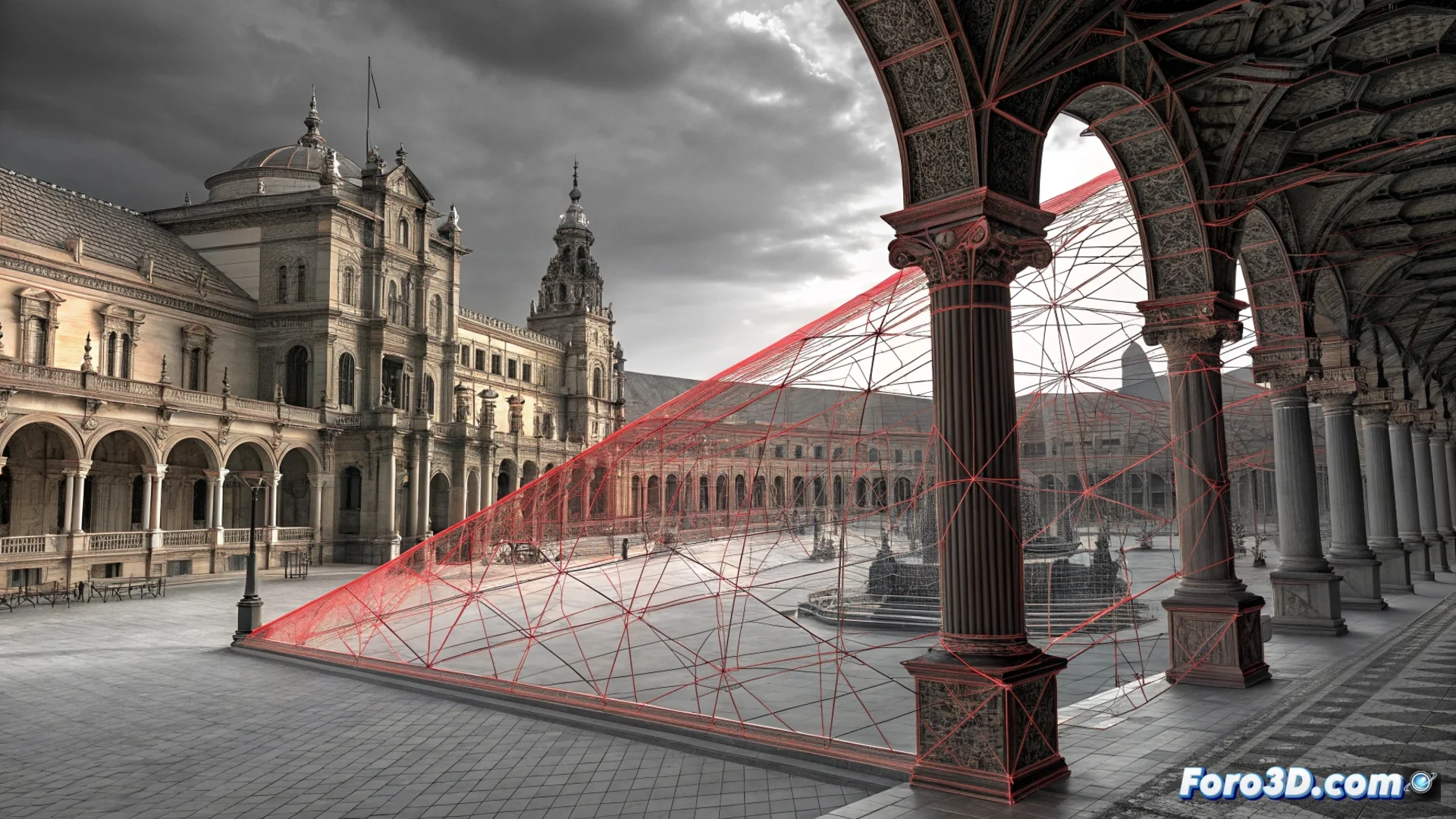
Repair Non-Manifold Geometry After Boolean Operations in 3D
When executing a boolean operation in modeling software, the result is often far from perfect. Instead of a clean mesh, you may encounter a network of topological errors that block any further steps in your project. These issues occur when algorithms fail to accurately interpret complex intersections between the original surfaces. 🔧
Understanding the Problem of Broken Geometry
The defective mesh breaks the basic rules of a solid and closed mesh. Non-manifold edges appear, where an edge is shared by more than two faces, and non-manifold vertices, where more than two polygons converge. Degenerate faces or faces with zero area are also common. This "dirty" geometry is useless for tasks like 3D printing, physics simulation, or applying subdivisions.
Typical Errors After a Boolean:- Non-manifold edges: An edge belongs to three or more faces, creating an impossible connection.
- Floating vertices: Vertices that are not properly connected to the main mesh.
- Internal or overlapping faces: Duplicate surfaces occupying the same space.
- Holes in the mesh: Edges that are not sealed, preventing the geometry from being watertight.
Many artists save the file immediately after a complex Boolean, because sometimes repairing the damage takes longer than starting over.
A Method to Clean and Repair the Mesh
Fixing these failures is a process that combines automatic tools with manual intervention. The ultimate goal is to achieve a mesh where each edge belongs exactly to two faces. There is no single solution; the strategy depends on the severity and type of error.
Workflow for Repairing:- Inspect and diagnose: Use your software's visualization modes to highlight non-manifold geometry, usually in eye-catching colors like red or orange.
- Merge vertices: Use tools like Merge Vertices or Remove Doubles to join coincident vertices within a defined tolerance.
- Delete problematic elements: Remove duplicate faces, loose edges, or degenerate faces that do not contribute to the structure.
- Rebuild critical areas: In severe cases, isolate the damaged area, delete it, and remodel the connections or use a union Boolean with a simple cube to redefine the edges.
Tools and Key Practical Tips
The effectiveness of the process depends on using the right functions and adjusting key parameters. A poorly configured merge tolerance is a common source of problems: a value too high merges geometry that should remain separate, and one too low leaves vertices unjoined. Functions like Delete Non-Manifold Edges or Fill Holes are indispensable allies. Patience and a methodical approach are your best tools for transforming a chaos of polygons into clean and functional geometry. ✅