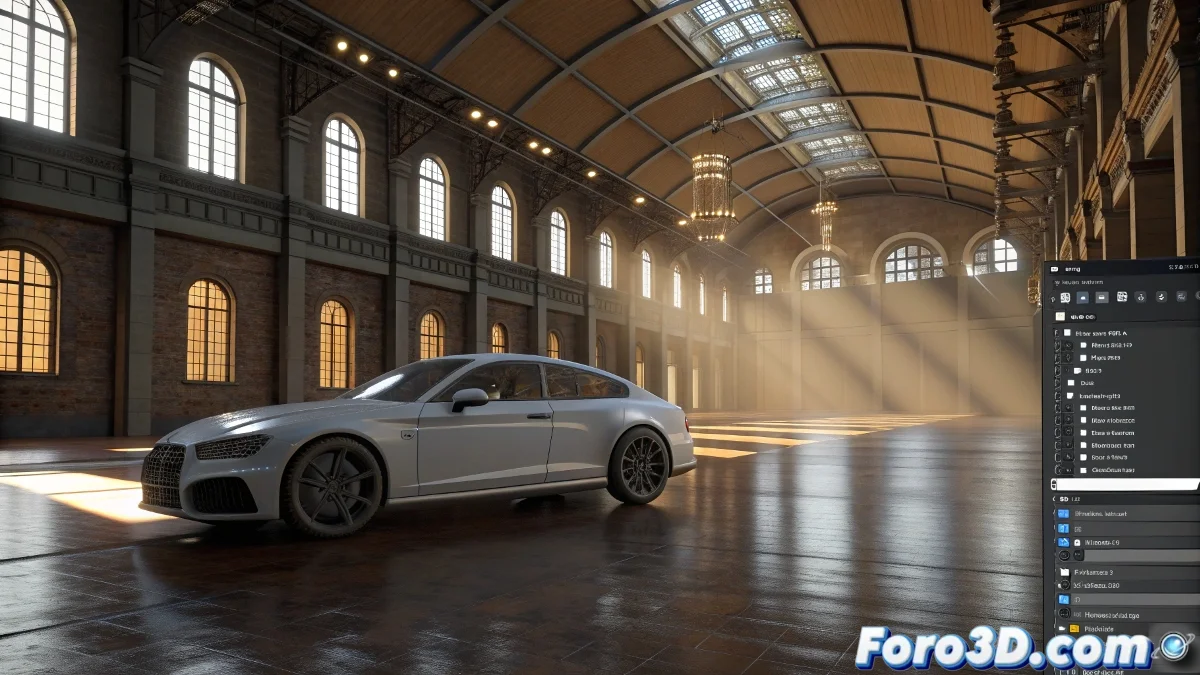
The Art of Integration Between 3ds Max and Combustion
When you seek to render in 3ds Max to work with layers in Combustion 2, you are exploring a professional workflow that, although from a previous era, remains surprisingly powerful for animation and post-production projects. The integration between these two software was specifically designed to create efficient pipelines where 3D rendering and 2D compositing work in perfect sync. The fact that you tried enabling Combustion output without results suggests there may be several intermediate steps that need specific configuration, especially considering you are working with legacy versions of these programs. For your animation project with smoke particles that must sync with camera movement, you need to establish not only layer export, but also precise camera data transfer.
Layer Rendering Setup in 3ds Max
To prepare your scene for compositing in Combustion, you need to render different elements separately instead of a single render. This will give you the necessary flexibility in post-production.
- Render Elements for diffuse, reflections, and shadows
- Alpha Channel for transparencies and clean compositing
- Z-Depth for depth and atmospheric effects
- Velocity pass for motion blur in post-production
Exporting Camera Data to Combustion
Camera synchronization between 3ds Max and Combustion is essential for effects that depend on perspective like your particle smoke. Combustion 2 can import 3D camera data to achieve precise match moving.
Integrating 3ds Max with Combustion is like having a bridge between the 3D and 2D worlds: each element maintains its spatial relationship
- Export camera animation as .ezt file
- Set consistent units and scale between programs
- Use the same frame rate in both software
- Verify resolution and aspect ratio matching
Step-by-Step Workflow
To ensure success in your project, follow a specific sequence of operations that minimizes errors and maximizes final quality.
Mastering the integration between 3ds Max and Combustion allows you to create visually rich compositions where 3D and 2D elements coexist credibly 🎬. Each technique you learn in this workflow not only solves your current animation project with smoke, but also establishes the foundation to tackle more complex 3D/2D integration challenges in the future.