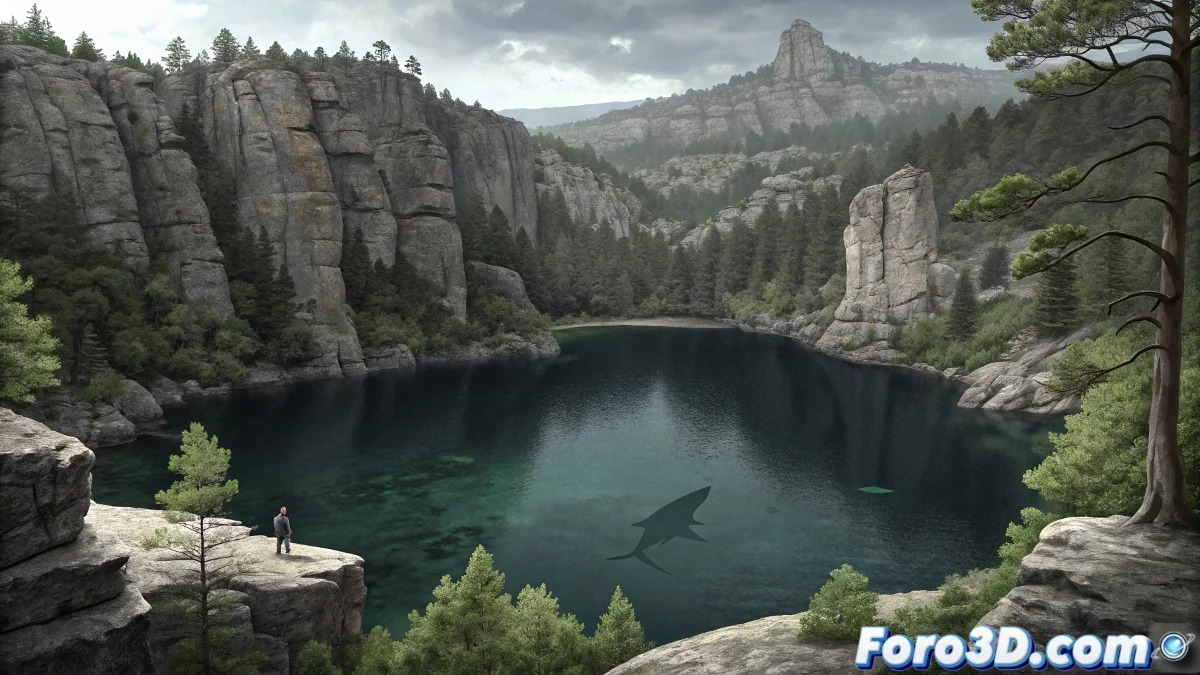
Where the digital brush meets aquatic legends
The Black Lagoon of Urbión in Soria is much more than a glacial lake; it is a crucible of myths and mysteries where nature and legend merge in the dark waters of popular tradition. This site, surrounded by forests and granite rocks, has fueled stories for centuries about unknown creatures and underground connections that defy logic. In Adobe Photoshop, we can visually explore these narratives, transforming real photographs into mystery-laden illustrations that capture the supernatural essence of the place.
The fascinating thing about this project is how it allows balancing geographical realism with the freedom of fantasy. Every adjustment, every brushstroke, and every effect must serve to maintain that thin line between the believable and the extraordinary that characterizes the best legends. The Black Lagoon doesn't need evident monsters; it suffices to suggest possibilities in every reflection and every shadow beneath the surface.
Some places don't need monsters, but the Black Lagoon deserves them
Workflow in Photoshop
- Geographical research and collection of reference material
- Base composition with real photographs of the environment
- Illustration and integration of fantastic elements
- Atmosphere and effects to deepen the mystery
Weaving reality and myth layer by layer
The creative process begins with the meticulous selection of the base photographic material. In Photoshop, organization into logical layer groups -background, mountains, water, secondary elements- allows maintaining control over a composition that can quickly become complex. Attention to details such as lighting coherence among all elements and atmospheric perspective that gives depth to the landscape is crucial for creating a visually believable scene.
Adjustment tools become fundamental allies for unifying diverse elements. Layers of Curves and Levels that equalize contrast, Hue/Saturation adjustments that harmonize color palettes, and layer masks that organically blend the different components work together to create that visual cohesion that makes the fantastic scene feel surprisingly real.
Advanced techniques for fantastic illustration
- Custom brushes for aquatic and rocky textures
- Blending modes like Overlay and Soft Light for integration
- Blur filters for depth and atmosphere
- Luminosity masks for precise control of lights and shadows
The creation of the marine monster represents the most exciting challenge of the project. Instead of designing an explicit creature, the most effective approach is usually to suggest more than show. Indistinct shapes under the water, shadows that are guessed more than seen, and distorted reflections that leave room for the viewer's imagination create that psychological terror that lingers long after the image has been seen. The key is in what the eye believes it perceives at the edges of vision.
In Photoshop, the most terrifying monster is the one the viewer believes they see, not the one you show
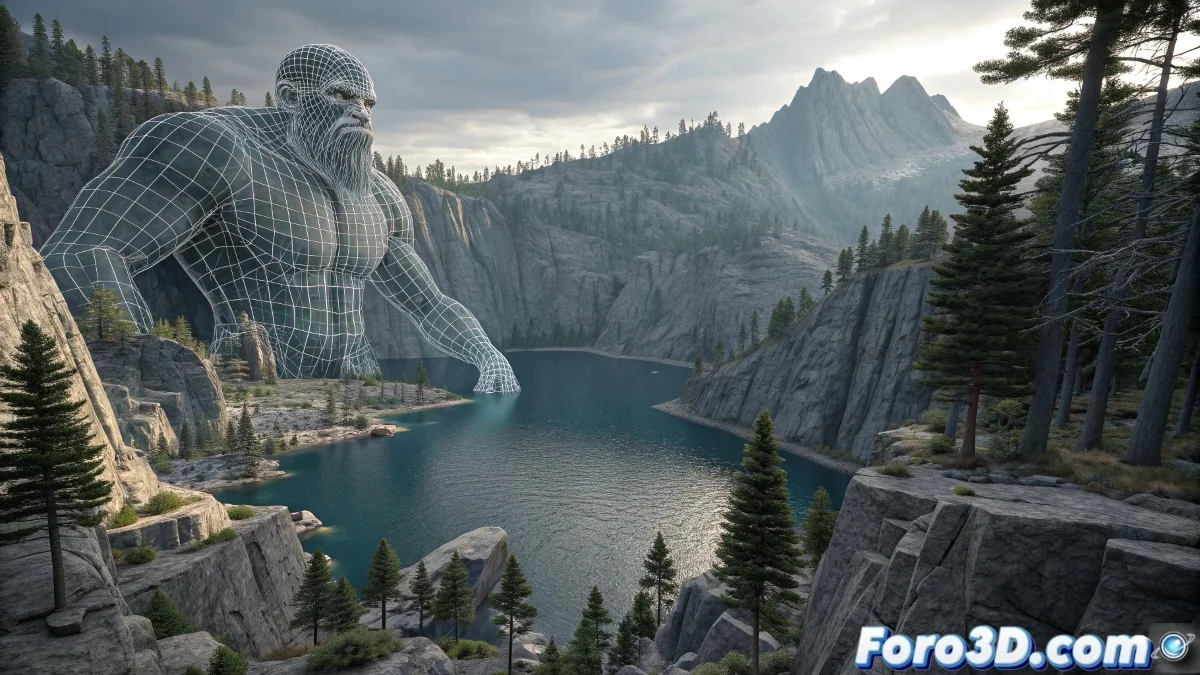
Atmosphere that breathes mystery
The handling of fog and mist stands out as the most important element for conveying the legendary essence of the Black Lagoon. Layers with low opacity brushes, blending modes Overlay and Soft Light, and strategic adjustments of brightness and contrast create that ethereal quality that defines mystery-laden landscapes. The fog not only adds atmosphere but also directs the gaze and selectively hides areas, inviting the viewer to complete with their imagination what the image only suggests.
Selective color adjustments allow creating that cold and melancholic atmosphere that we associate with dark legends. Cooling the shadows, subtly saturating deep blues and greens, and reducing the overall warmth of the image contributes to that sense of unease that makes the Black Lagoon feel as magical as it is dangerous.
And as you save the final PSD file, you can't help but look twice at that reflection in the water... was it just a layer effect or did something else move beneath the surface? 🌊