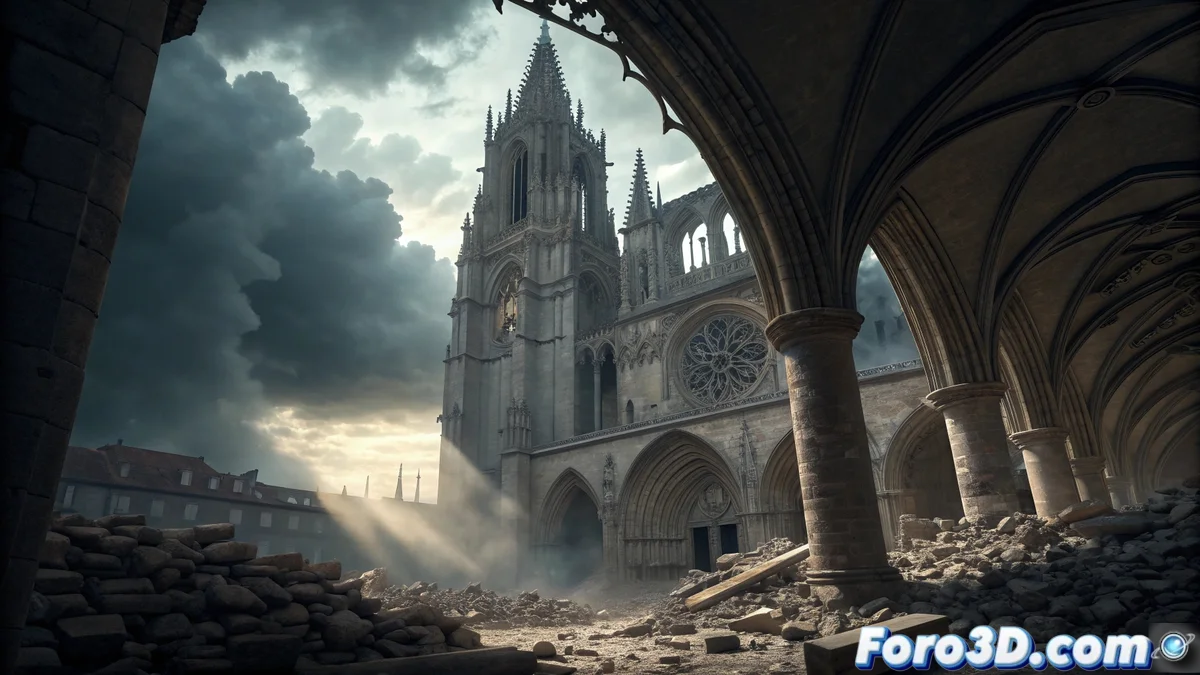
When the sky literally falls on the cathedral
In the year 1539, the Gothic lantern tower of Burgos Cathedral experienced a sudden collapse that exposed the sky over the temple. Fortunately, no fatalities were recorded, but the collapse revealed serious structural flaws that demanded a complete reconstruction. This tragic yet miraculously non-fatal event led to the impressive dome we know today. For visual effects artists, it represents a fascinating opportunity to recreate architectural drama and historical engineering. 🏛️
Simulating the structural drama in Blender
Blender offers the perfect tools to recreate this historical moment with realism and drama. The combination of rigid body dynamics and particle systems allows for precise simulation of the progressive collapse of the Gothic structure, from the first cracks to the rain of debris. This project challenges both architectural modeling skills and advanced physical simulation abilities.
Key elements for an authentic recreation
Achieving a convincing representation of this historical event requires attention to multiple technical and narrative aspects.
- Historical accuracy: Research on the original Gothic design of the lantern tower.
- Realistic physics: Credible structural collapse simulation.
- Dramatic atmosphere: Lighting and effects that convey the magnitude of the event.
- Archaeological details: Debris and damage consistent with the era.
Historical architectural disasters offer valuable lessons on structural evolution and construction techniques.
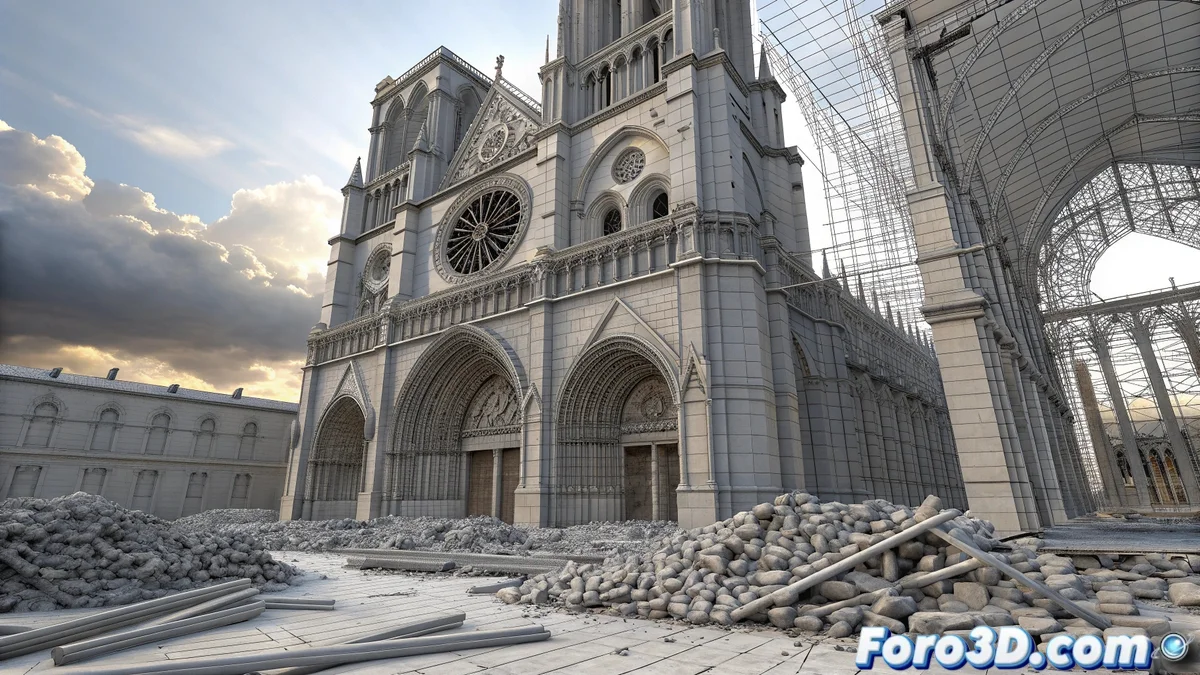
Step-by-step technical guide in Blender
Start by meticulously organizing the project in Blender. Save the file as lantern_tower_collapse.blend and set the units to the metric system to maintain realistic architectural proportions. Create collections for each element: Original_Structure, Debris, Cathedral_Interior, Sky, Physics_Simulation. This organization will be crucial for handling the complexity of the simulation. ⚒️
Modeling the Gothic structure
Recreate the original lantern tower using scaled cylinders and cones as a base, adding pointed arches and buttresses characteristic of the Gothic style. Columns can be modeled with Array modifiers to maintain symmetry, while ornamental details require manual work with sculpting tools. Pay special attention to the areas where the collapse will originate, preparing geometry for fractures.
Preparation for physical simulation
Set up passive and active rigid bodies for the different structural elements. The main columns and arches should be active bodies that react to gravity, while the surrounding floor and walls will be passive. Establish strategic fracture points where the structure will give way first, creating an engineeringly credible collapse sequence.
Particle systems and effects
Implement particle systems for dust and minor debris that are released during the collapse. Set up emitters in the fracture zones that generate dust clouds synchronized with the main collapse. For larger stone fragments, use rigid body physics with different masses and frictions to achieve realistic behavior upon impacting the ground. 💨
Lighting and dramatic atmosphere
Set up lighting that emphasizes the drama of the collapse. Use a powerful beam of sunlight entering through the created opening, contrasting with the dimness of the cathedral's interior. Add warm secondary lights simulating candles or torches affected by the vibrations, creating a dynamic play of shadows that accentuates the chaos of the moment.
Render and final post-production
Use the Cycles engine for the best quality in materials and simulations. Set up high sampling to handle the complex light interactions in the dust cloud. In post-production, adjust the contrast to highlight the light rays, add depth of field effect to direct attention, and apply color correction towards earthy tones that evoke ancient stone dust.
While 16th-century architects sweated to rebuild the dome, 3D artists have the luxury of undoing catastrophes with Ctrl+Z. That said, none of our renders have lasted five centuries... yet. 😅