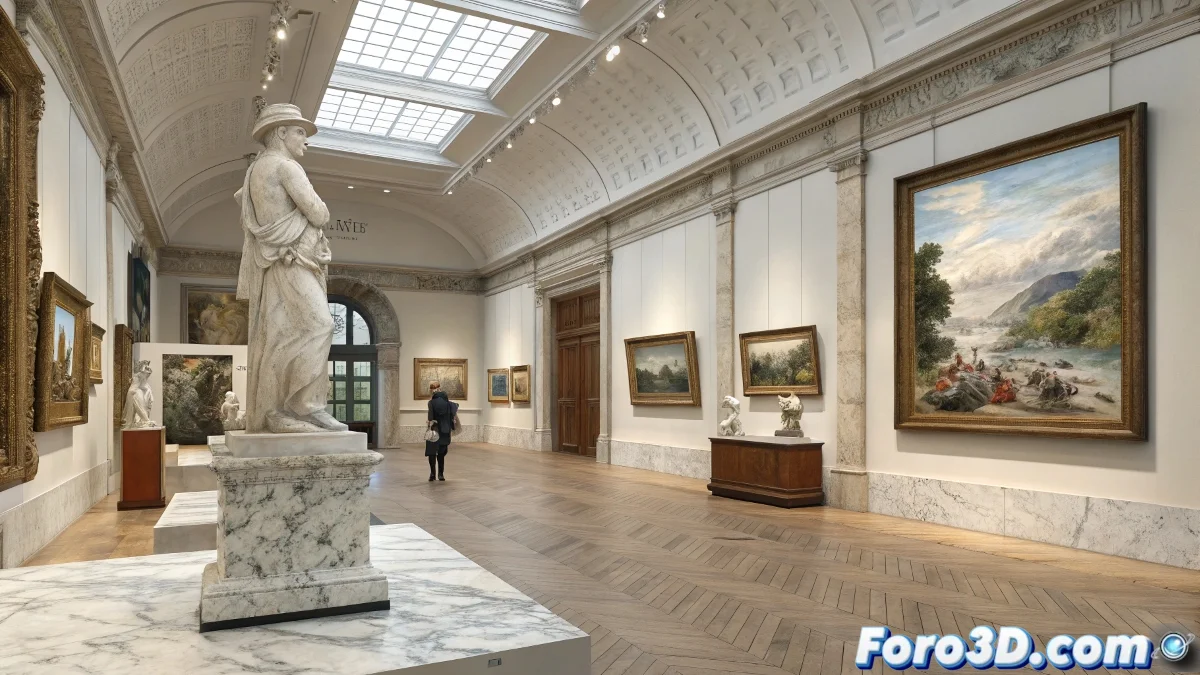
When Real Art Inspires Digital Art
British summer exhibitions 🎨 are the perfect excuse to master 3D gallery scenes. This tutorial will guide you through recreating everything from oil portraits to classical sculptures, all without getting paint on your hands... though pixels yes.
Step 1: Building the Exhibition Space
In Blender we start with:
- Polygonal modeling of walls and display cases
- Realistic spatial distribution
- Basic lighting systems
An empty gallery is like a blank canvas: full of possibilities but terrifyingly empty at first.
Step 2: Sculpting Masterpieces
In ZBrush we will create:
- Busts in the style of Jenny Saville
- Digital Ukiyo-e engravings
- Abstract sculptures with DynaMesh
This is where your graphics tablet will prove its worth 🖌️.
Step 3: Realism is in the Details
Texturing in Substance Painter:
- Marble and bronze materials
- Realistic patinas and aging
- Imperfections that give authenticity
Step 4: Professional Gallery Lighting
For the perfect atmosphere:
- Soft directional lights
- HDRi for ambient lighting
- Highlight works with precise spotlights
Step 5: The Finishing Touch
Post-production for:
- Adjust color levels
- Add atmospheric effects
- Correct imperfections
And when you're done, you'll have your own virtual exhibition... without the annoying "Do not touch!" signs or visitors murmuring "My 5-year-old could do better." Though if that's the case, maybe you should hire your child as a tutor 😉.