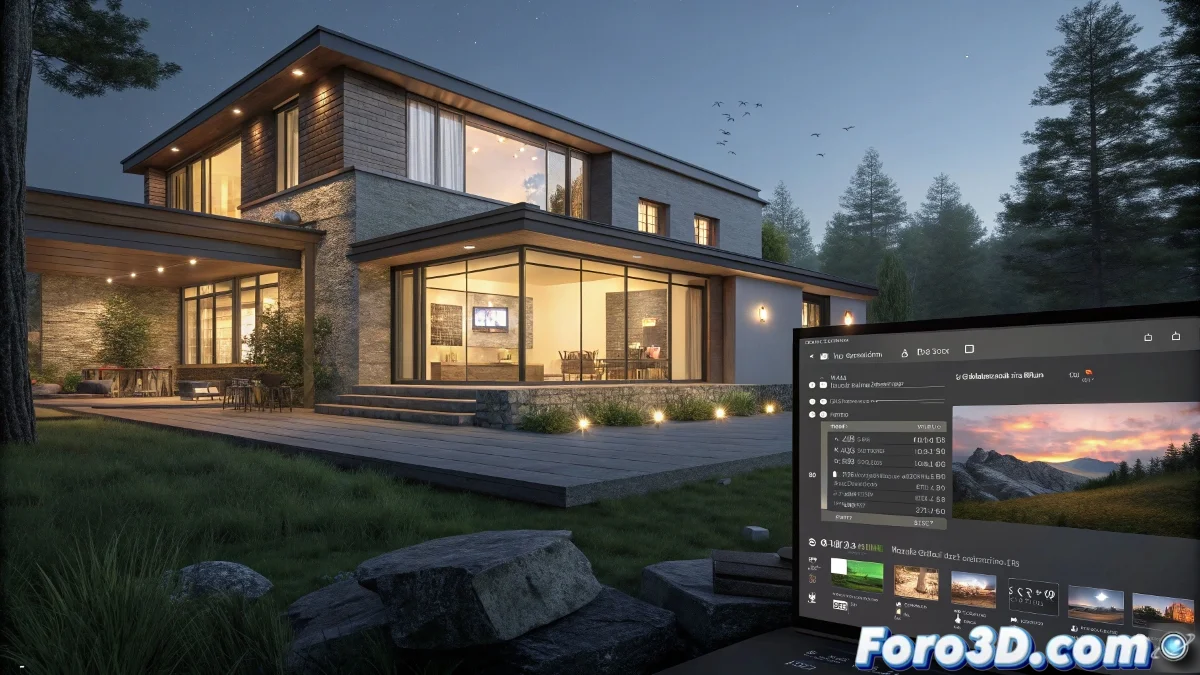
Recommendations for Animating a House in Home Theater Projection
When you're asked for an animation to project on a Home Theater-type projector, it's important to have some technical aspects clear from the start so that your work looks impeccable and without playback issues. And no, you don't need to be a technology expert to achieve it! 🎥
Recommended Minimum Resolution for Home Theater Projection
The resolution will largely depend on the projection equipment and viewing distance, but for a standard Home Theater, it's ideal to work with a minimum of Full HD (1920x1080 pixels). This ensures a sharp image with good definition on most home or semi-professional projectors. If you have higher-quality equipment or the projection is on a large surface, you can consider 4K resolution (3840x2160 pixels) to maximize detail.
File Formats and Extensions for Exporting the Animation
Generally, the most common formats for video projection are:
- MP4 (H.264): the current standard for its high compression and good visual quality.
- MOV (QuickTime): ideal if the equipment accepts this container and you're looking for quality with less compression.
- AVI: although less compressed, it can generate very large files.
Convert the animation from your 3D software or editing tool (Premiere, DaVinci Resolve, After Effects) to the format supported by the projector. Check with the technical person in charge what formats it accepts to avoid incompatibilities.
Extra Tips for Your Animation to Be a Success
- Render with antialiasing and use codecs that maintain good quality without noticeable losses.
- Ensure the frame rate is standard, preferably 24 or 30 fps.
- If the animation has textures or effects that consume a lot of GPU, pre-render to avoid delays.
- Always test the final video on the equipment before the event to make sure everything works perfectly.
And remember, if the video looks bad on the projector, you can always blame the projector's night mode, which seems to conspire against vibrant colors. So get to work and project! 🌟
With these tips, you'll be able to prepare animations for Home Theater projection effectively. And remember, if the projection doesn't turn out as expected, you can always check your technical settings! 🔧