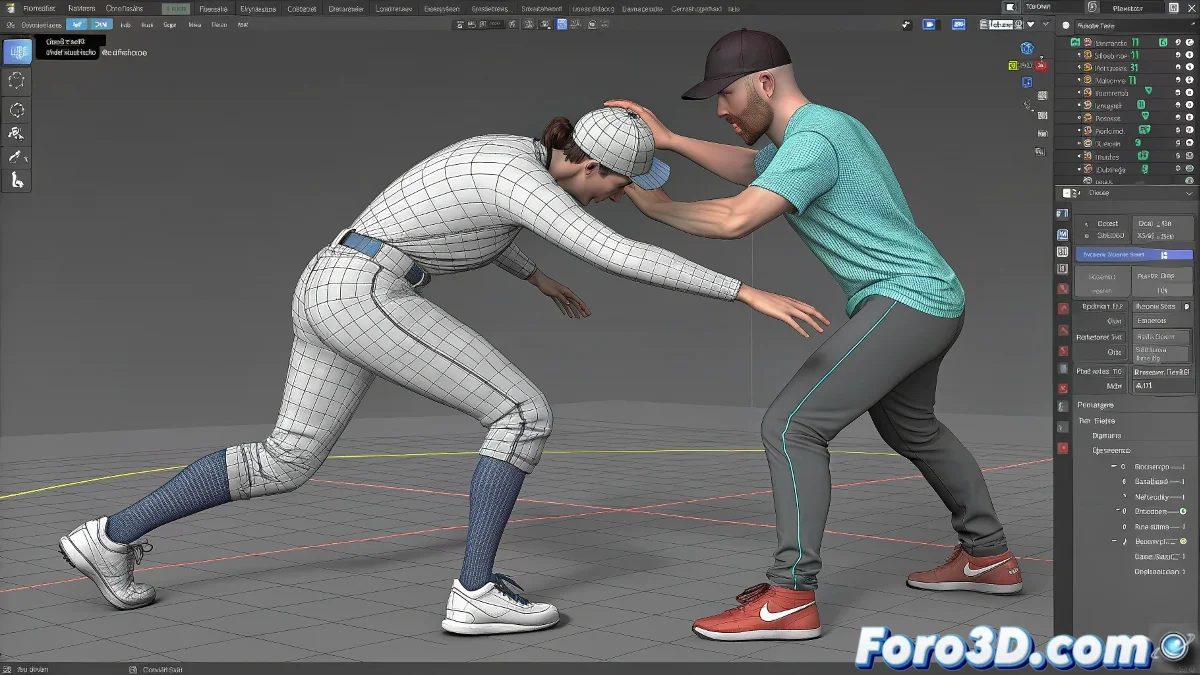
The Art of Simulating Believable Impacts on Skin
Creating realistic skin deformations from impacts in Cinema 4D is like choreographing a physical dance at a microscopic level 💥. Skin is not a static surface – it is a living organ that ripples, compresses, and rebounds in a characteristic way. Capturing this behavior requires combining multiple techniques that work in harmony to fool the eye and create the perfect illusion of real flesh reacting to external forces.
Anatomy of a Realistic Impact Deformation
A convincing impact involves multiple phases that must be digitally replicated to achieve verisimilitude.
- Initial Compression: Flattening at the point of contact
- Wave Propagation: Concentric rippling moving away from the impact
- Elastic Rebound: Recovery with possible overshooting
- Final Damping: Gradual stabilization to rest
A good impact deformation is like a good musical note: it has perfectly balanced attack, sustain, and decay.
Setting Up Pose Morph for Base Deformation
Pose Morph provides the controlled foundation upon which dynamic simulation is added.
- Target creation: Creating morph targets for different deformation states
- Blending control: Precise control of transition between morph states
- Trigger setup: Activation based on collision or animated parameters
- Layer organization: Management of multiple morphs for different impact types
Mesh Deformer for Seamless Integration
The Mesh Deformer acts as the bridge between the base animation and the dynamic simulation.
- Deformer assignment: Precise application to specific areas of the mesh
- Influence control: Per-vertex control of deformation intensity
- Animation integration: Combination with keyframes and simulation
- Performance optimization: Minimization of computational overhead
Soft Body Dynamics for Organic Realism
Soft body dynamics adds that crucial layer of real physics missing from purely keyframed approaches.
- Stiffness adjustment: Control of rigidity for different tissue types
- Damping settings: Damping to control wave propagation
- Mass distribution: Mass distribution for realistic variation
- Collision precision: Fine-tuning of collisions with impacting objects
Strategic Use of Vertex Maps
Vertex maps offer surgical control over how and where the simulation is applied.
- Influence mapping: Definition of areas affected by the simulation
- Falloff control: Control of gradual decrease in influence
- Animated maps: Maps that change dynamically during animation
- Texture-based control: Using textures for complex influence control
Performance Optimization for Real Production
Dynamics simulations can be computationally expensive, requiring intelligent optimization.
- Limited area simulation: Restricting simulation to visible or critical areas
- Level of Detail: Different simulation resolution as needed
- Cache systems: Pre-calculation and storage of simulations
- Proxy geometry: Use of simplified geometry during simulation
Workflow for Seamless Integration
A methodological approach ensures consistent and efficient results.
- Setup of base Pose Morph for initial deformation
- Application of Mesh Deformer for integration with the main mesh
- Setup of Soft Body Dynamics for physical simulation
- Precise control with Vertex Maps to restrict areas