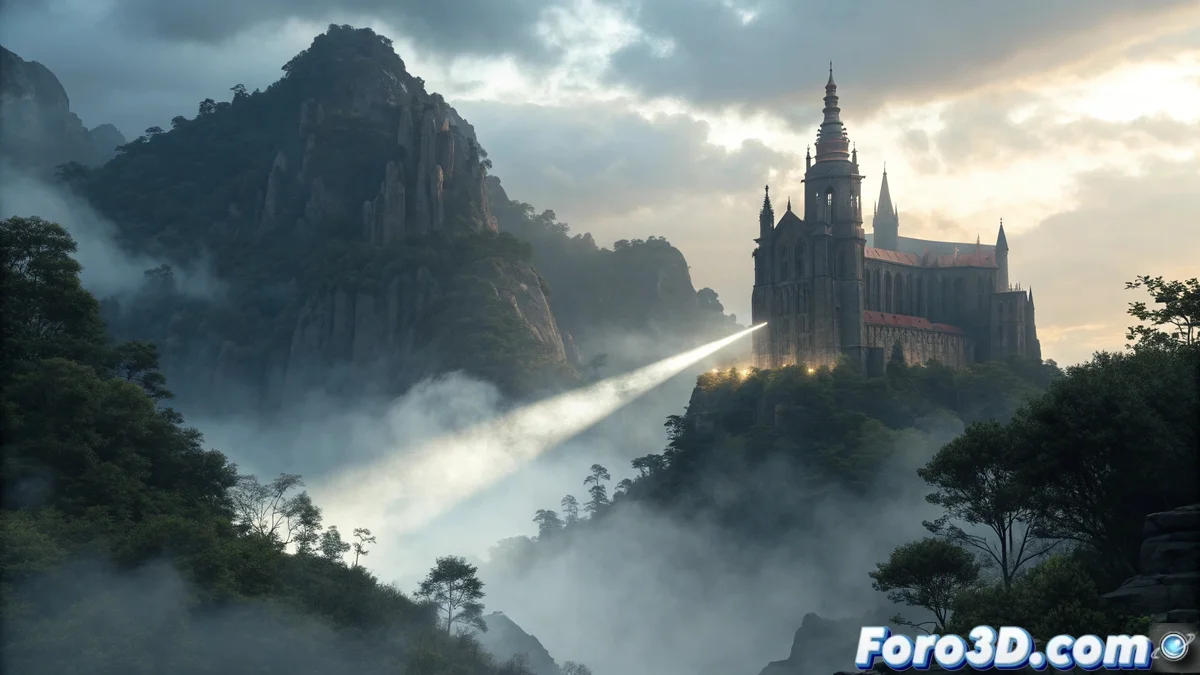
The Art of Mastering Atmosphere in 3D Renders
Creating convincing fog and haze in Cinema 4D requires understanding how light interacts with suspended particles. The most effective method uses the Volume Atmospheric object from the Redshift engine, which physically simulates the behavior of light scattering in volumetric media. A technique that transcends simple 2D effects to deliver cinematic results that respond organically to light sources.
Basic Volumetric Environment Setup
The process begins by creating a Redshift Environment object in the scene, to which a Volume Scattering material is assigned. This material contains the essential parameters to control the density, color, and behavior of the fog. The key lies in understanding that this is not a simple visual overlay, but a physical simulation that calculates how light rays scatter as they pass through the particulate medium.
Essential Parameters for Controlling Fog
- Scattering: determines the density and opacity of the haze
- Anisotropy: controls the direction of light scattering
- Height Fog: limits the fog to specific altitudes
- Color: defines the hue and temperature of the atmosphere
The Secret of Well-Configured Anisotropy
The anisotropy parameter is perhaps the least understood but most powerful for achieving realism. A value of zero produces uniform scattering in all directions, while positive values create that characteristic halo effect around light sources. The fine-tuning of this parameter is what separates flat fog from an atmosphere that truly envelops and adds depth to the scene.
Optimization for Efficient Renders
- Adjust density to avoid excessive render times
- Use height fog to concentrate the effect where needed
- Balance volume samples with visual quality
- Preview in viewport mode with low quality
A technique that demonstrates how understanding physical principles applied to digital tools can dramatically elevate the realism of any 3D scene.
For 3D artists and generalists, mastering this workflow means being able to create everything from soft morning hazes to dense supernatural fogs that truly interact with the scene's lighting and geometry. The ability to control these atmospheric elements adds an additional layer of depth and mood to any project 🌫️.
And now you'll be able to create that mysterious atmosphere you've been looking for, although you'll probably spend more time adjusting the anisotropy than the main character of your scene... because in the world of 3D, sometimes the environment is the real protagonist 😅.