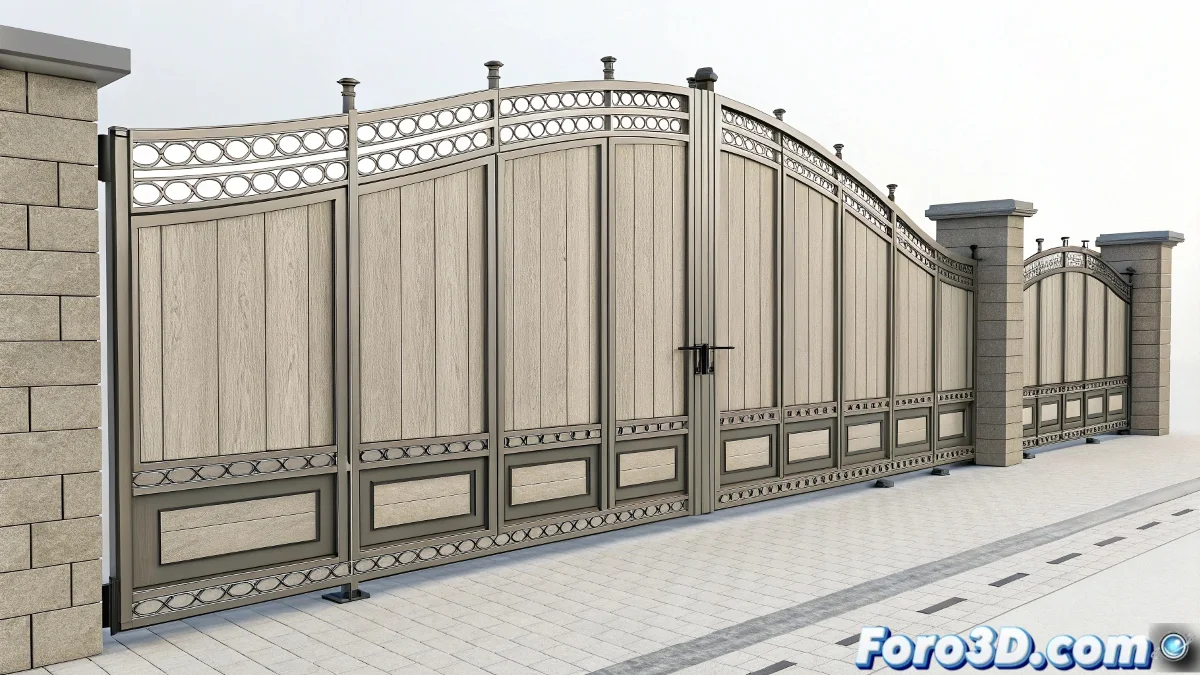
When Your Gate Prefers to Dance Salsa Rather Than Slide 🕺
Animating a multi-panel sliding gate along a curve can quickly become a three-dimensional puzzle. But with this method, you'll get all the pieces to move in perfect harmony, like a well-coordinated train of carriages.
The Secret: Smart Hierarchy + Constraints
Follow this unbeatable structure:
- Master controller with Path Constraint on the guide curve
- Helpers at each hinge for precise rotations
- LookAt/Orientation Constraints between consecutive panels
- Fine-tuning of relative positions between panels
A well-animated gate is like a synchronized swimming team: if one panel gets out of sync, the whole set loses its elegance.
Tricks to Perfect the Movement
- Avoid Path Deform which distorts the panels
- Use temporary pivots to adjust critical rotations
- Manually animate problematic points on the curve
- Add easing for realistic accelerations
Solution for Complex Curves
When the trajectory is very pronounced:
- Divide the animation into segments
- Use expressions to synchronize movements
- Consider custom scripts for extreme cases
Conclusion: Gates That Slide with Class 🚪✨
With this system, your gate will stop looking like a stretched accordion and become a perfectly coordinated mechanical piece. And the best part: without you having to animate each panel manually as if it were 1889.
Now all that's left is for you to add the sound of the wheels... but that would be spoiling the next tutorial. 😉