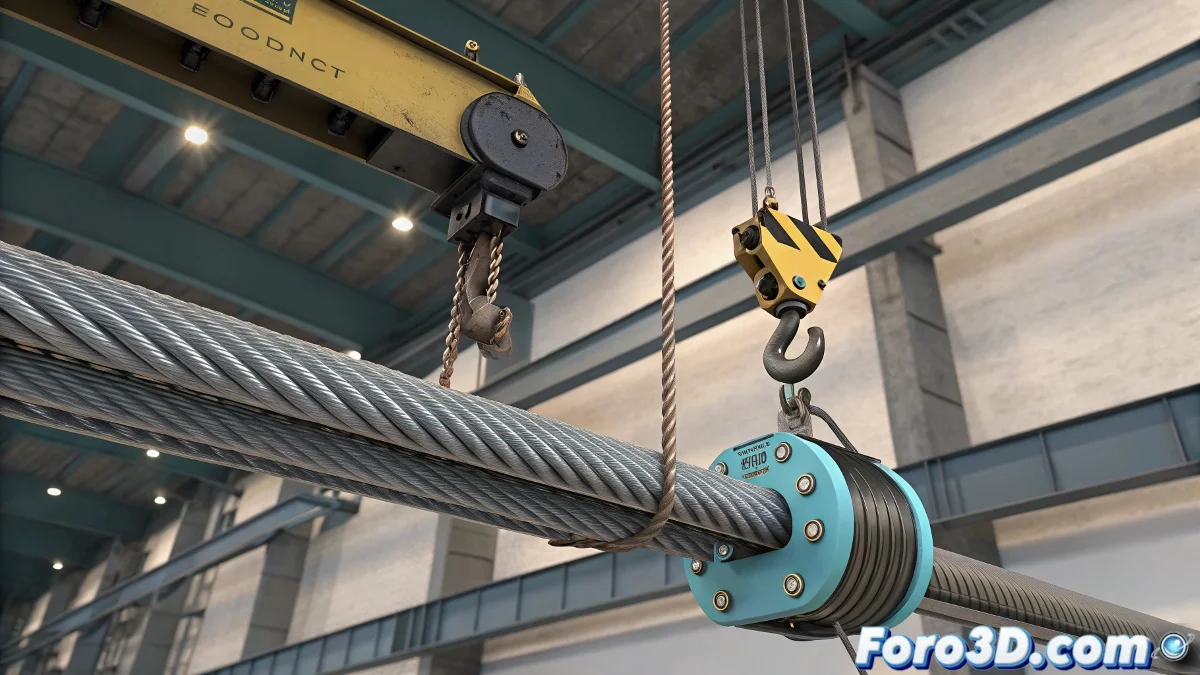
The Challenge of Cables in Animation
When animating a hoist or a crane, the cable supporting the load becomes the silent protagonist 🎬. The challenge lies in making it bend naturally without changing its length, as a real cable does not stretch like an elastic band. Achieving this balance between rigidity and flex is key to conveying realism.
Artistic Control with Spline IK
A classic technique is to use Spline IK. A chain of bones is built following the cable's trajectory, and a spline controller is applied. By moving the control points, the cable curves smoothly, maintaining its length by disabling the stretch option in the solver. This method is perfect when the animation requires artistic precision and detailed direction.
Physical Simulation for Realism
Another route is physical simulation, ideal for giving automatic life to the cable's movement. In 3ds Max, MassFX with rope-type constraints offers a dynamic response. In Maya, nHair curves configured as rigid cables achieve a convincing effect by reacting to the gravity and inertia of the suspended piece.
A well-simulated cable conveys weight, tension, and credibility in the animation ⚖️.
Optimization in Complex Scenes
It's not always necessary to simulate every detail. When the cable goes in and out of a hoist or motor, the most practical approach is to animate only the visible part. Using bones or spline controllers on this section is enough to maintain the illusion without overloading the scene with unnecessary calculations.
Best Practices for Professional Projects
- Use Spline IK when artistic direction is a priority
- Apply physical simulation for shots where natural realism is paramount
- Avoid full simulations on cables that spool off-camera
- Combine techniques to achieve a balance between control and realism
Conclusion
Animating cables in hoists and cranes requires an understanding of both physics and visual storytelling. With the right techniques, a simple cable can convey weight, tension, and realism without becoming a technical problem. And remember: if the cable behaves too perfectly, maybe it's time to give it a bit of "life of its own" 😉.