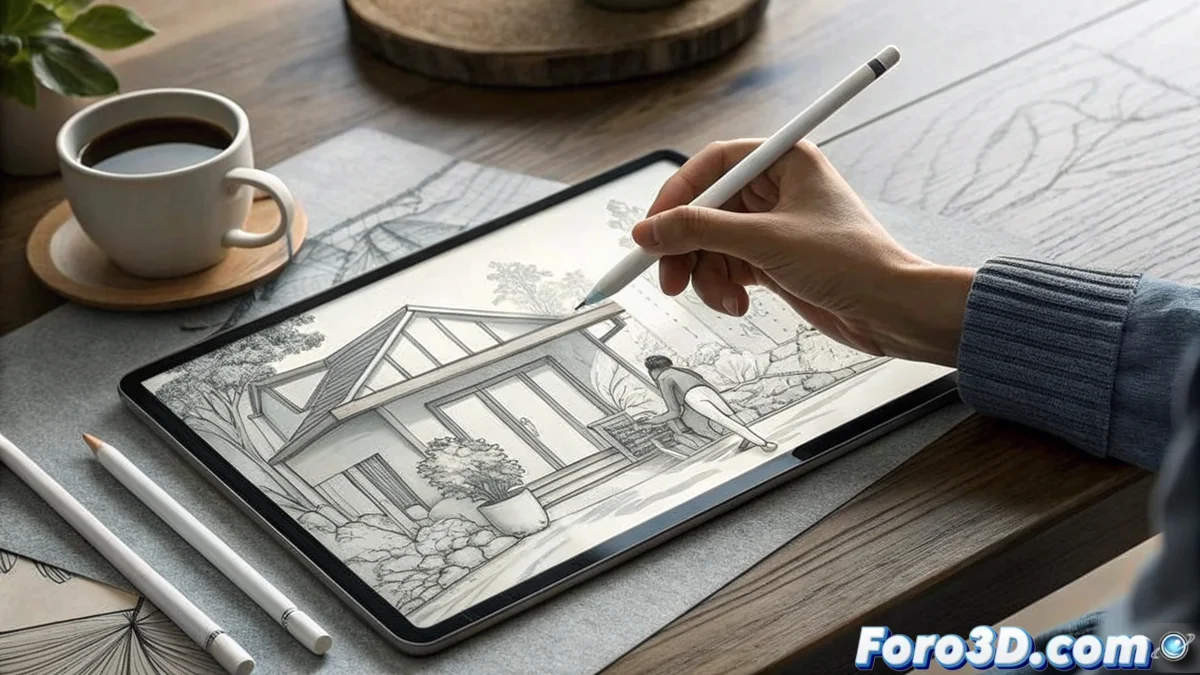
Quick and Conceptual Sketches: When Ideas Won't Wait
In the world of conceptual design, inspiration is an unpunctual visitor that arrives on the subway, in a coffee shop, or right before sleep. To capture those creative sparks before they vanish, the iPad Pro (2024) with the Apple Pencil Pro becomes the ultimate sketchbook, combining the immediacy of paper with the unlimited power of digital. Where other devices need to warm up, this one simply sharpens its pencil and draws. ✏️
The Zero Latency That Works Magic
The true superpower of the iPad Pro for quick sketching isn't in its technical specifications —which are spectacular— but in that immediate connection between brain, hand, and screen. With practically imperceptible latency and a 120Hz ProMotion refresh rate, every stroke appears exactly where and when you expect it, eliminating that annoying disconnect that ruins creative flow. The new Apple Pencil Pro adds haptic feedback and brush rotation, making sketching ideas as natural as breathing. 🌬️
Features That Transform Sketching:- Liquid Retina XDR display with extreme contrast
- M4 chip to run Procreate effortlessly
- Apple Pencil Pro with rotation and touch pressure
- Battery life that survives full workdays
The Studio That Fits Anywhere
While other tablets require stable tables and cable connections, the iPad Pro 2024 works just as well on an airplane, in a park, or that awkward corner of the sofa. The combination of Procreate, Affinity Designer, and Nomad Sculpt creates a mobile ecosystem where you can go from a 2D sketch to a basic 3D model in minutes, no matter where you are. For concept artists who need to produce dozens of ideas quickly, this mobility isn't a luxury —it's an absolute necessity.
The best device for sketching is the one that's always with you when inspiration calls
From Idea to Client in Record Time
In professional environments where presentations can arise spontaneously, the ability to refine a quick sketch to presentable levels directly on the device makes all the difference. Assisted sketching tools, customizable brushes, and native cloud integration allow you to transform a doodle into a viable concept during a call or before a meeting. That accelerated time-to-presentation alone justifies the investment for many creatives.
Optimized Workflows:- Visual brainstorming with multiple variants
- Quick thumbnails for composition
- Character design and creature design
- Storyboarding and visual narrative
The Creative Companion That Never Sleeps
What truly defines the iPad Pro in the context of conceptual sketching is its contextual versatility. In the morning it can be your notepad during breakfast, in the afternoon your presentation tool with clients, and at night your personal lab for experimenting with new techniques. This ability to instantly adapt to any creative situation makes it more than a tool: it's an extension of your visual thinking process.
In the end, the iPad Pro 2024 proves that the best ideas aren't born in studios with thousands of euros worth of equipment, but in those moments stolen from everyday life —and having a device that captures those sparks with professional quality is like carrying a design studio in your pocket, even if that pocket needs to be quite large. 📱