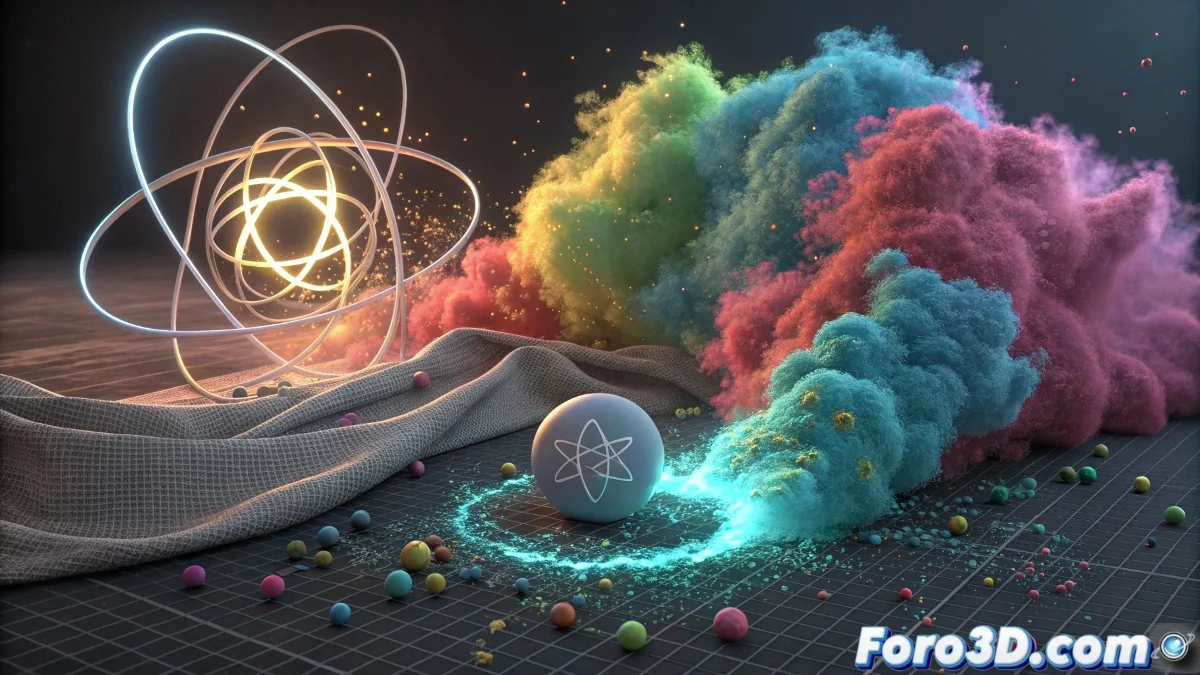
The Heart of Dynamics in Maya: Nucleus
Welcome to the world of dynamics in Maya! Indeed, you've discovered Nucleus, which is the unified physics engine that Autodesk introduced to revolutionize how we handle simulations in Maya. Think of Nucleus as the orchestra conductor of all dynamics systems: nParticles, nCloth, and nRigid Bodies. Instead of having separate systems with their own gravity and collision rules, Nucleus unifies everything under one physical roof.
Before Nucleus, each particle system, cloth, or rigid body had its own gravity configuration, creating inconsistencies when they interacted with each other. With Nucleus, all these elements share the same physical environment, making interactions between different types of simulations much more realistic and consistent. It's as if all the elements in your scene existed in the same universe with the same physical laws.
Nucleus is the sun around which all dynamics in Maya revolve: everything orbits around its physical rules
What Exactly is Nucleus
Nucleus is a unified solver that manages all dynamics based on NVIDIA PhysX. It's not just a container for parameters, but the brain that calculates how all dynamic elements interact.
- Unified physics engine: a single solver for multiple systems
- Base for nParticles, nCloth, nHair: all depend on Nucleus
- Centralized management: same gravity for all elements
- Performance optimization: more efficient calculations
Main Nucleus Parameters
When you open the Nucleus panel, you find global parameters that affect all dynamic systems connected to it.
Gravity is the most obvious, but there are many other settings that control the general behavior of your simulations 😊
- Gravity: -9.8 for Earth, but adjustable
- Air Density: air resistance for all elements
- Wind Speed: global wind that affects everything
- Time Scale: speeds up or slows down the entire simulation
Advantages of the Unified System
The main advantage of Nucleus is the physical coherence between different types of interacting simulations.
Imagine a scene where a cloth (nCloth) falls on a table and pushes particles (nParticles) that in turn collide with rigid objects (nRigid). With Nucleus, all these interactions are calculated consistently.
- Realistic interactions: between particles, cloths, and solids
- Same time frame: all systems synchronized
- Consistent collisions: same rules for all
- Easier debugging: a single place for global adjustments
How the Nucleus Hierarchy Works
Every dynamic system you create in Maya automatically connects to a Nucleus node. You can have multiple Nucleus systems in a scene.
By default, Maya creates one Nucleus per system, but you can connect multiple systems to the same Nucleus to share parameters.
- Default Nucleus: created automatically
- Multiple Nucleus: for different "physical universes"
- Manual connection: assign systems to specific Nucleus
- Inherited Nucleus: when duplicating systems
Gravity and Environment Configuration
The gravity parameters in Nucleus are much more sophisticated than a simple numerical value. You can create complex physical environments.
You can animate gravity, create directional gravity, or even simulate low-gravity environments like the lunar one.
- Standard gravity: -9.8 in Y for Earth
- Directional gravity: different intensity per axis
- Animated gravity: for variable gravity effects
- Zero gravity: for space simulations
Space Scale: The Secret Parameter
One of the most important but least understood parameters is Space Scale. It defines the physical scale of your simulated universe.
If your objects are very small or very large compared to real scale, Space Scale corrects how Nucleus applies forces.
- Real scale: 1.0 for human-scale objects
- Reduced scale: for very small objects
- Increased scale: for giant objects
- Automatic adjustment: based on object size
Nucleus for Different Types of Simulations
Depending on what you're simulating, you can optimize Nucleus for different types of effects and behaviors.
The ideal parameters for simulating water with nParticles are different from those needed to simulate cloth with nCloth.
- Liquids: high substeps, low global friction
- Cloths: medium substeps, adjusted friction
- Destruction: high rigidity, aggressive collisions
- Light particles: lots of wind, low gravity
Common Problems with Nucleus
As you're new to Nucleus, here are the typical problems you might encounter and how to solve them.
The most common problem is not understanding that changes in Nucleus affect all systems connected to it.
- Too strong/weak gravity: adjust Gravity value
- Very slow simulation: reduce Substeps in Nucleus
- Objects sinking: check Scale Attributes
- Inaccurate collisions: increase Collision Iterations
When to Use Multiple Nucleus Systems
Although the idea is to unify, sometimes you need multiple Nucleus systems for different "layers" of physics in your scene.
For example, you can have one Nucleus for the main simulation and another for secondary effects that need different parameters.
- Main physics: main objects with normal gravity
- Special effects: particles with zero gravity
- Independent simulations: that should not interact
- Optimization: separate heavy systems from light ones
Recommended Workflow
Follow this process when working with Nucleus to get the best results in your simulations.
Start with conservative values and gradually adjust according to the specific needs of your simulation.
- Step 1: Set Space Scale according to the size of your objects
- Step 2: Adjust base gravity for your scene
- Step 3: Fine-tune specific system parameters
- Step 4: Adjust Substeps and quality as needed
Tips for New Users
As you're starting with Maya and Nucleus, these tips will help you avoid common frustrations.
Nucleus can seem overwhelming at first, but once you understand its logic, it becomes your best ally.
- Don't modify Nucleus without reason: defaults usually work well
- Test with small values: before long simulations
- Use cache early: save your progress frequently
- Learn from tutorials: specific to nParticles and nCloth
After familiarizing yourself with Nucleus, you'll discover it's an incredibly powerful tool that makes creating complex simulations much more intuitive and consistent... and best of all, once you master its fundamentals, you can create everything from simple particle rains to complex dynamic systems with multiple elements interacting harmoniously 🌟