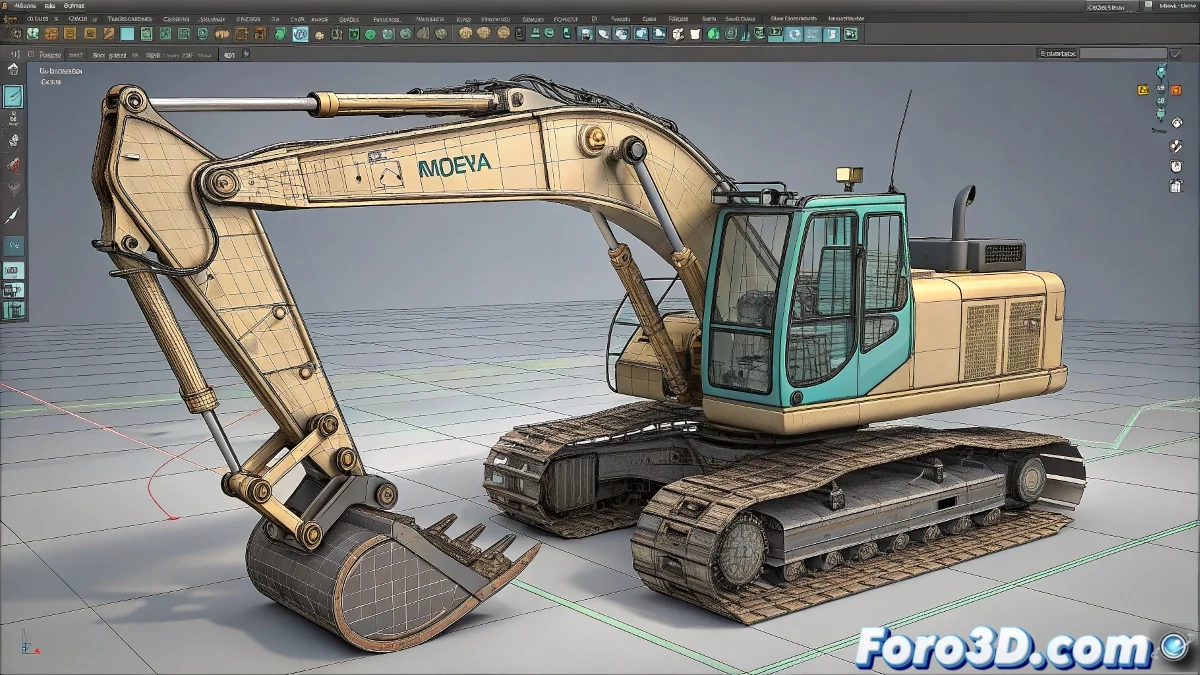
The Art of Taming Rebellious Vehicles in Maya 🚜💨
Animating an articulated vehicle in Maya? Get ready for a 3D taming session where every piece wants to dance to its own beat. The secret lies in smart hierarchies and strategic constraints, not wrestling with the keyboard like it's a stuck steering wheel.
The Perfect Hierarchy for Vehicles
Structure your vehicle like a good mechanic:
- Chassis as the root (the grandfather of the family)
- Wheels and axles as direct children
- Articulated parts in independent groups
- Locators as strategic pivot points
"A well-hierarchized vehicle in Maya is like an orchestra: each instrument plays its part, but follows the conductor"
Advanced Constraint Techniques
To maintain creative control:
- Use empty groups as transformation buffers
- Apply Parent Constraints to groups, not to geometry
- Experiment with Set Driven Key for dependent movements
- Set up Orient Constraints with adjustable weights
Common Errors and Quick Solutions
When your animation rebels:
- If parts don't rotate: check pivots and transformation spaces
- If constraints clash: use separate animation layers
- If everything fails: save version and test with simplified rig
And when the vehicle definitely refuses to cooperate, remember the 3D animator's mantra: "It's a feature, not a bug". After all, what real tractor works perfectly all the time? 😅 At least yours doesn't need mechanical repair... just a couple of tweaks in the Graph Editor.