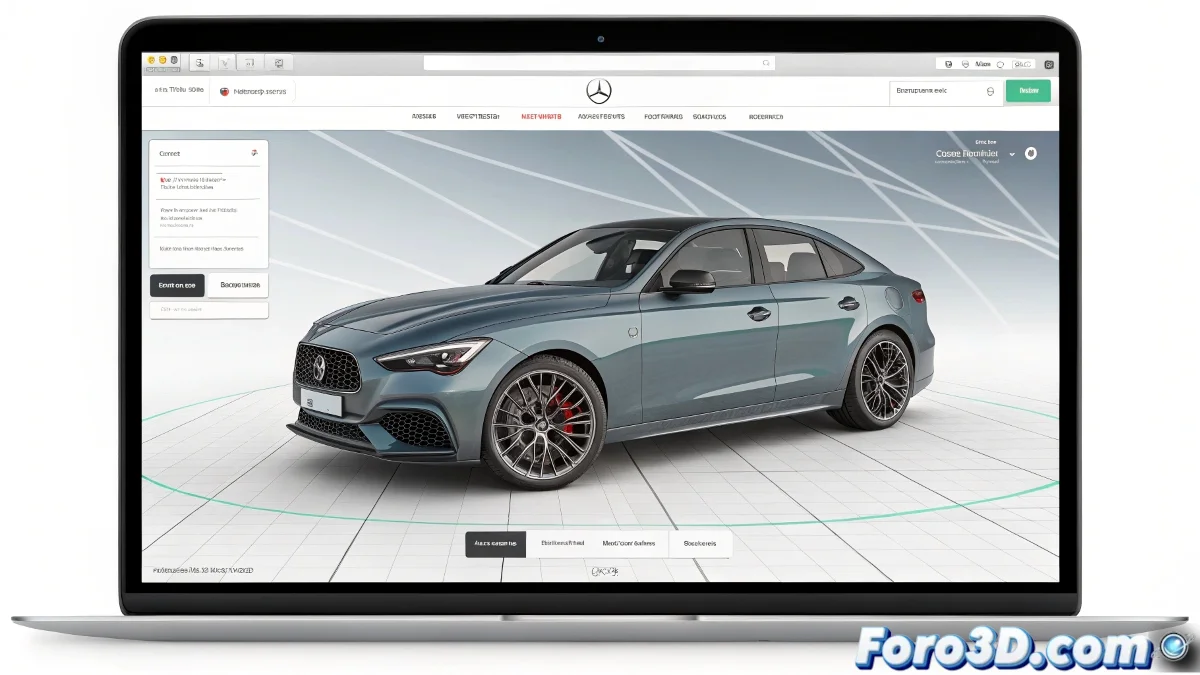
Programs for Manipulating and Viewing 3D Objects on the Web
If you want visitors to your website to be able to interact with 3D objects, the most up-to-date and effective solution is to use libraries or frameworks that work directly in the browser. And no, you don't need to be a programming expert to achieve it! 🌐
Three.js
The most popular option today is Three.js, a JavaScript library that allows loading, viewing, and manipulating 3D models with total freedom. It works on almost any modern browser and is ideal for interactive web projects.
Alternatives and Complements
In addition to Three.js, you have other options like:
- Babylon.js: A very powerful alternative with tools for advanced interaction, physics, and virtual reality.
- Unity or Unreal Engine: Engines that allow exporting scenes to the web with WebGL or WebXR, although they tend to be heavier and more complex projects.
How to Get Started
To integrate Three.js, you only need basic knowledge of HTML and JavaScript. You can load models in standard formats like GLTF/GLB, which are lightweight and fast. There are many examples and tutorials available on the web, for example, on the official Three.js page and in communities like foro3d.com.
If you're looking for something even simpler and faster, platforms like Sketchfab allow you to upload your models and embed them on your web with a ready-to-use viewer. Users can rotate, zoom, and explore the model without complications.
Nowadays, putting a 3D object on your web is like inviting to a virtual party, but with the danger that the visitor ends up playing so much with the model that they forget to see the rest of the content. So be careful not to hook them too much! 😄
With these tools, you can integrate interactive 3D objects into your website effectively and attractively. And remember, if the model doesn't load, you can always blame the Internet connection! 🌍