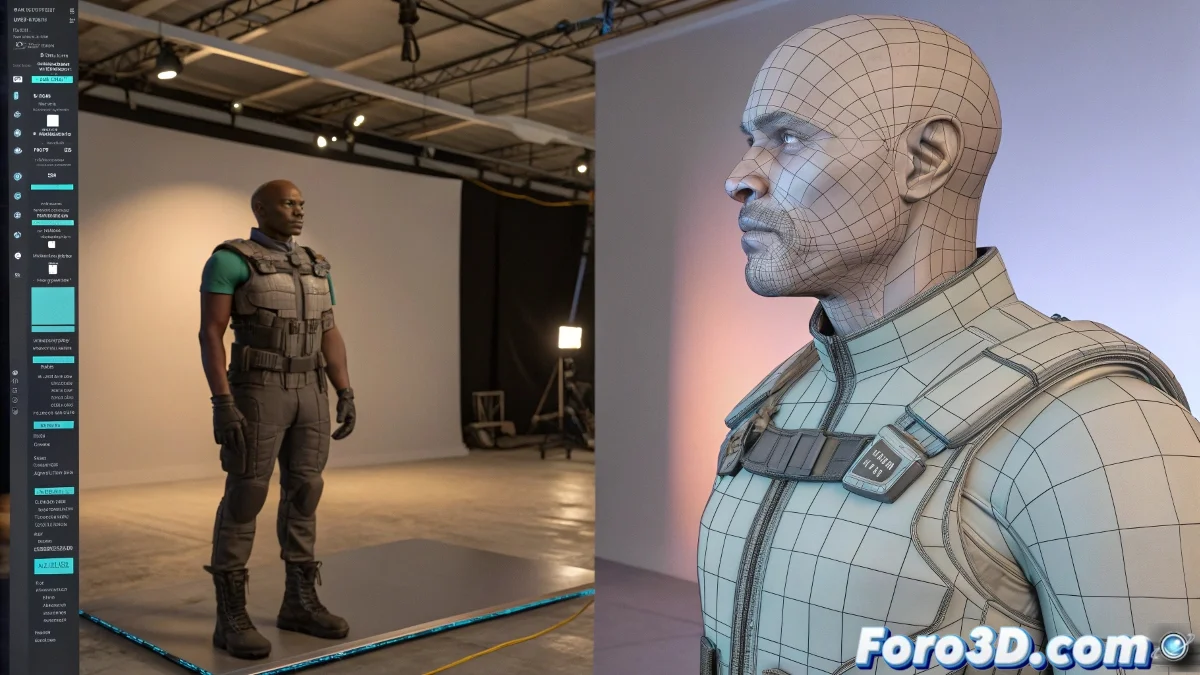
Professional Workflow with Proxy Models and Shot Planning in 3D Animation
Is your animation scene moving slower than a turtle during rendering? 🐢 It's time to talk about proxy models and shot planning, the infallible combo that studios use to avoid going crazy (and meet deadlines). Because in professional 3D animation, working smart always beats working hard. 💡
Proxy Models: Animate Fast, Render Beautifully
The magic of proxies lies in maintaining:
- Same hierarchy as the final model
- Identical skinning points for perfect transfer
- Only 10% of the polygons (goodbye lag!)
In Maya, use references and animation layers. In 3ds Max, take advantage of XRefs and Skin Utilities. This way, your workstation won't suffer, even if your character has more wrinkles than a wise grandfather. 🧓✨
Shot Planning: Pixar's Secret
Forget animating full scenes like in video games. In film:
- Work on specific shots (storyboard in hand)
- Each shot has its independent file
- Cameras are fixed and definitive
Shot-based animation is like making sushi: each piece must be perfect individually before assembling the final plate.
Mistakes That Will Make Your TD Cry
Avoid these horrors in your pipeline:
- Changing the hierarchy between proxy and final model
- Animating movements off-screen (wasted time!)
- Using proxies without verifying skinning compatibility
With this workflow, you'll be able to animate smoothly and render precisely. And best of all: without your technical team looking at you like you rendered on a toaster. 🍞🔥
Ironic Bonus: The funniest thing is when you spend hours optimizing proxies... and the director asks to completely change the camera angle. Welcome to the world of 3D production! 😅