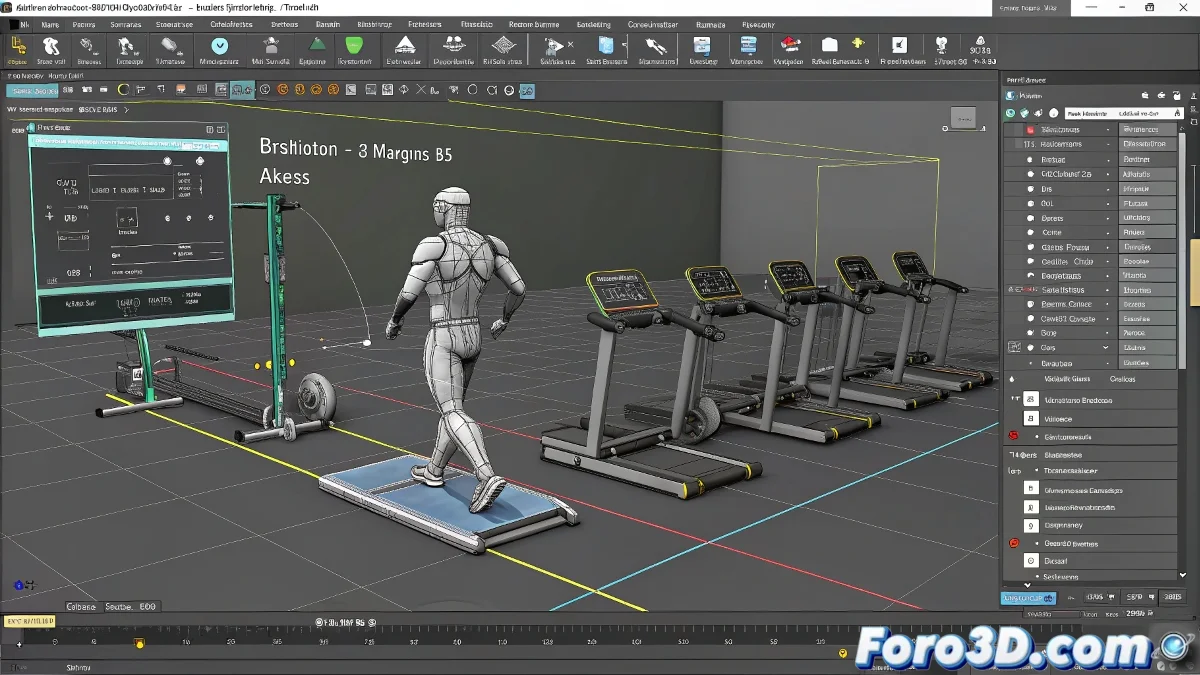
Bipeds and Machines: The Long-Distance Relationship That Actually Works in 3ds Max
Working with Bipeds and machines in separate files is like having a healthy relationship: they need their individual space but know how to come together when it's time to create magic 🤖. Contrary to what many think, it's not mandatory to have everything in a single MAX file, and in fact, separating them can be the key to maintaining your sanity in complex projects.
The Art of Intelligent Separation
The winning strategy includes:
- Independent files for Biped and each machine
- Strategic use of Merge to import only what's necessary
- External references that keep everything updated
"Working with separate files in 3ds Max is like having a team of specialists: each one masters their area but collaborates for the final result"
Instances: Your Secret Weapon for Visual Coherence
When you have multiple similar machines, instances are your best ally because:
- You change one and all update automatically
- You reduce the weight of the main scene
- You maintain visual consistency without extra effort
It's like having perfect clones that share memory 💾. You modify the original design and all its copies align instantly, even if they are in different files.
Professional Workflow in 3 Steps
- Separate preproduction: Model and adjust Biped and machines in independent files
- Strategic assembly: Use Merge or references to join them in the animation scene
- Unified animation: Work on the interaction in the master file
This pipeline not only organizes your project, but also allows you to reuse assets in future productions. And if your Biped seems lost among so many machines, remember: even the best animators need breaks (and virtual coffee is always just a render away). ☕