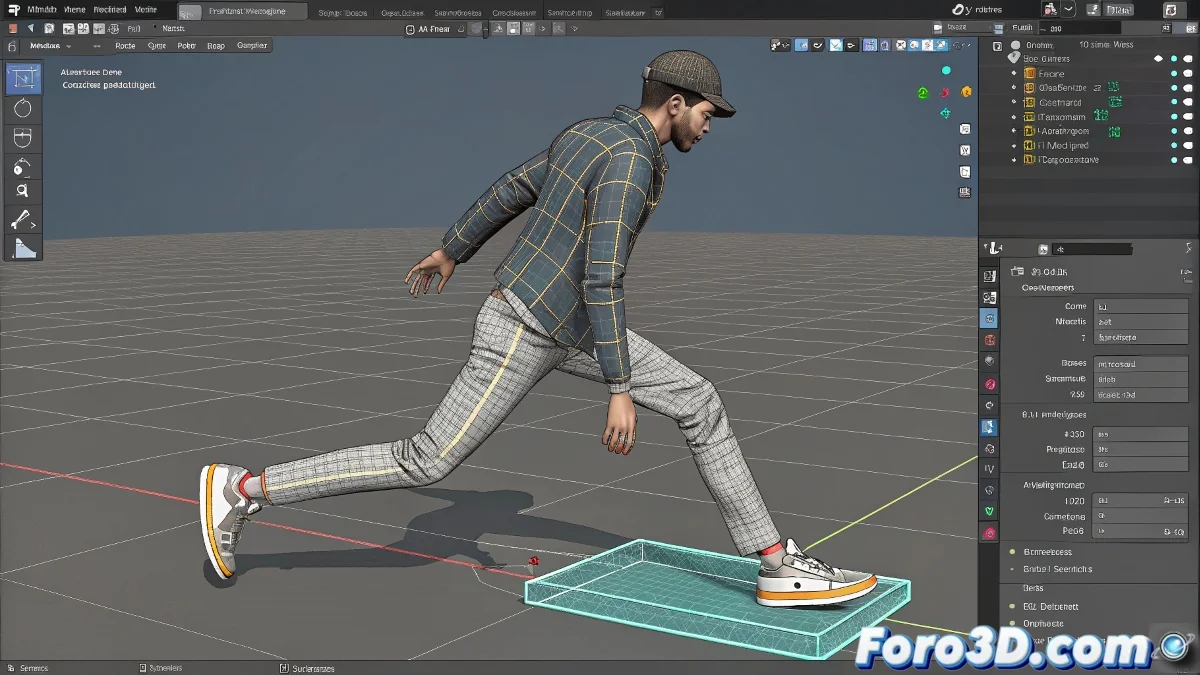
When the root is not your friend
Applying poses in Biped using the root as reference is like trying to paint a picture starting with the frame... unintuitive and limiting. 🖌️ Here we reveal how to change the origin point of your poses for greater creative control.
The power of Footstep Mode
The most effective native solution:
- Activate Footstep Mode in the Motion panel
- Select the foot that will be your new "zero point"
- Use Move/Create Footstep to fix its position
- Apply your pose normally - now it will be calculated from the foot
Footstep Mode is the translator that turns your intentions into coherent poses, without the root messing it up.
Alternative workflow for absolute control
- Manually animate the foot first and then adjust the body
- Use Key Info > Set Key to fix the foot's position
- Create Animation Layers for non-destructive adjustments
3 mistakes that ruin your poses
- Forgetting to deactivate Auto Key before making adjustments
- Not using Figure Mode for T-Pose reference poses
- Ignoring the Balance Factor in asymmetrical postures
Pro tip: In advanced productions, many animators create master poses in T-Pose position and then adapt them to different contact points. It's like having smart templates. 🧠
Now that you control this Biped secret, your characters will be able to lean against walls, crouch, or do pirouettes... all while keeping that key foot exactly where it should be. And when that boss says "can you make it pivot on the left foot?", you can reply "already done" with a smile. 😎
Bonus: For complex poses, frequently save your adjustments as Postures in the Biped library. Your future self will thank you.