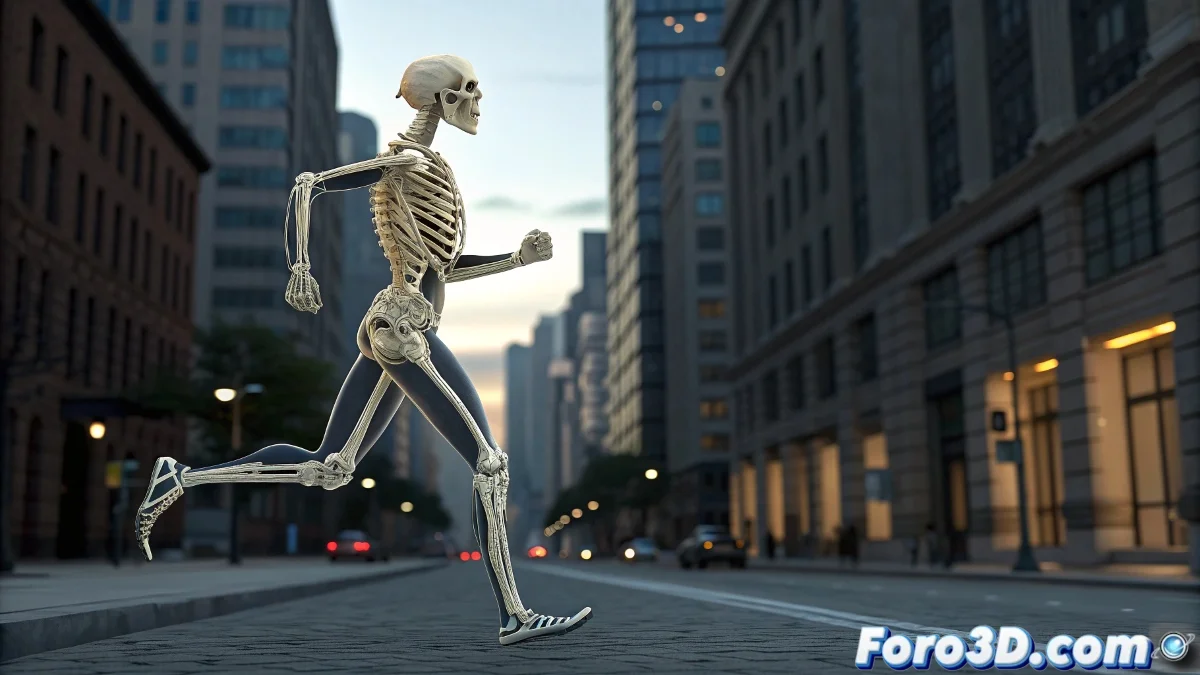
Firm Feet and Realistic Falls: Total Control in Character Animation
Struggling with sliding feet or unconvincing ragdolls? Master professional techniques to anchor limbs and create believable physics simulations that will elevate the quality of your animations in 3ds Max.
"An animator masters two arts: keeping what should be still and releasing what should move with physics"
Perfect Foot Anchoring
Technique with Biped:
- Select the foot/leg controls of the Biped
- Activate Planted Key in the toolbar: - Locks position and rotation - Ideal for steps and static poses
- Adjust Time Warp for smooth transitions
Method for Standard Bones:
- Create Position Constraint to a Dummy
- Use Keyframe Reduction to eliminate sliding
- Combine with Rotation Constraints for greater control
Ragdoll System Creation
Skeleton Preparation:
- Select bones and apply Rigid Body
- Assign per-joint collision shapes: - Capsules for limbs - Boxes for torso/head
- Define physical properties: - Proportional mass - Realistic friction and bounce
Constraints Setup:
- Use Hinge for elbows/knees
- Apply Ragdoll for hips/shoulders
- Set natural angular limits
Optimized Workflow
For Traditional Animation:
- Record main keys first
- Apply anchors in key poses
- Use animation layers for refinement
For Physics Simulations:
- Pre-animate key transitions
- Activate physics at specific moments
- Bake final simulations to keyframes
Professional Quality Checklist
- ✅ No sliding: Feet perfectly anchored on contact
- ✅ Believable weight: Ragdoll with appropriate mass per segment
- ✅ Realistic joints: Natural movement limits
- ✅ Smooth transitions: Between animation and physics
On foro3d you'll find example rigs with both systems implemented. Because we've all had those characters that seemed to skate on ice or ragdolls that turned into pretzels. 🎭
Common Troubleshooting
- Jumping feet: Adjust key interpolation
- Loose joints: Increase stiffness in constraints
- Slow simulations: Reduce physics substeps
- Geometry penetration: Refine collision shapes
As veteran animators say: "Realism is born from absolute control... and knowing when to release it". Now go and apply these methods to take your characters to the next level. 🚀