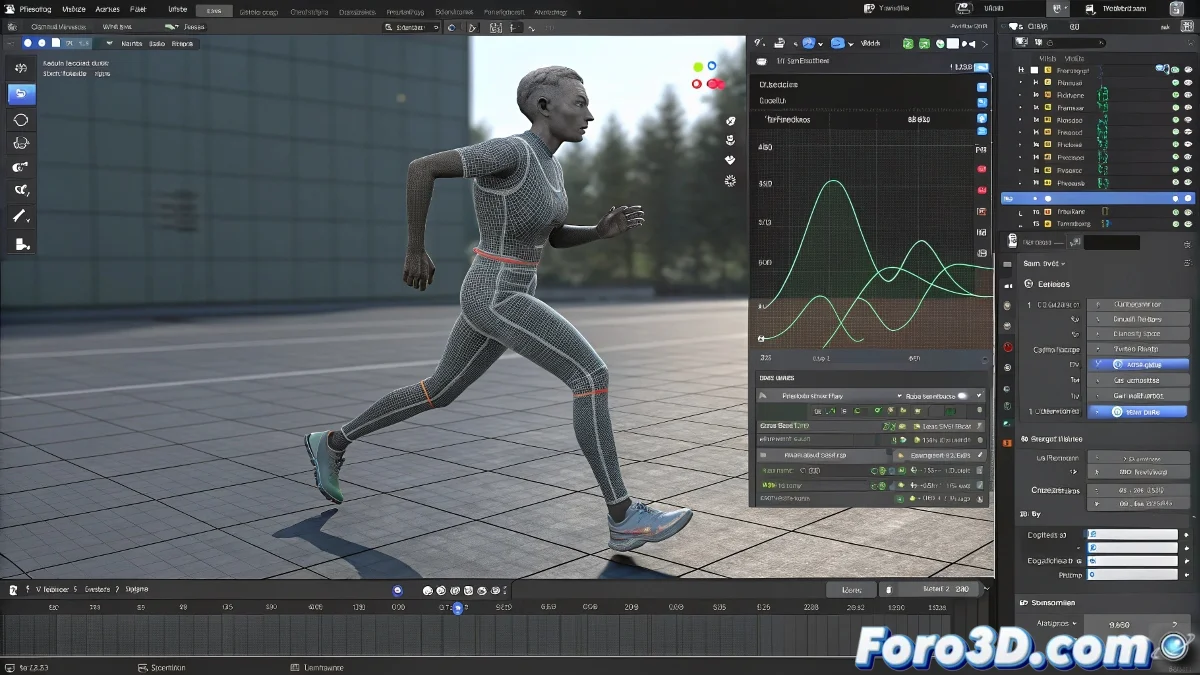
The Art of Taming Robotic Movements in Blender
Turning a rigid animation into a fluid dance of pixels is like teaching a robot to dance tango: it requires patience, rhythm, and a lot of curve editing 💃. In Blender, the difference between a character that seems made of flesh and blood and one that looks like it came out of a toy factory lies in the hidden details between keyframe and keyframe.
The Three Pillars of Organic Animation
To escape the uncanny valley of robotic movements:
- Timing and spacing: The soul of believable movement
- Animation principles: Anticipation, follow-through, and overlapping applied judiciously
- Intelligent curve editing: Where the real magic happens
"An animator in Blender without a graph editor is like a chef without knives: they can cook, but they'll lack tools for the fine work"
Mastering the Graph Editor Like a Virtuoso
F-Curves are your best ally for:
- Smoothing transitions with Bezier interpolations
- Creating realistic accelerations and decelerations
- Adjusting the weight and energy of each movement
Try flattening the curves at the ends to mimic natural inertia, or add small variations in timing to avoid unnatural perfection. Remember that in real life, even the most precise movement has its imperfections ✨.
Facial Expressions that Tell Stories
For faces full of life:
- Combine shape keys with facial bone controls
- Use drivers to create relationships between expressions
- Apply the principle of secondary action to details like blinks and microexpressions
A professional trick: record your own expressions as reference. You'll see how real facial movements are almost never symmetrical or perfectly synchronized.
At the end of the day, the best animation is the one that goes unnoticed because it seems completely natural. And if your character still moves like an old tractor, don't despair: even Pixar had to start with a luxo jumping. The art of animation is mastered frame by frame! 🎬