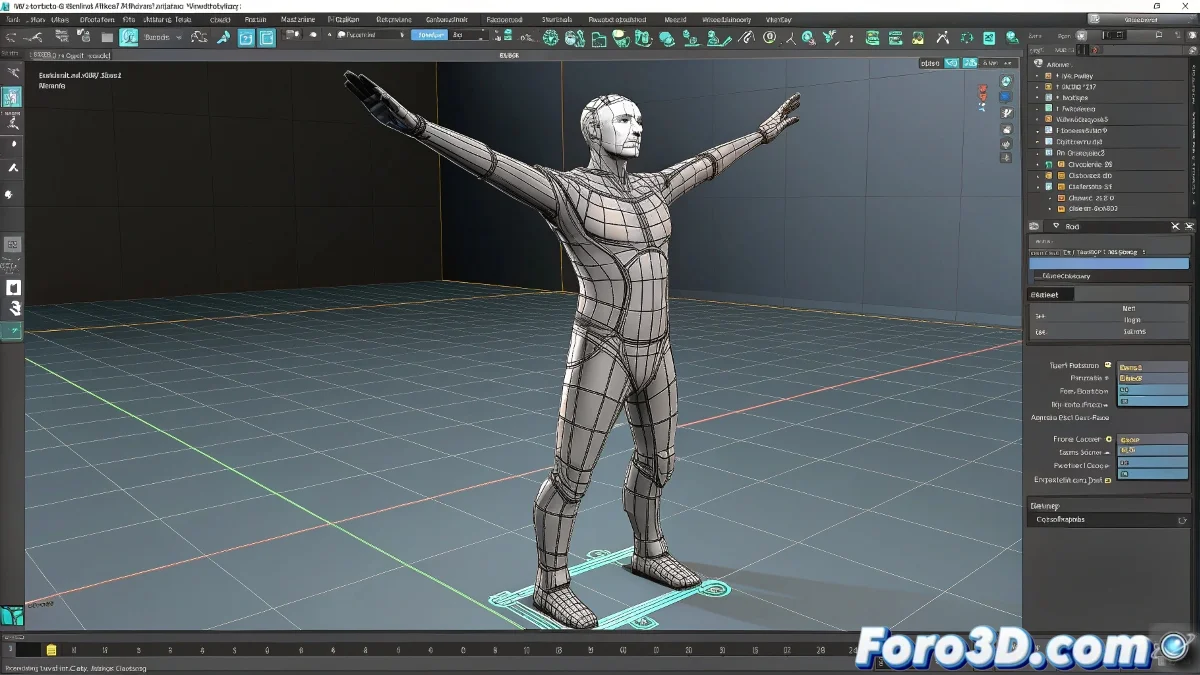
The Art of Mirroring Poses in 3ds Max: When Bones Don't Cooperate
Copying poses between arms in 3ds Max using Bones is like trying to write with your non-dominant hand: you know it should be symmetrical, but the result is usually... interesting ✋. Although it's not as intuitive as with Biped, there are several professional methods to achieve this mirroring without losing your sanity.
Weapons Against Asymmetry
These are your best weapons for the battle:
- Mirror Tool Script: The riggers' favorite shortcut
- Pose Managers: For those who love to automate
- CAT Rig Tricks: Even if you work with standard Bones
"A good Bones rig should be like a well-polished mirror: what you do on one side should reflect perfectly on the other"
Step-by-Step Guide to Perfect Mirroring
- Prepare your rig: Ensure symmetrical names (L_ and R_)
- Save the original pose: Use the Pose Manager or script
- Apply the mirror: Invert the values on the X axis
- Adjust manually: Correct small imperfections
Remember that rotation values need special adjustments when mirroring - it's not just a simple negative on X. It's like learning to write in mirror: it looks the same, but requires its own logic 🔄.
Methods Comparison
| Method | Advantages | Recommended for |
|---|---|---|
| Mirror Script | Fast, precise | Professional productions |
| Manual Copy/Paste | No dependencies | Simple rigs or tests |
| CAT Rig | Visual interface | Those who already use CAT |
Tips from a Tired Rigger
- Create presets for common poses to save time
- Try the FlipPose Script if Mirror fails
- Consider converting to Biped if you work a lot with mirror poses
At the end of the day, mastering this process will make you the king of time-saving in animation. And when everything fails, remember: even Disney animators probably cursed once while mirroring poses. Persist and your characters will dance in perfect symmetry! 💃