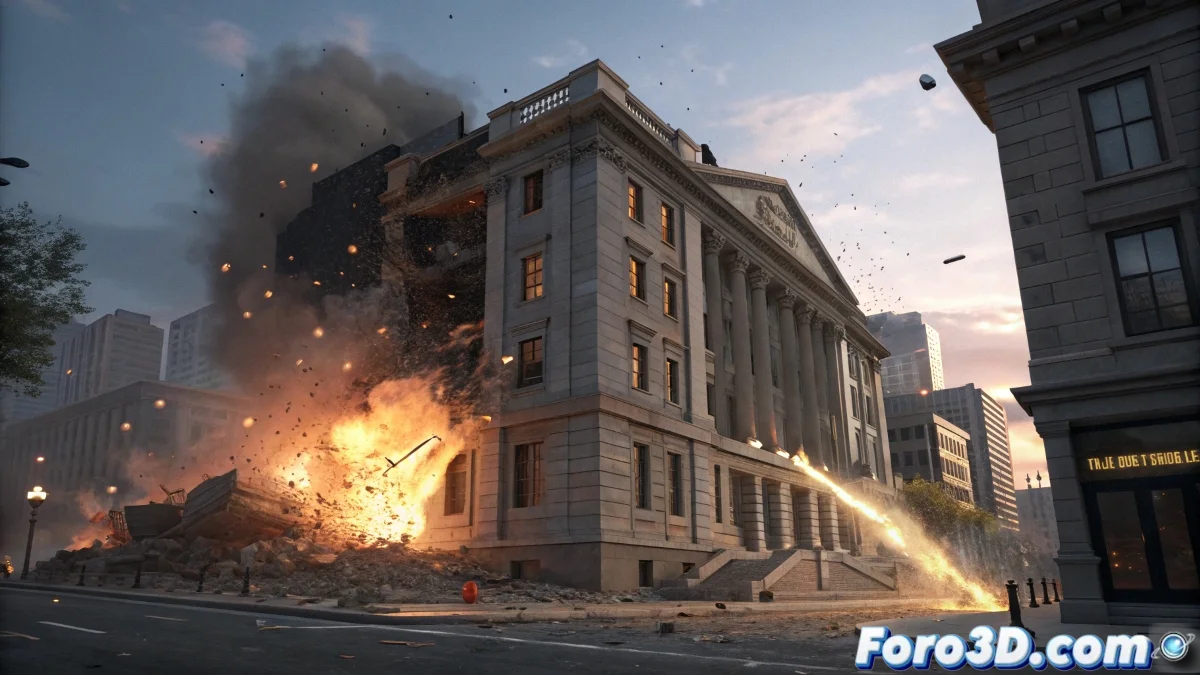
The Art of Destroying Things in 3ds Max Without Losing Your Sanity
Every 3D artist reaches that magical moment when they need to destroy something... I mean, simulate destruction professionally. 💥 Using Reactor to demolish a building can be as satisfying as it is stressful, especially when you realize that modeling each piece of debris manually is slower than a real demolition.
Tools for Breaking Things Like a Professional
Forget the hammer and digital chisel, these are your secret weapons:
- ProBoolean: The discreet destroyer that comes with 3ds Max
- RayFire: The plugin that turns any object into crumbs with style
- MassFX: For when Reactor falls short
- Particle Flow: Because every good destruction needs side effects
Unwritten rule of 3D animation: The more time you spend creating a model, the more you'll want to destroy it in a simulation
Workflow for Controlled Catastrophes
To destroy without remorse:
- Fracture your model (automatically, like a civilized person)
- Adjust physical parameters (gravity, friction, bounces)
- Add particles for drama
- Render and enjoy the chaos (without real collateral damage)
RayFire is like having an apocalypse now button on your interface, allowing you to control exactly how and when your models turn into debris. 🏗️
Signs That You're Doing the Simulation Wrong
Recognize the problem when:
- Your debris floats like in a science fiction movie
- The building collapses before the impact (spoiler alert)
- The final render looks more like a glitch than an epic destruction
Final irony: The funniest thing is that after mastering these tools, you'll spend more time preventing your models from accidentally destroying themselves than deliberately using them. That's the circle of digital life. 🦁