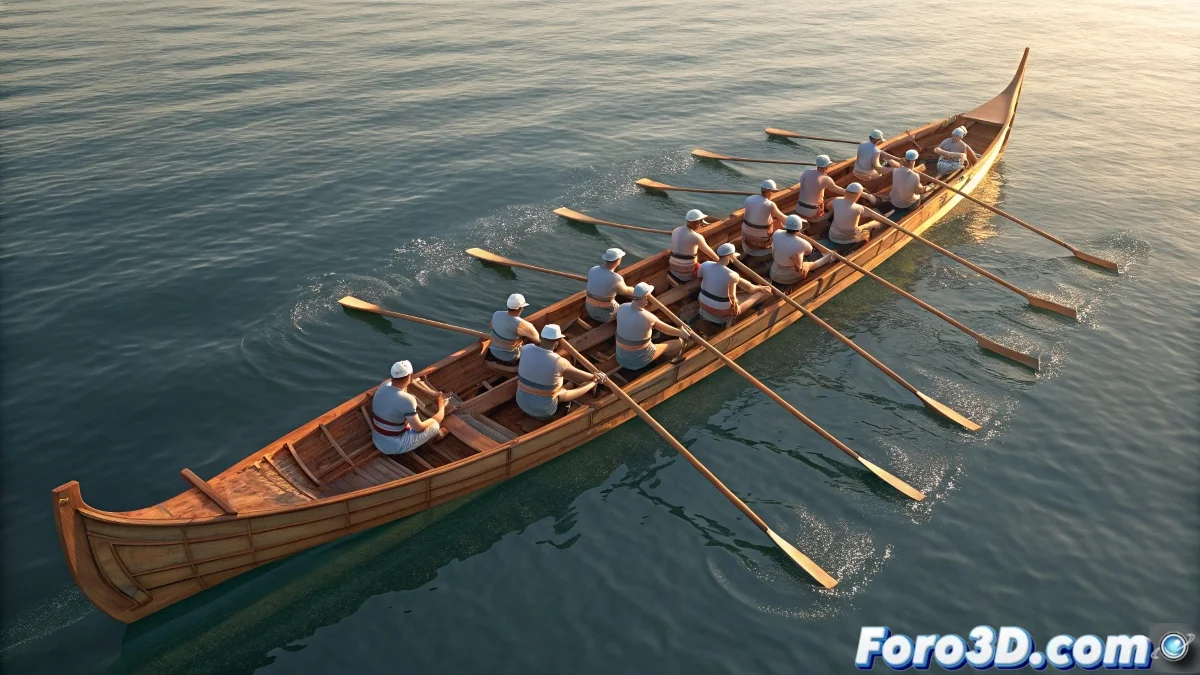
When the rhythm of the oars becomes choreography
Animating a trainera with synchronized rowers can seem as complex as conducting an orchestra... if you don't know these automation tricks in 3ds Max. 🚣♂️ Here we reveal how to create that hypnotic rowing motion without going crazy animating every frame manually.
Basic System for Cyclic Rowing
1. Structural Setup
- Create a linked hierarchy (hand > oar > water)
- Implement an IK/FK blend system for smooth transitions
- Add Dummies as master controls
2. Base Animation
- Record a full cycle with Set Key (2-4 seconds)
- Adjust curves in the Curve Editor for smoothness
- Test with Path Constraint for perfect trajectories
A good rowing cycle is like a good recipe: the same ingredients (keyframes) can taste different with small adjustments (offsets).
Advanced Synchronization Techniques
For realistic groups:
- Use Time Offset to vary the rhythm between rowers
- Add random variations (5-10%) in intensity
- Implement Wave Controller for water movement
3 mistakes that reveal fake animation
- Oars that don't "catch" the water correctly
- Lack of weight transfer in the bodies
- Too perfect synchronization (looks like robots)
Pro tip: Studios use real video references frame by frame. Record your friends rowing (even on a bench) to capture those details that make the difference. 📹
Now you can create everything from calm traineras to exciting regattas. And when that client says "can you add 10 more rowers?", you'll be able to duplicate your master system confidently... with a couple of strategic variations. 😉
Bonus tip: For greater realism, animate the rower's body first (lean, force) and then adjust the oar. The movement comes from the core, not the arms.