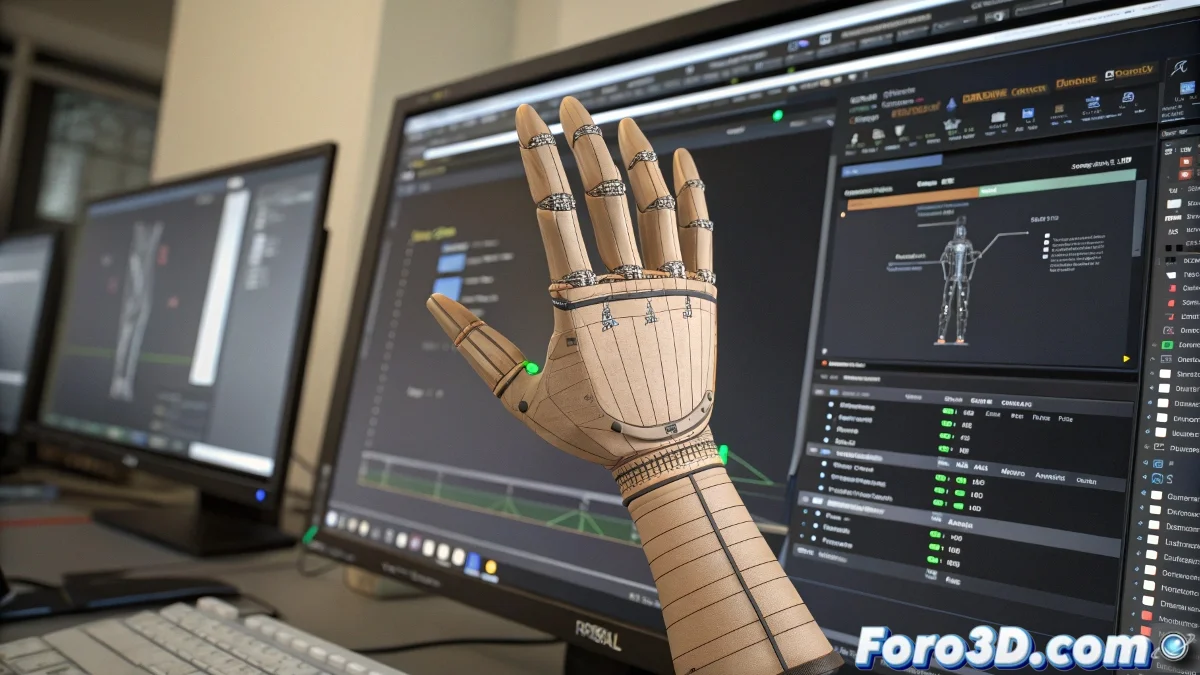
The Art of Taming Digital Fingers in Maya 🖐️
Animating hands in Maya can turn into a battle of wills between the artist and the software, especially when the fingers behave like rebellious teenagers. The Set Driven Key (SDK) promises to automate the process, but it has its limitations when you need that unpredictable human touch.
When SDK Isn't Your Best Ally
This tool works well for mechanical movements like opening/closing fists, but falls short when you need:
- Speed variations (like a trigger pulled slowly)
- Asymmetric movements between fingers
- Small natural pauses
The problem lies in the fact that SDK creates a too rigid relationship between the controller and the fingers, as if they were connected with invisible strings instead of digital tendons.
Alternatives for Expressive Animation
When realism is key, veterans recommend:
- Manual FK Animation: Absolute control over each phalange
- IK Controls: For natural poses with less effort
- AnimLayers: Combining automation with manual adjustments
A pro tip is to use SDK as a base and then add layers of manual animation to break the robotic perfection it generates.
For important narrative actions, nothing beats the handmade work of animating frame by frame. Yes, it takes more time, but at least you won't have hands that look like they're from an 80s robot movie. 🤖
At the end of the day, animating fingers in Maya is like playing the piano: it requires patience, sensitivity, and accepting that sometimes the keys (or in this case, the controls) won't do exactly what you want... until you yell at them enough. 😅