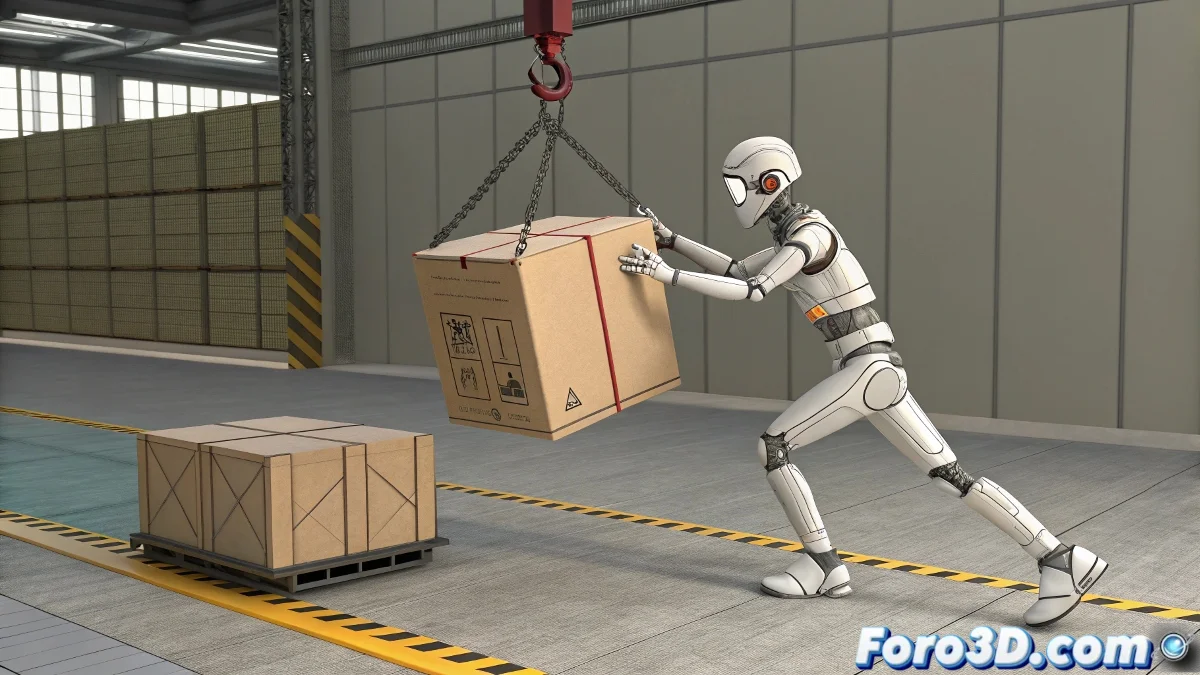
When Your Biped Needs to Hold On Tight (But Without Magic)
Linking a Biped's hand to a moving object with Reactor can seem as complicated as juggling water balloons... if you don't know the power of rigid constraints. 🎯 Here's the professional method to achieve it without everything turning into a physical disaster.
Step-by-Step Setup
- Create two Reactor collections: One for the Biped's hand, another for the object
- Add rigid constraint from the Reactor Constraints panel
- Link hand and object in the constraint (Parent=hand, Child=object)
- Adjust parameters:
- Breakable: Off (unless you want it to release)
- Stiffness: 1.0 for maximum rigidity
A well-configured rigid constraint is like an invisible hand that never lets go of its prey... but without the problems of a rope simulation.
Table of Optimal Parameters
| Parameter | Recommended Value | Effect |
|---|---|---|
| Stiffness | 0.8-1.0 | Prevents unwanted elasticity |
| Damping | 0.3-0.5 | Reduces oscillations |
| Breakable | Off | Maintains permanent link |
Common Errors and Solutions
- Objects not in collections: Reactor ignores elements not included
- Incorrect mass: Ensure the Biped has greater mass than the object
- Inverted constraints: Parent must be the hand, Child the object
Crucial fact: 90% of constraint problems are solved by checking: 1) Correct collections, 2) Proper hierarchy, and 3) Stiffness parameters. The remaining 10%... requires restarting Reactor. ♻️
Now that you master this technique, your Biped will be able to hang from moving objects, be dragged, or even swing... all with precise control and without the whims of a rope simulation. And when that client says "can you make it release the object at frame 120?", just activate Breakable and smile. 😎
Bonus tip: For greater realism, add a small anticipatory movement (2-3 frames) before the constraint activates, as if the character really grabs the object.