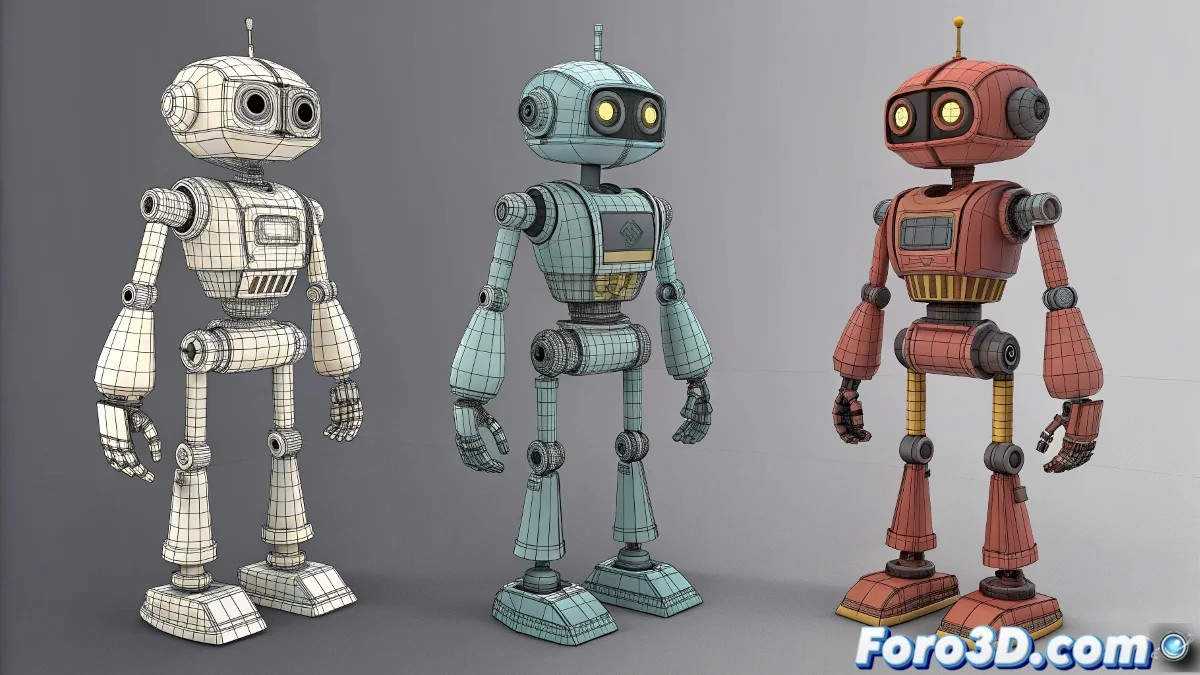
Taming Rebellious Robots: Precise Rigging in 3ds Max
Rigging robots can be as frustrating as teaching choreography to a refrigerator ❄️🤖. But with these professional techniques, you'll transform that mess of bones and solvers into a perfectly oiled animation machine.
Foolproof Basic Structure
To prevent your rig from falling apart like a cheap robot:
- Intermediate Helpers (never link directly to geometry)
- Precise Pivot Alignment (Alt+A is your best friend)
- Clean Hierarchy with clear naming convention
- Constraints instead of skin for rigid parts
Spline IK That Actually Works
Professional setup step by step:
- Create main bone chain
- Add Spline IK with appropriate number of helpers
- Use Point Helpers as visual controllers
- Apply Orientation Constraints to mechanical parts
"A good robot rig is like a Swiss watch: every piece must move with millimeter precision, and if one fails, everything stops. Unlike the watch, here the problem is usually the artist, not the mechanics." - Rigging TD
Advanced Techniques for Complex Projects
When you need more control:
- Wire Parameters for mathematical relationships
- Expressions for synchronized movements
- CAT rigs for modular systems
- Export/Import via FBX
Pre-Animation Checklist
Before bringing your machine to life:
- Are all helpers correctly aligned?
- Does the hierarchy follow mechanical logic?
- Have you tested extreme movement ranges?
- Do the constraints have the correct axes?
Remember: if after all that your robot still moves like a drunk at a graduation party, you can always argue it's an "experimental model with emotional AI"... though most likely with these techniques you've finally created that precise and stable rig your mechanical creation deserves. 🤖✨