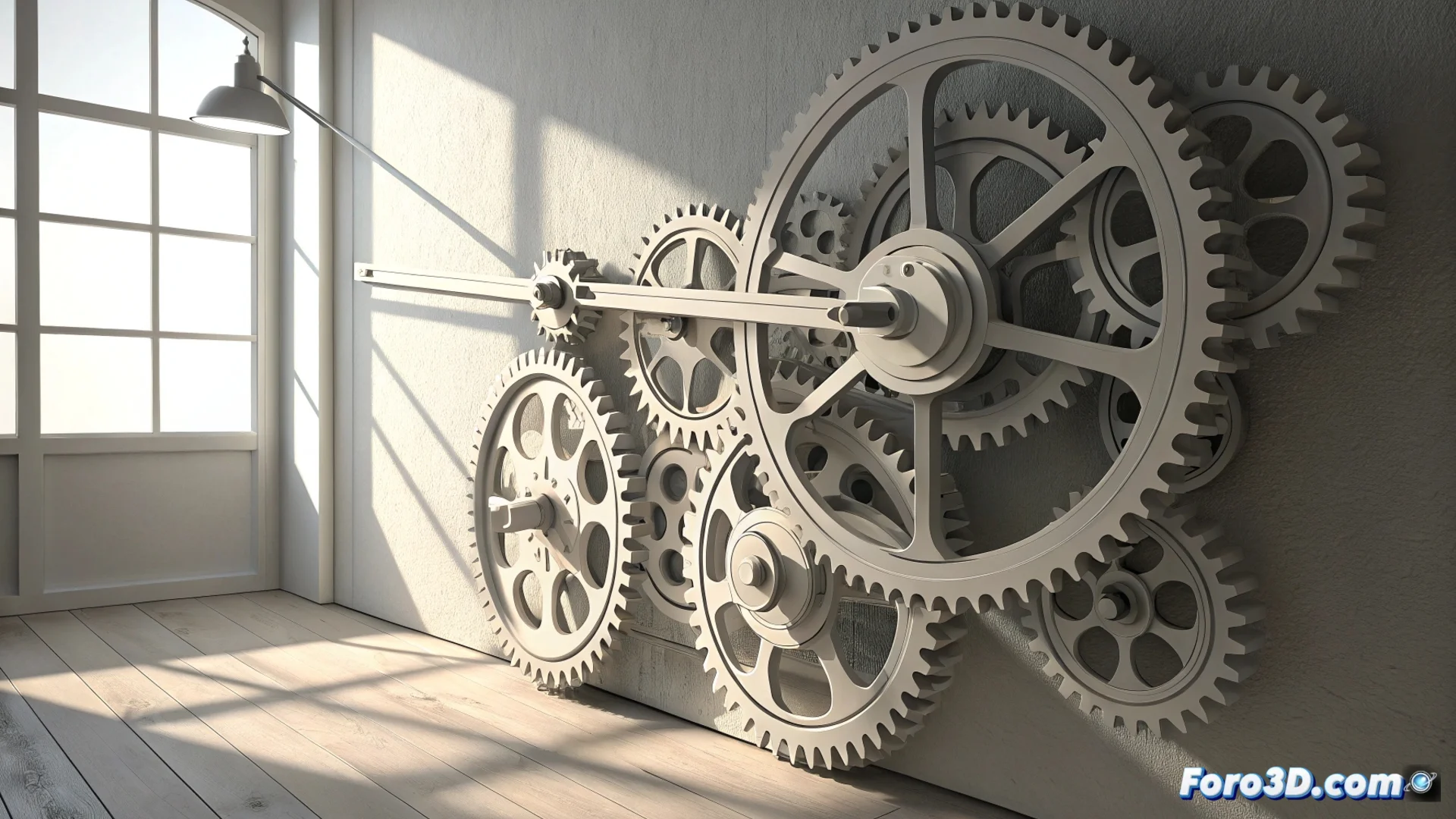
Print Kinetic Wall Art with a 3D Printer
3D printing opens the door to creating kinetic sculptures to decorate spaces. These pieces combine mechanisms like gears and levers that are activated by a slight breeze or a small motor, generating a constant play of shadows and shapes. This method fuses digital design with tangible manufacturing to produce decorative objects that are not static. 🌀
Model the Mechanisms in CAD Software
The process begins by designing all the components in a CAD program. It is crucial to model gears whose teeth fit precisely to ensure smooth movement. Levers and links are also created to transmit force from one point to another within the system. The support structure must be lightweight but rigid enough. A vital step is calculating the correct clearances to prevent the pieces from jamming after printing.
Key points when designing:- Model gears with a precise tooth profile for smooth meshing.
- Create links and arms that transfer motion efficiently.
- Design a main structure that optimizes weight and stability.
The real challenge is not printing the pieces, but assembling them without the whole thing sounding like an empty cookie box in an earthquake. Patience is the best lubricant.
Prepare the Print and Choose Materials
To manufacture these pieces, PLA filament is recommended due to its ease of printing and low coefficient of friction. The print parameters are adjusted to achieve smooth surfaces and exact dimensions. A layer height of 0.2 mm and an infill percentage around 20% usually balance strength and final weight well. In some cases, printing certain gears in a horizontal orientation can improve the durability of their teeth. After printing, it is essential to remove the supports and clean the shafts to allow unobstructed rotation.
Technical aspects to consider:- Select PLA for its low friction and good layer adhesion.
- Adjust layer height and infill for lightweight but functional parts.
- Orient critical parts, like gears, to maximize their strength.
- Post-process by removing supports and ensuring pivot points are free.
Integrate Digital Design with the Physical Object
This project exemplifies how to materialize a digital concept into an interactive physical artifact. The precision of the CAD model translates directly into the smoothness of the final mechanical movement. Assembly requires attention to detail so that each component fits and moves as planned, transforming a screen design into a piece of dynamic decoration for any wall. The result is a tangible fusion of art, engineering, and additive manufacturing. ⚙️