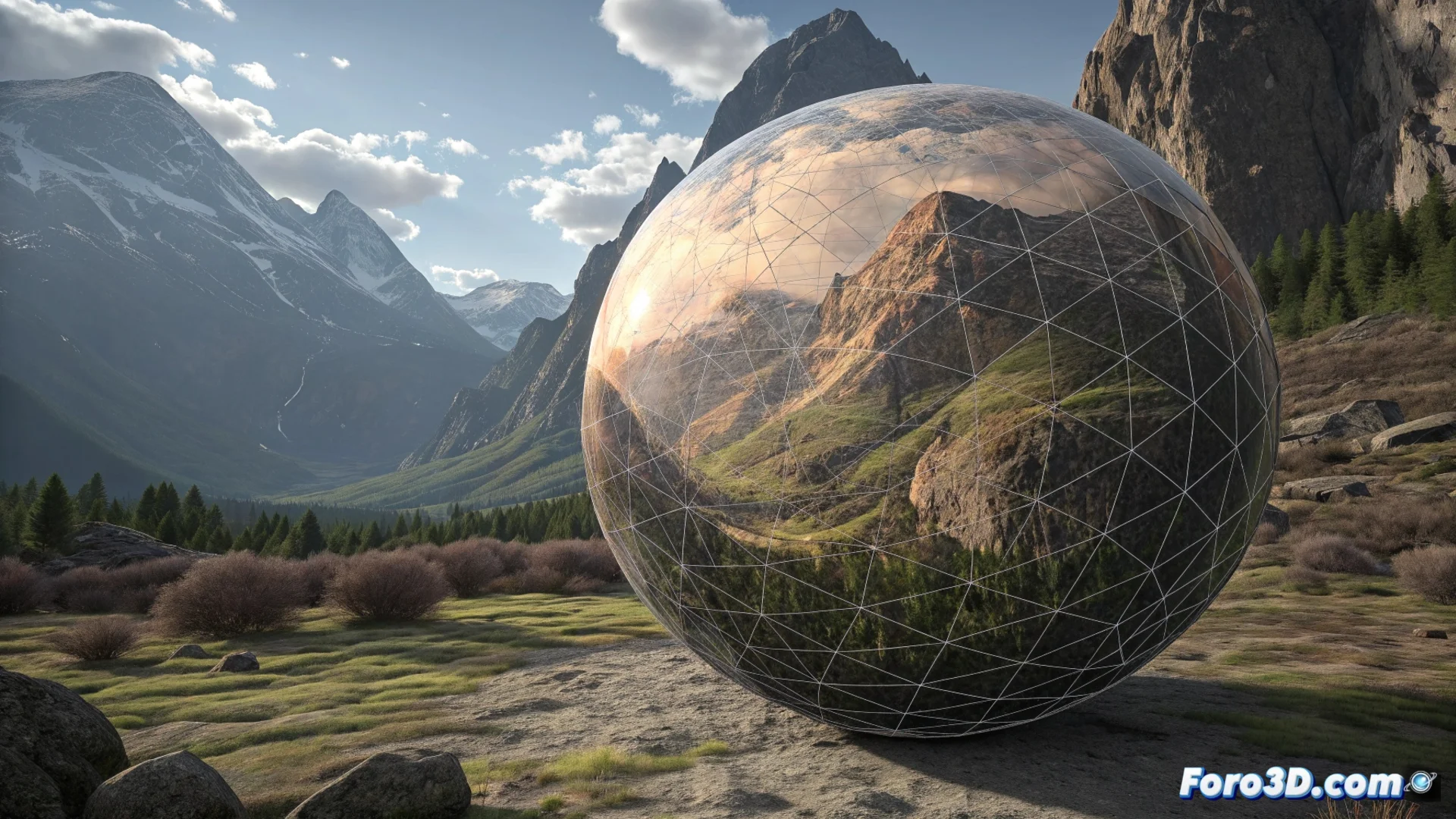
Prevent the Gradient Mesh from Generating Blots and Strange Shapes
The gradient mesh is a fundamental resource for simulating volume and light in vector illustration. However, when applied without a defined criterion, it can produce disastrous results, turning a surface into a mosaic of patches with hard edges. Mastering its internal logic is key to avoiding this common problem. 🎨
Planning the Structure is the First Step
The most frequent mistake is starting to place control points randomly. Instead, you must analyze the object's shape and mentally trace how the light impacts it. Think of the mesh as a skeleton that must adapt to the anatomy of the surface you want to represent.
Strategies for a Solid Foundation:- Start with a simple mesh: Use few rows and columns. Add complexity only where strictly necessary to guide the color flow.
- Follow the object's topology: Points should be placed in areas of morphological change, such as pronounced curves or planes that receive different light.
- Avoid node saturation: More points do not equal more realism. An excess generates visual chaos that's hard to correct and slows down the work.
Precision in placing each point, not the quantity, is what builds credible shading.
Control Color and Point Manipulation
Achieving smooth gradations depends as much on the mesh structure as on the color palette you choose. Extreme tonal jumps are natural enemies of visual fluidity.
Guidelines for Effective Color:- Use analogous colors: Select hues close on the color wheel to facilitate transitions and make the light appear natural.
- Manipulate with intention: Every adjustment of a point or its handles must respond to a specific lighting variation or the definition of a plane. Don't move elements on a whim.
- Direct the flow: The point handles must align with the direction in which you want the color to blend, creating organic curves and avoiding sharp angles.
Recognize and Correct Visual Chaos
If your illustration starts to look like an alien topographic map full of blots, it's a sign that you've lost control. At this point, it's more productive to step back than to try to patch the problem by adding more elements. Review the base structure, eliminate superfluous points, and simplify the mesh. Let the light flow logically through a well-defined network, rather than exploding into disconnected fragments. Mastering this tool consists of knowing when to detail and when to exercise restraint to achieve an organic and professional result. ✨