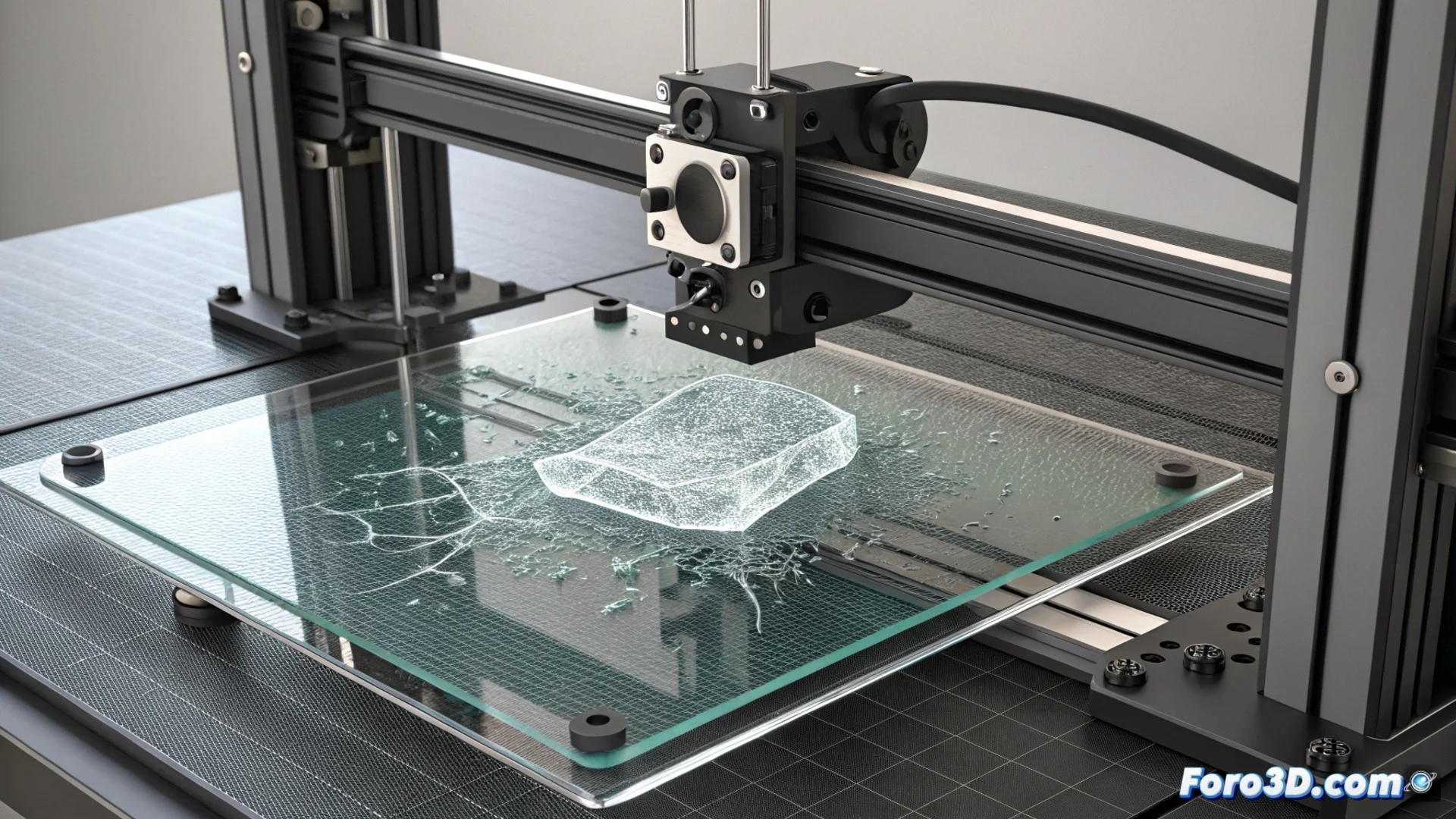
Prevent PETG from Damaging Your Print Bed
Printing with PETG filament carries a risk that many users discover too late: its ability to literally fuse with the bed surface as it cools. This problem is not just strong adhesion, but a chemical bond that can permanently ruin smooth glass or PEI beds. 🚨
The Problem of PETG's Chemical Adhesion
When PETG is printed at high temperature on surfaces like tempered glass, it doesn't just stick. As it cools, the material contracts and the bond strength exceeds the bed's own resistance. The result is not that the part detaches, but that it takes small pieces of the coating or glass with it, leaving irreparable damage. For this reason, printing PETG directly on these surfaces without protection is discouraged.
Practical Solutions to Protect Your Bed:- Use a release barrier: Apply a thin, uniform layer of extra-hold hairspray or water-soluble glue stick (like Dimafix) on the hot bed. This layer acts as a releaser that prevents direct contact and fusion.
- Slightly increase the nozzle distance: Set a Z-offset slightly greater than that used for PLA. The first layer should be deposited without the nozzle excessively squishing the material against the bed.
- Manage bed temperature: Start with a high temperature (70-75°C) for the first layer and then reduce to 60-65°C for subsequent layers. This reduces overall adhesion force without compromising initial grip.
Never print PETG directly on clean glass. It's a very effective way to spend money on a new bed.
Configure Parameters Correctly
In addition to the physical barrier, optimizing printer settings is key to preventing damage. A common mistake is using the same first layer distance as for PLA, which contributes to excessive squishing and more aggressive adhesion.
Recommended Settings:- Nozzle Distance: Should allow the filament to deposit without the hotend dragging the material. A slightly higher layer is beneficial.
- Bed Temperature: Using a decreasing temperature profile helps control adhesion. A c