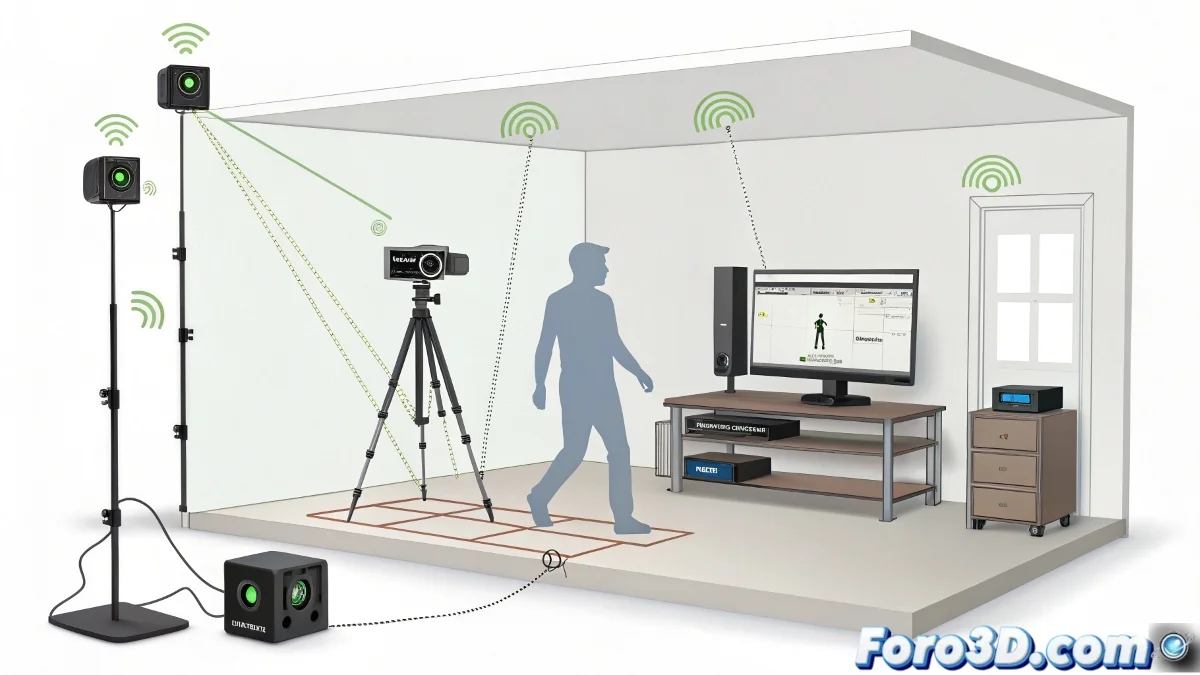
Practical Guide to Homemade Motion Capture with Kinect and Maya
Setting up a motion capture (MoCap) system at home using an Xbox 360 Kinect connected to your PC is an affordable and accessible option to get started in the world of animation without investing large sums in professional equipment. Although the Kinect 360 is already a veteran device, it remains a useful tool for indie projects or learning.
To connect the Kinect to the PC, you will need a special adapter (Kinect USB adapter) to ensure compatibility with Windows. There are several free drivers and tools, such as Microsoft's Kinect SDK, iPi Motion Capture, or Brekel Kinect, which allow capturing motion data and exporting it in formats compatible with Maya and Motion Builder. You don't need a special suit to get started! 🎮
Setup and Recommendations
The Kinect uses infrared sensors and RGB cameras to detect movements without the need for suits with markers. However, it is recommended to have a well-lit space free of objects that could obstruct the sensor's view. An area of approximately 2 to 3 meters in distance is ideal for the Kinect to detect the entire body.
The setup process can be straightforward, but it requires patience to calibrate the system and avoid noise or errors in the capture, especially in fast movements or outside the Kinect's optimal range. The resolution and accuracy will not be the same as a professional system, but for indie projects or learning, it is a quite viable solution.
Tips for Successful Capture
- Adequate lighting: Ensure the space is well-lit to improve sensor accuracy.
- Clear space: Keep an unobstructed area to allow the Kinect to capture the entire body without obstructions.
- Calibration: Take time to calibrate the system to minimize errors and noise in the capture.
Homemade motion capture can be a fun and educational process, ideal for those who want to explore animation without a large investment.
And remember, if your cat decides to join the capture session, prepare for an animation with much more feline flavor than human. You might end up with a character that has more cat movements than human ones! 🐱