Poser's Content Library: Speeding Up 3D Work
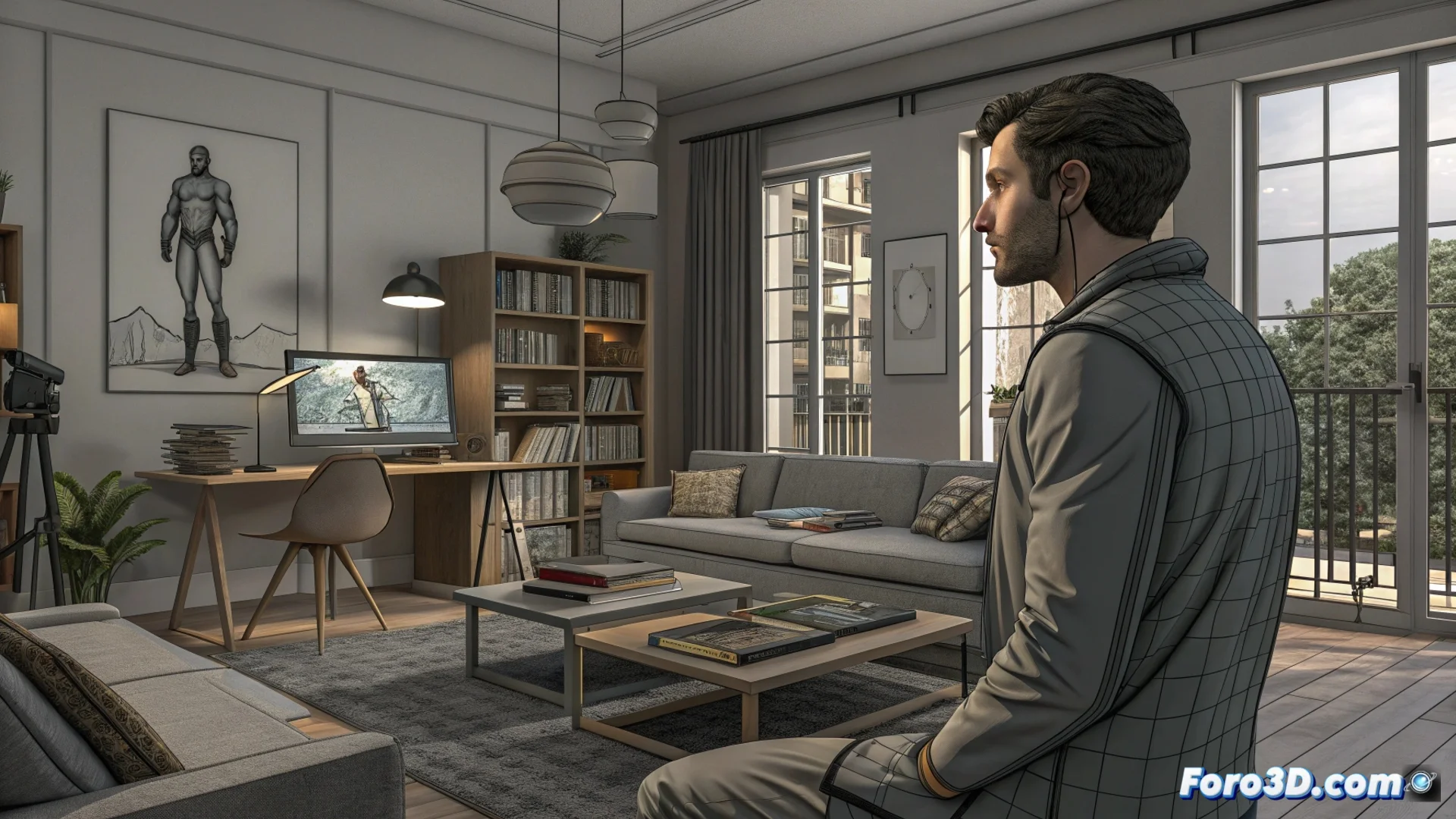
Poser integrates an extensive content library that allows building three-dimensional scenes agilely. This collection includes ready-to-use elements, eliminating the need to model each component from scratch and streamlining the process of assembling a complete scene. It serves as a solid foundation for illustration, animation, or visual presentation projects. 🚀
Organizing Resources for an Efficient Workflow
The elements within the library are logically categorized for easy location. You can apply a full pose to a character with a single click or dress it with garments that are automatically compatible. Facial expressions allow adjusting a model's mood, while preconfigured scenes include backgrounds and objects with basic lighting and materials already applied. This structure helps test different concepts without investing time in manually configuring technical details.
Key Advantages of the Organization:- Quick Access: Find characters, clothing, and accessories through a category and tag system.
- Guaranteed Compatibility: Poses and clothing are designed to work with base models, reducing errors.
- Experiment Without Limits: Test different combinations of elements to visualize ideas instantly.
Poser's library is not just a warehouse; it's the engine that drives initial visual creation, allowing you to go from idea to preview in minutes.
Customize and Expand the Content Base
Although the library offers predefined elements, the user has total freedom to modify them within the program. It is possible to adjust a character's anatomy, change textures, or alter any scene parameter. Additionally, community-created content or generated in other 3D applications can be imported. This transforms the library into a flexible base that adapts to the specific needs of each project.
How to Expand Your Possibilities:- Deep Modification: Adjust bones, morphologies, and materials of any library resource.
- Import External Assets: Add models, textures, or scenes made in Blender, Daz 3D, or other software.
- Create Custom Libraries: Save your own poses, expressions, or clothing sets for use in future projects.
Reflection on Efficiency and Originality
A new user can assemble a complex scene in just a few minutes, which sometimes raises a question: did they really create something or just assemble prefabricated pieces? The line between leveraging resources for efficiency and producing original work can seem blurry. However, the library should be seen as a powerful starting point that frees up time to focus on artistic direction, narrative, and fine adjustments that give the final work its unique identity. 🎨