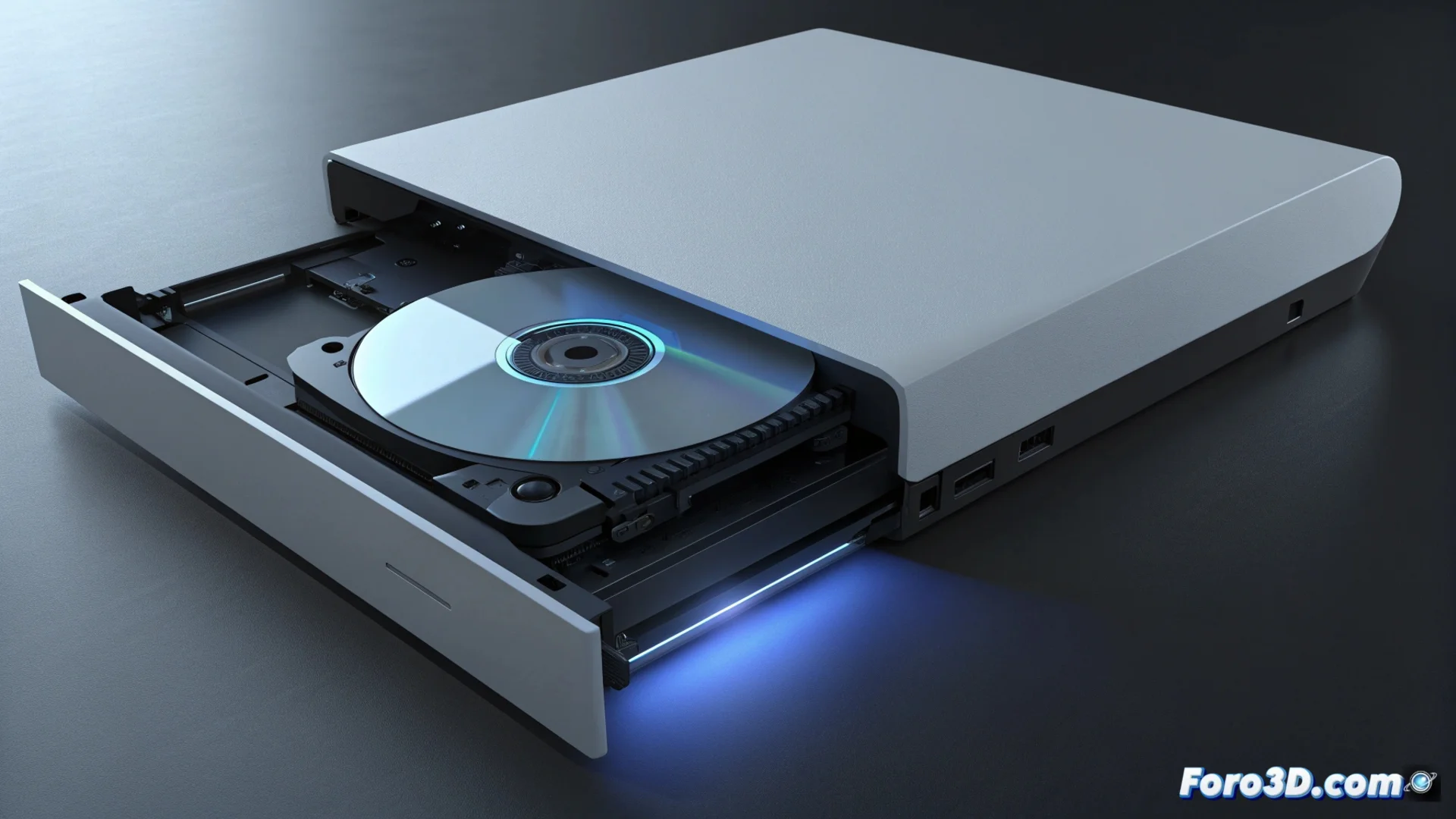
PlayStation 5 Disc Drive Issues: Symptoms and Solutions
Several users report technical issues in the optical drive of certain PlayStation 5 models with disc reader. These failures can severely limit the console's functionality for those who use physical media, generating frustration. 🎮
Identifying When the Disc Drive Fails
The symptoms are varied but recognizable. The most frequent is hearing a scraping or vibration noise anomaly when inserting a disc. On other occasions, the PS5 does not respond when inserting the media, does not show the game icon in the interface, or cannot copy the data from the disc. A recurring problem is that the ejection mechanism does not work, leaving the disc stuck inside the console.
Clear signs of malfunction:- The console generates strange noises (scraping, intense vibration) when trying to read a disc.
- Completely ignores the inserted disc, without recognizing it in the main menu.
- The disc gets stuck in the drive and does not eject with the normal command.
A disc stuck in the PS5 is the modern way of your console telling you it wants to play something with you, but only that game and forever.
Origin of the Failures and How to Proceed
The causes can be diverse, from a misalignment in the rollers that move the disc, a defective reading laser, to a system firmware error. It is crucial to act with care to avoid invalidating the warranty coverage.
Steps to follow to try to resolve the problem:- Turn off the console completely and unplug it from the power source for at least one minute.
- Reconnect and turn on the equipment to see if the error persists.
- If the failure continues, contact Sony's official technical support to request a repair.
Conclusion and Final Recommendation
Manipulating the internal Blu-ray disc drive without knowledge can permanently void the warranty. The safest option is to resort to authorized technical service. These problems, although annoying, have a solution through the official channels established by the manufacturer. 🔧