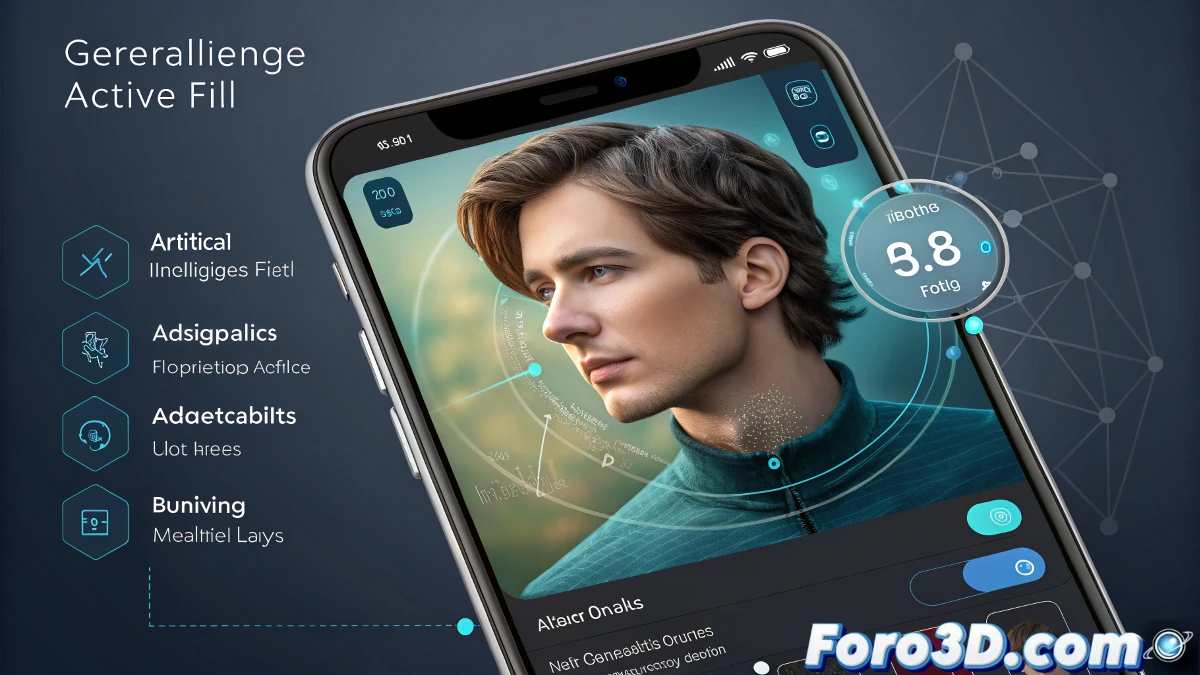
Adobe has taken another step in the evolution of digital editing by launching Photoshop for iPhone. This new version, optimized for small screens, allows users to access advanced editing tools without needing a computer. Furthermore, it has been confirmed that a version for Android will arrive soon.
Key Features: Editing at Your Fingertips
The application offers a series of key tools that allow for quick and professional edits from a mobile phone. Among its standout functions are:
- Image Selection and Adjustments: Allows modification of brightness, contrast, saturation, and other photo parameters.
- Unlimited Layers and Masks: Facilitates advanced editing with multiple elements.
- Artificial Intelligence Functions: Includes Generative Fill and Generative Expand, tools that allow adding or modifying elements in an image with the help of AI.
Access to Advanced Tools
While the application has a free version, some advanced features require a subscription. Among the tools exclusive to premium users are:
- Magic Wand: Quick selection tool to isolate elements in the image.
- Clone Stamp: Allows copying and replicating parts of an image.
- Content-Aware Fill: Intelligently fills empty areas.
- Additional Export Formats: PSD, TIF, JPG, and PNG are only available in the paid version.
How Does It Compare to Photoshop on iPad?
Although Adobe already had a version of Photoshop for iPad, this new application is presented as a completely independent development. However, all the differences between the two versions have not yet been detailed.
Who Will Benefit Most from This Version?
Photoshop for iPhone is designed for mobile creators who need a fast and effective tool for image editing. While it does not replace the desktop version, it is a useful option for quick adjustments and projects on the go.
Limitations in File Export
One of the points that raises the most questions is compatibility with different export formats. While premium version users can save in PSD, TIF, JPG, and PNG, it has not yet been confirmed which formats will be available in the free version.
A Future with More Artificial Intelligence
Adobe continues to bet on mobile editing with tools powered by artificial intelligence. The upcoming arrival of the version for Android will expand access to this application, solidifying it as a powerful option for image editing on mobile devices.