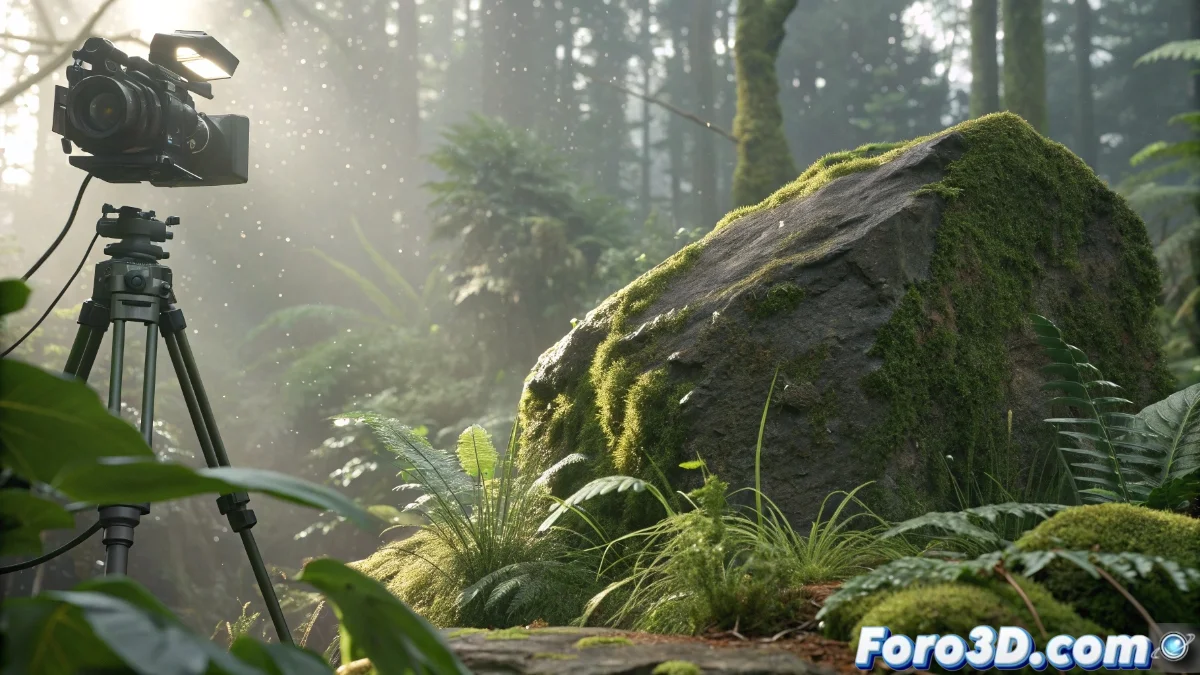
Photogrammetry with Meshroom to Capture Natural Elements in 3D
Digital photogrammetry becomes a fundamental tool when we need to integrate components from the real world into virtual environments. Meshroom provides us with the ability to convert photographs of natural elements into three-dimensional models that preserve the visual and textural richness of the originals. This technique is perfect for creators who want to incorporate organic realism without having to manually sculpt every complex detail 🌿.
Meticulous Preparation of Photographic Material
Before starting the process in Meshroom, it is crucial to obtain a complete set of reference images of the natural object. It is recommended to capture between 50 and 100 photographs from multiple perspectives, maintaining a uniform distance and consistent lighting conditions. For small-scale elements like stones with vegetation or mushrooms, the use of portable light diffusers helps minimize harsh shadows and significantly improves reconstruction results.
Key Recommendations for the Photo Session:- Take complete surrounding photographs around the natural element
- Maintain consistent camera settings and exposure throughout the session
- Use lighting control elements to avoid unwanted reflections and shadows
The quality of the 3D reconstruction depends directly on the quality and coverage of the input photographs
Automated Processing and Versatile Export
When loading the images into Meshroom, the software automatically executes its photogrammetry pipeline, initially generating a dense point cloud and subsequently a textured mesh ready for use. The application identifies shared features between the photographs and reconstructs the geometry with remarkable precision. The resulting models can be exported in universal formats like OBJ or FBX, prepared for import into engines like Unreal Engine or software like Blender, where we can refine materials and optimize topology according to specific needs.
Export Workflow:- Automatic generation of point cloud and textured mesh
- Export in formats compatible with major 3D software
- Post-processing in specialized applications for final adjustments
Final Considerations on Digital Realism
It is important to remember that if you scan a natural element like an extremely realistic mushroom, the characters in your virtual worlds might interact with it as if it were completely authentic, without understanding that it lacks real physical properties. Photogrammetry brings us closer to nature digitally, but the creative responsibility falls on the artist to properly contextualize these elements within their projects 🍄.