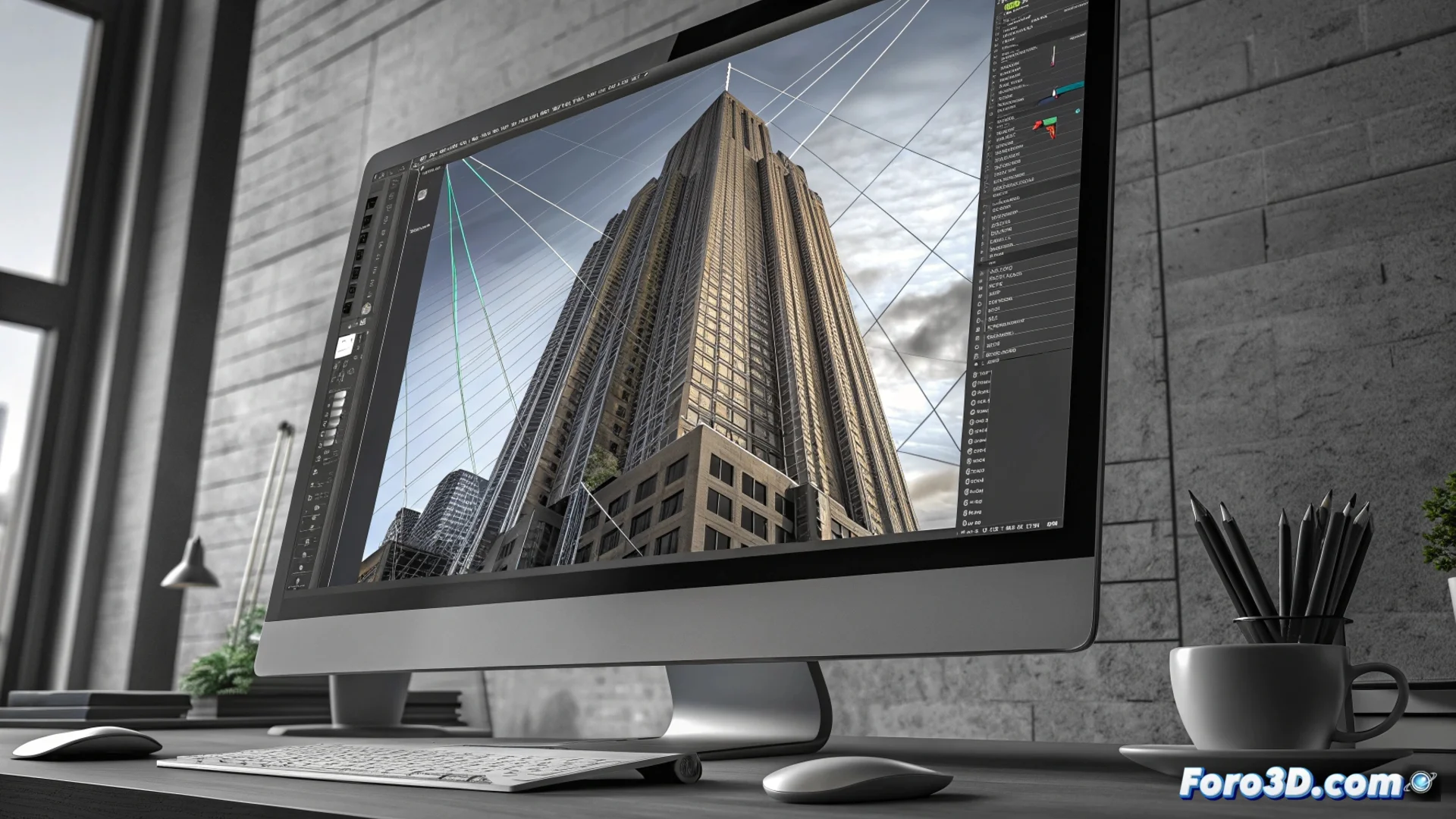
Perspective Warp: adjust perspective in 2D images
In the field of graphic design and post-production, there is a powerful function to manipulate the vanishing point and spatial orientation of elements within a photograph. This utility, known as Perspective Warp, is fundamental in applications like Adobe Photoshop to selectively alter how depth is perceived in specific areas of an image. Its main role is to correct optical aberrations from photographic equipment or adapt flat graphics to scenarios with complex angles. 🛠️
Mechanics and application of the warp
To use this function, the user must draw a mesh or grid over the region that needs modification. By manipulating the vertices and edges of this structure, the perspective of that fragment is redefined in isolation. This level of detailed control is vital for tasks such as rectifying the tilt of architectural structures or making a volumetric object appear completely flat. The process allows working with multiple meshes independently to adjust different planes in the same scene.
Typical workflow:- Define and place the initial grid over the target area.
- Distort the control points to align the perspective with the desired one.
- Merge the changes so that the adjusted area integrates seamlessly with the rest of the image.
Perfection in one element can reveal the trick in another. Sometimes, after correcting a building, a nearby object may lose its natural shape.
Practical uses and key scenarios
This tool demonstrates its value in fields where geometric precision is critical. In architectural photography and product photography, it is indispensable for achieving straight lines and perfect angles. In the field of digital compositing, it facilitates inserting logos, text, or other 2D elements into a photograph, adapting their vanishing point to convincingly match the environment. Unlike a simple scale or skew transformation, Perspective Warp processes the image in a non-uniform way, which helps preserve the quality of details and original textures.
Main areas of application:- Correct the convergence of vertical lines in photos of tall buildings.
- Flatten labels or signs on curved surfaces to simulate a front view.
- Integrate graphic design elements into photographic scenes with forced perspective.
Final considerations when using the tool
Using Perspective Warp requires attention to the global context of the image. A meticulous adjustment in one area can generate unwanted distortions in adjacent areas, such as making secondary objects appear "melted." Therefore, it is a powerful tool that demands evaluating the final result as a whole, ensuring that all parts of the composition maintain visual coherence. Its correct application is what allows creating impeccable digital montages and imperceptible lens corrections. 🏙️