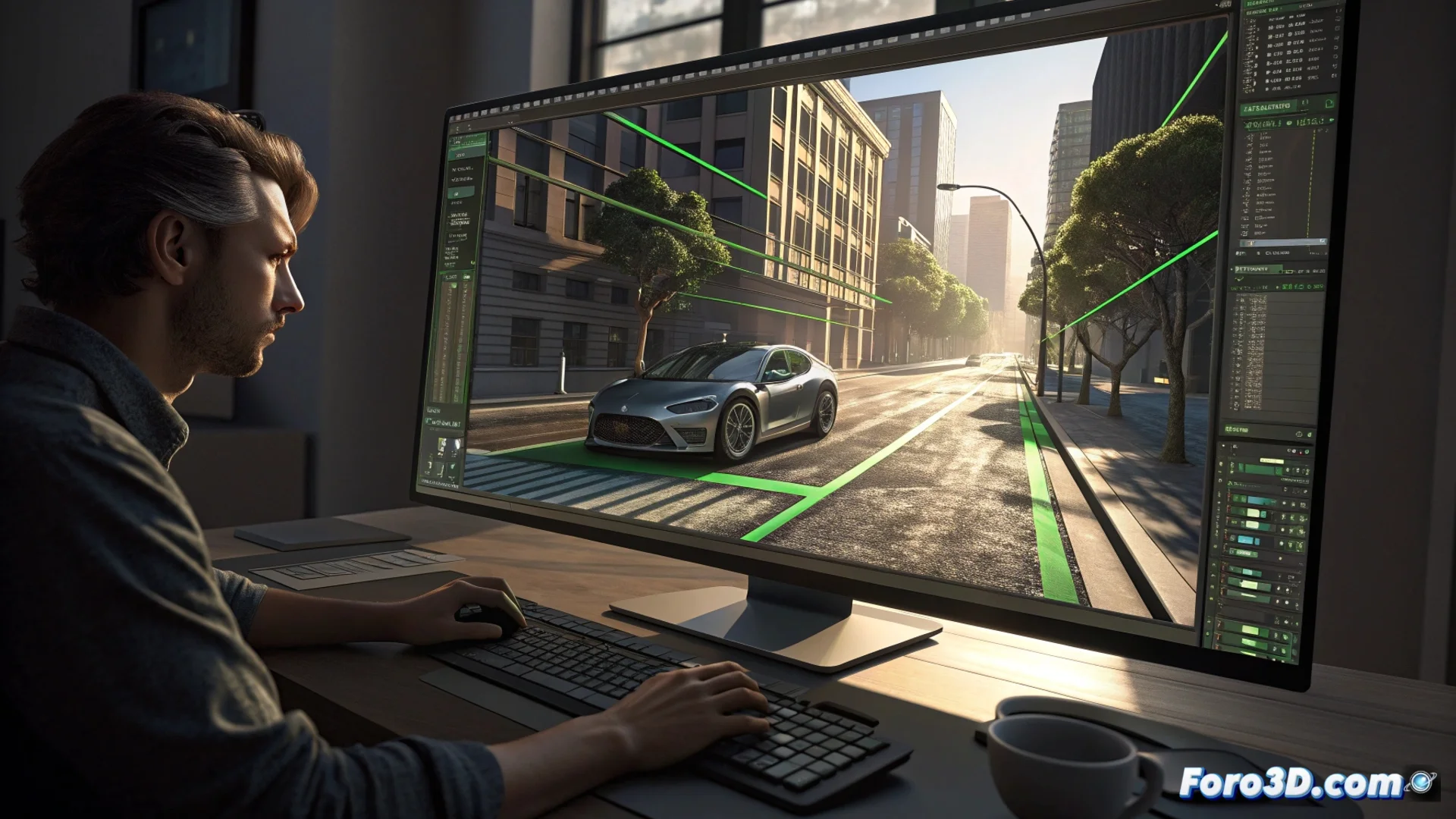
Perspective Match in EIAS: Aligning 3D Cameras with Real Images
In the field of visual effects and post-production, integrating 3D elements into filmed scenes requires a perfect geometric foundation. The Perspective Match tool within EIAS specializes in this crucial process. It analyzes a photograph or video sequence to calculate and replicate the parameters of the real camera, allowing 3D models to be placed and animated with precise alignment. The ultimate goal is for the viewer to perceive the scene as a unified whole, without noticing the boundaries between the real and the computer-generated. 🎬
The Perspective Alignment Mechanism
The workflow begins when the user imports the reference image into the viewer. The key step is to identify and mark key parallel lines within the photograph, such as the edges of a window, a road, or the corner of a building. The EIAS system processes this data to deduce the position, rotation, and lens configuration of the camera that captured the original scene.
Main Steps of the Process:- Import and Analyze: The image or video frame that will serve as the background for the composition is loaded.
- Mark Guide Lines: The artist manually indicates sets of lines that are parallel in the real world, defining the perspective axes.
- Automatic Calculation: The software calculates the camera parameters (vanishing point, focal length, position) and automatically adjusts the virtual camera in the 3D scene to match.
The precision of the tool lies in its ability to interpret the 2D geometry of the photo and extrapolate the 3D camera configuration that created it.
Key Benefits for Production
Using Perspective Match transforms a process that was previously manual and prone to errors. By establishing a geometrically exact camera base, it ensures that inserted 3D objects faithfully respect the perspective, lens distortion, and vanishing point of the original material. This has a direct impact on the credibility of the final result.
Concrete Advantages of This Technique:- Eliminates Guesswork: Dramatically reduces trial-and-error time when positioning the virtual camera.
- Improves Integration: Allows for more accurate calculation of shadows, reflections, and global lighting, as the camera position and, by extension, the virtual light sources, are correct.
- Speeds Up Workflow: Essential for projects with tight deadlines in film, advertising, or architectural visualization.
Considerations and Artist's Responsibility
Although the tool automates the calculation, the responsibility for accuracy falls on the artist's judgment. A common error is relying on elements that appear straight or parallel in the photo but actually have slight optical or construction deformation. Selecting incorrect reference lines can result in a misaligned virtual camera, making a 3D object, such as a vehicle or character, appear to slide on an invisible inclined plane. Therefore, success depends on careful observation and knowledge of the real scene's perspective. 🧠