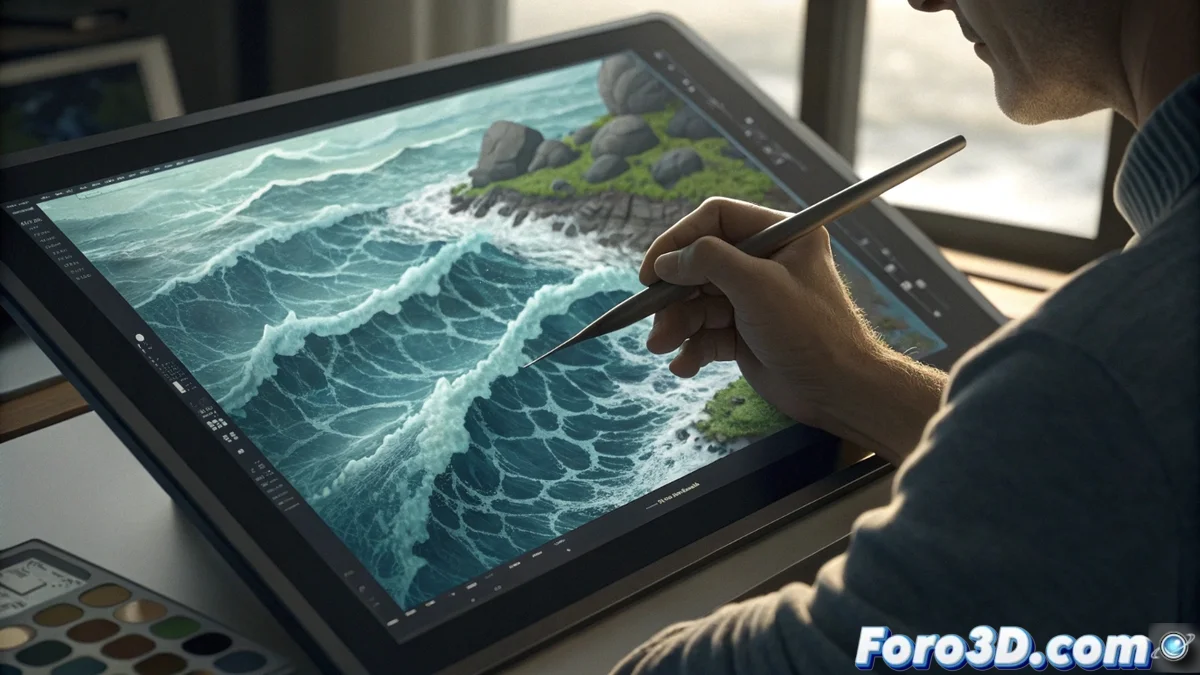
Pencil 2D: Create Hand-Drawn Animated Textures for Unique Video Games
In a world where procedural effects and complex shaders dominate, there is a magical space for craftsmanship. Pencil 2D emerges as the perfect tool for artists and developers seeking to infuse an organic and unrepeatable personality into their video games through the creation of hand-drawn animated textures. This free and open-source traditional 2D animation software allows you to bring to life, frame by frame, dynamic elements like water, fire, or magical energy, resulting in visual assets with a unique soul. 🎨
The Power of Frame-by-Frame Animation
The essence of this method lies in the absolute control it gives to the artist. Unlike algorithmic systems, drawing each phase of an animation allows defining the evolution of every pixel, its texture, and its behavior. This process, although meticulous and demanding, is what generates that "alive" and stylized character impossible to replicate in any other way. The final animated sequence becomes the raw material to build a sprite sheet, which will be the resource used by game engines.
Key advantages of this approach:- Unique and organic style: Each animation bears the artist's fingerprint, avoiding the generic feel of pre-made assets.
- Maximum artistic control: You decide exactly how a flame moves, how water flows, or how a light flickers.
- Universal compatibility: The resulting sprite sheets are a widely supported standard by virtually all game engines.
"The most satisfying part is when, after hours drawing tiny ripples, a player asks if you used an advanced shader to achieve that so lively effect."
Workflow: From Pencil 2D to the Game Engine
The creative process follows a clear path. First, in Pencil 2D, the complete animation cycle is defined and drawn, ensuring it is a perfect loop. Work with layers, drawing key frames and then intermediates. Once finished, the sequence is exported as a series of individual images (PNG with transparency).
Steps for integration:- Export and assembly: The images are compiled into a single sprite sheet using tools like GIMP, Photoshop or specialized online services.
- Import to the engine: In Godot, an AnimatedSprite2D or SpriteFrames node is used to set up the animation, defining the speed and cropping of each frame within the grid.
- Implementation in Unreal: In Unreal Engine, the Paper2D system and Flipbooks allow creating the sprite animation from the imported sheet.
A Touch of Handcrafted Magic in Your Project
The final result is an animated texture that can be applied to waterfalls, torches, interfaces, or particle effects, adding a layer of dynamism and warmth hand-drawn. This technique does not compete with modern methods but complements them, offering an aesthetic solution for those moments in the game where authenticity and character are sought. Integrating these hand-made assets directly links to the artistic tradition of animation, bringing a piece of the artist's soul directly to the interactive experience. ✨