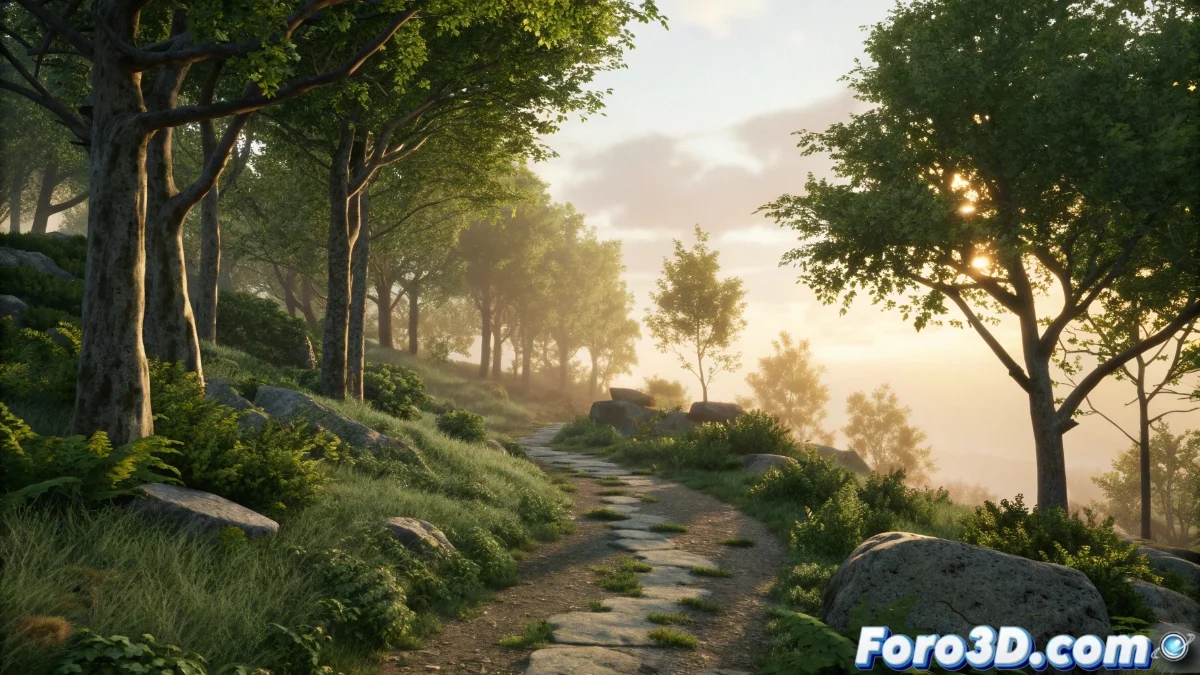
PCG Spline Modifier in Unreal Engine: Usage and Optimization Guide
The PCG Spline Modifier in Unreal Engine is a powerful tool from the Procedural Content Generation (PCG) system that automates the distribution of objects along user-defined paths. 🛠️
Initial Spline Modifier Setup
To get started, create a PCG Graph in Unreal Engine and add a Spline node. This node connects to a Surface Sampler or directly to Spawn Points to generate locations along the spline. The main settings include the spacing between points, which defines the density of objects, and alignment options, which control the orientation of elements relative to the curve. It is possible to integrate multiple splines to create complex and dynamic configurations. 🔄
Key Spline Modifier Settings:- Distance between points: Controls the density of objects along the spline, allowing uniform or variable distributions.
- Alignment options: Determine how elements are oriented relative to the curve, improving realism.
- Spline combination: Facilitates the creation of intertwined paths for more elaborate scenarios.
With the Spline Modifier, automating the placement of assets along paths is no longer a tedious task, but a creative advantage. 🎨
Practical Applications in Real Projects
In open-world environments or urban scenarios, this tool significantly accelerates the workflow by automatically distributing assets such as vegetation, streetlights, or fences along roads, rivers, or trails. Developers can use custom attributes to vary the scale or type of object in different spline segments, adding visual diversity without manual effort. 🌳
Optimization Tips:- Use of LODs: Implement Levels of Detail to reduce the load in distant areas, maintaining visual quality.
- Density control: Adjust the number of instances in distant areas to avoid overloading the scene.
- Custom attributes: Leverage variables like scale and rotation to create natural and organic variations.
Final Thoughts on the Spline Modifier
The PCG Spline Modifier not only simplifies procedural distribution in Unreal Engine but also offers flexibility to customize every aspect of the process. From adjusting density and alignment to optimizing performance with LODs, this tool is essential for technical artists seeking efficiency and creativity. No more excuses for placing each tree manually! 🌟